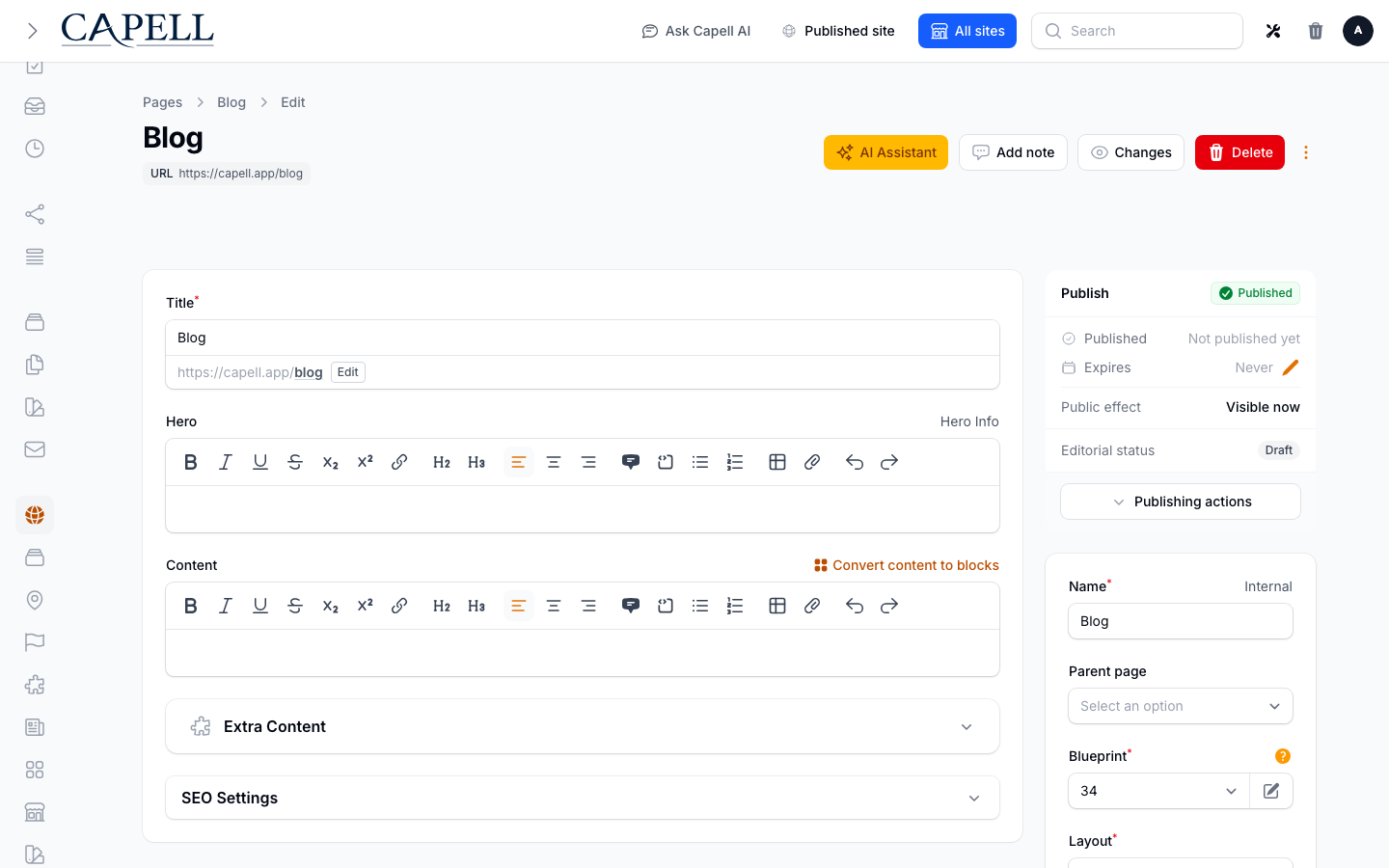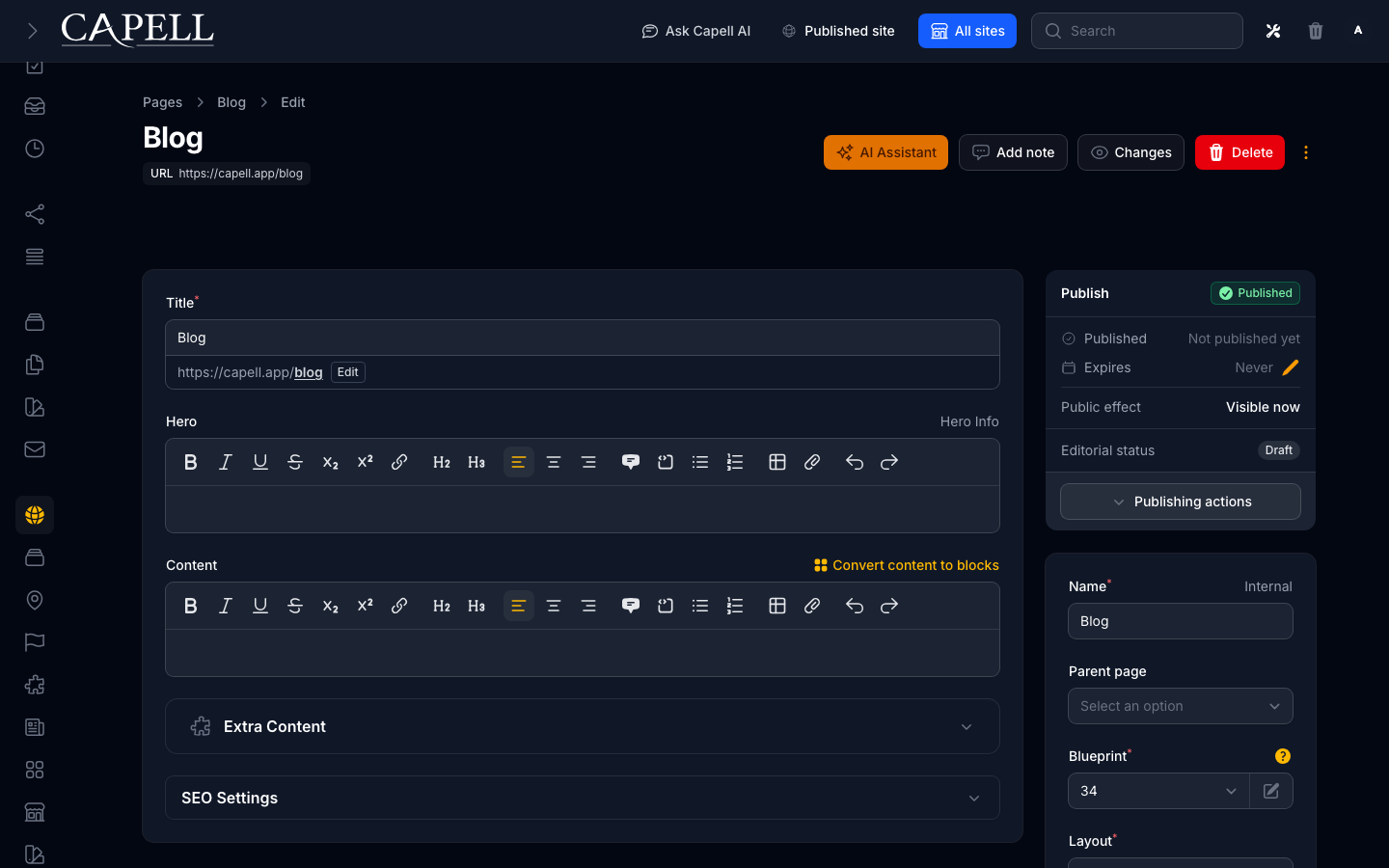
Draft workspace
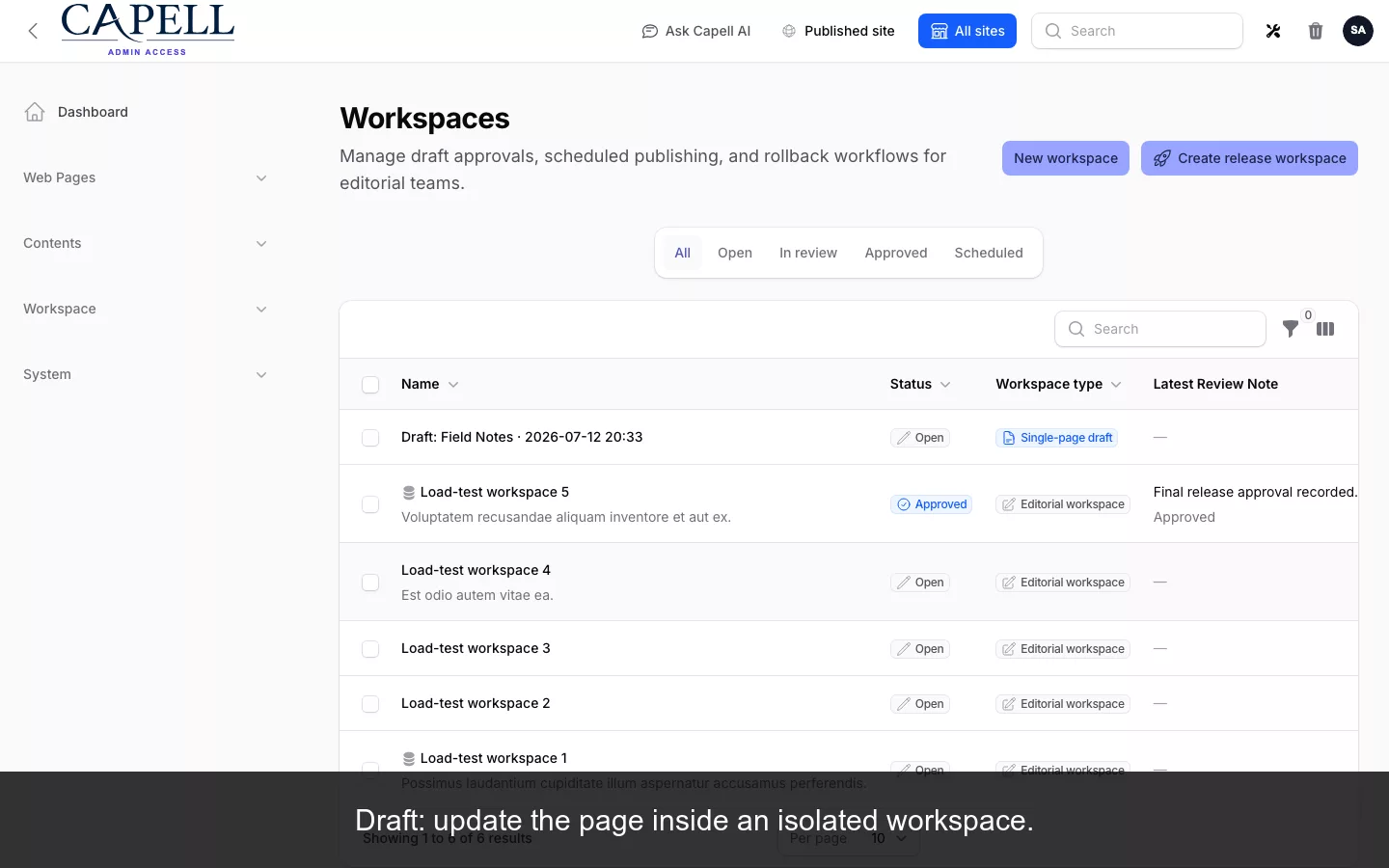
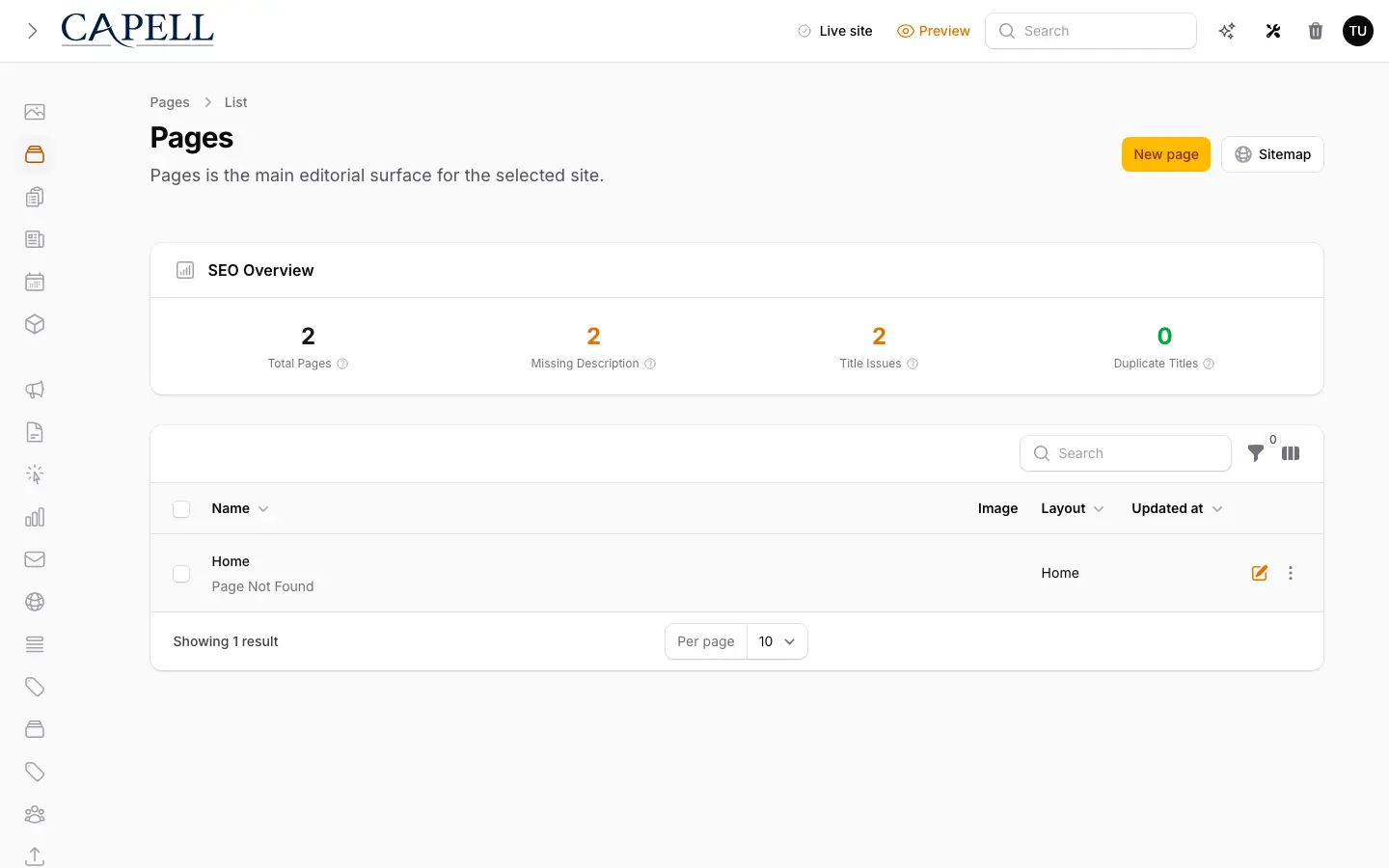
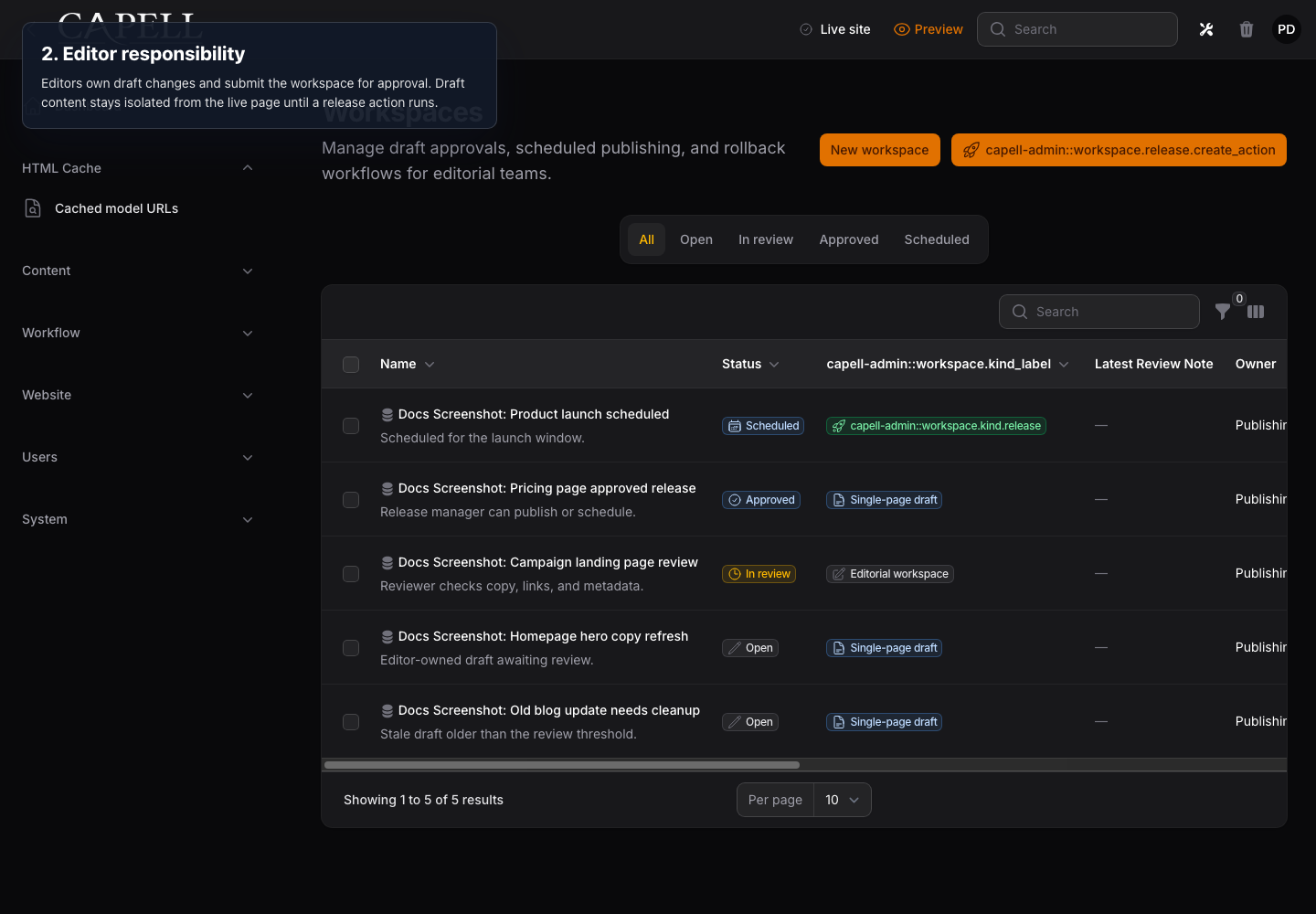
Edit the Page in a structured Filament workspace while the public version stays unchanged.
Choose which optional cookies Capell may use.
Essential cookies are always on for login, security and page rendering.
Read the cookie policyCustom Filament gives you complete control but makes your team build and maintain page types, URLs, preview, history and recovery. A separate CMS brings its own runtime and delivery boundary.
Capell provides a maintained Laravel foundation: editors work in Filament, your application renders the site, and each architecture decision below names its trade-off and evidence.
I built Capell around the point where a small custom admin becomes a permanent maintenance contract: pages need history, recovery, and a public boundary that stays legible.
Capell keeps publishing inside the Laravel application and gives every page a history you can go back through. The public site stays with the team that builds it.
Capell records Page changes because client work rarely fails at the neat moment a CMS comparison table describes.
The other path
The Capell path
A rushed edit replaces the last known-good Page and leaves the team comparing screenshots.
The save becomes another Page event, so the earlier state remains available.
Chat logs and memory become the audit trail.
The Page history records the sequence; Publishing Studio adds reviewer assignment and approval.
Recovery means reconstructing content or restoring more data than the Page that changed.
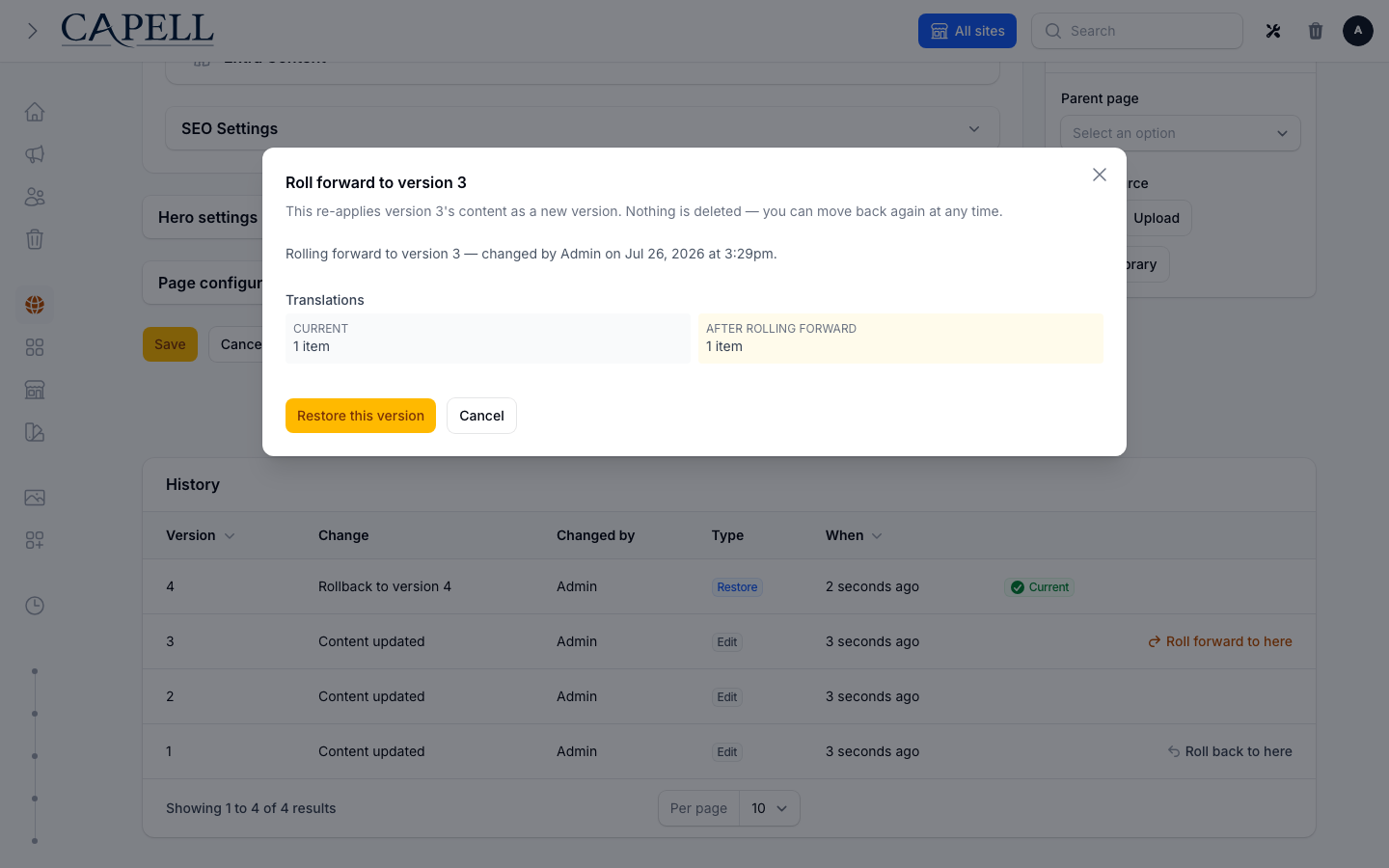
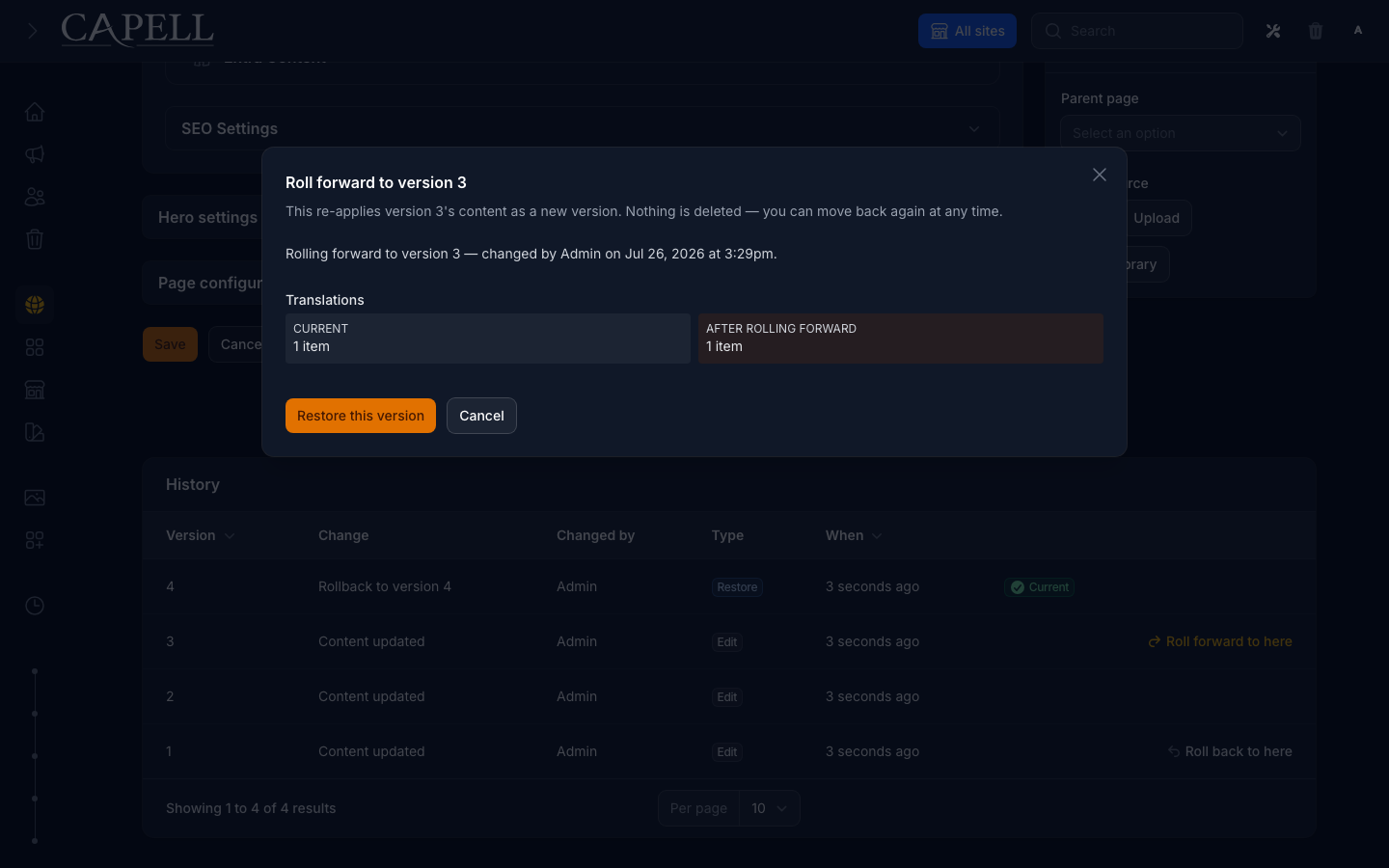
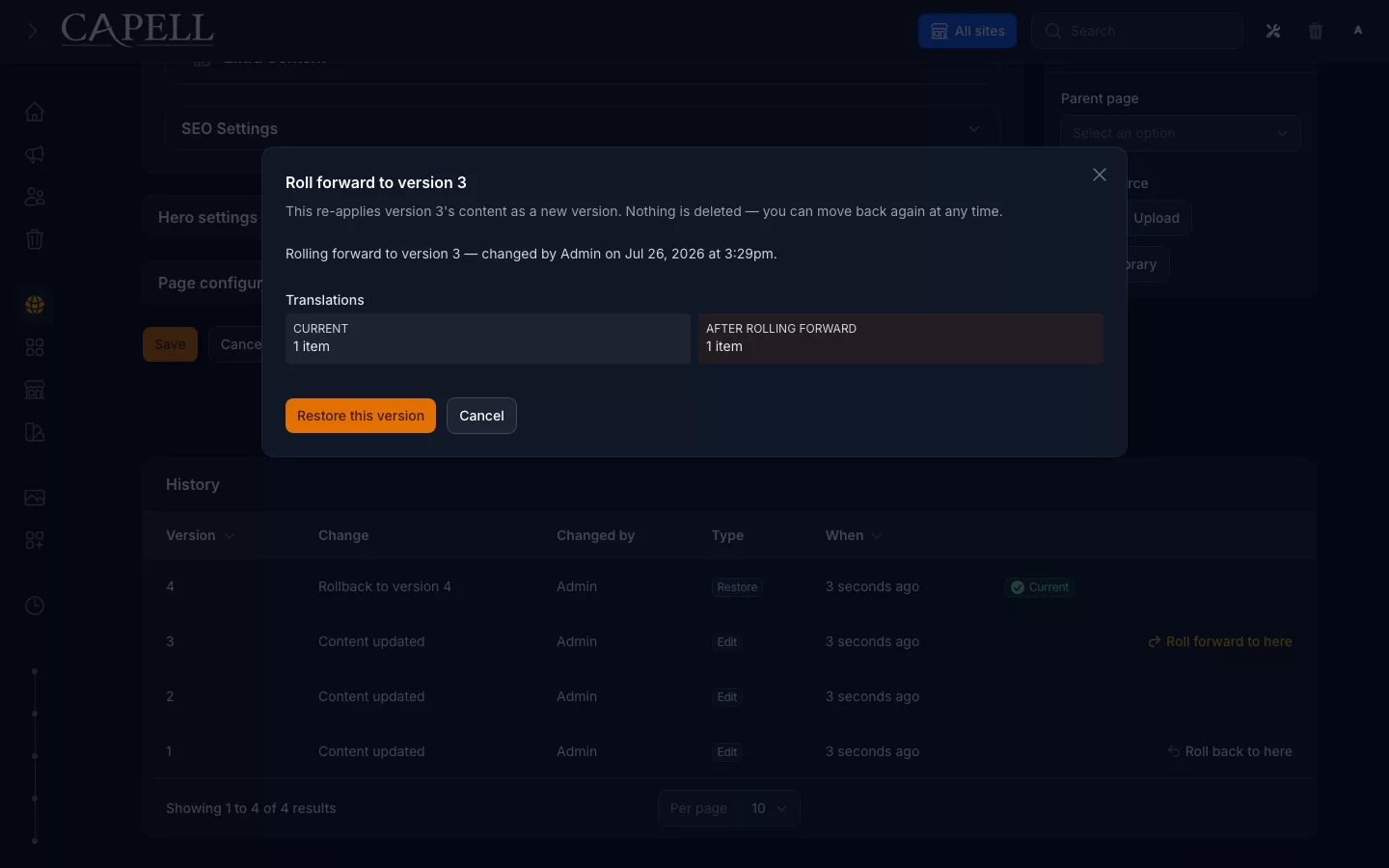
Preview the Page diff, validate the target state, then restore or roll forward.
Project-specific glue turns framework updates into archaeology.
Installer, upgrade and doctor commands keep the lifecycle explicit and testable.
The next developer inherits conventions that exist only in the previous developer's memory.
Page, layout, package and public-rendering boundaries remain visible in the Laravel codebase.
Every Capell site gets drafts, preview, Page History and restore. Publishing Studio adds approvals, assignments and coordinated releases.
Edit the Page in a structured Filament workspace while the public version stays unchanged.
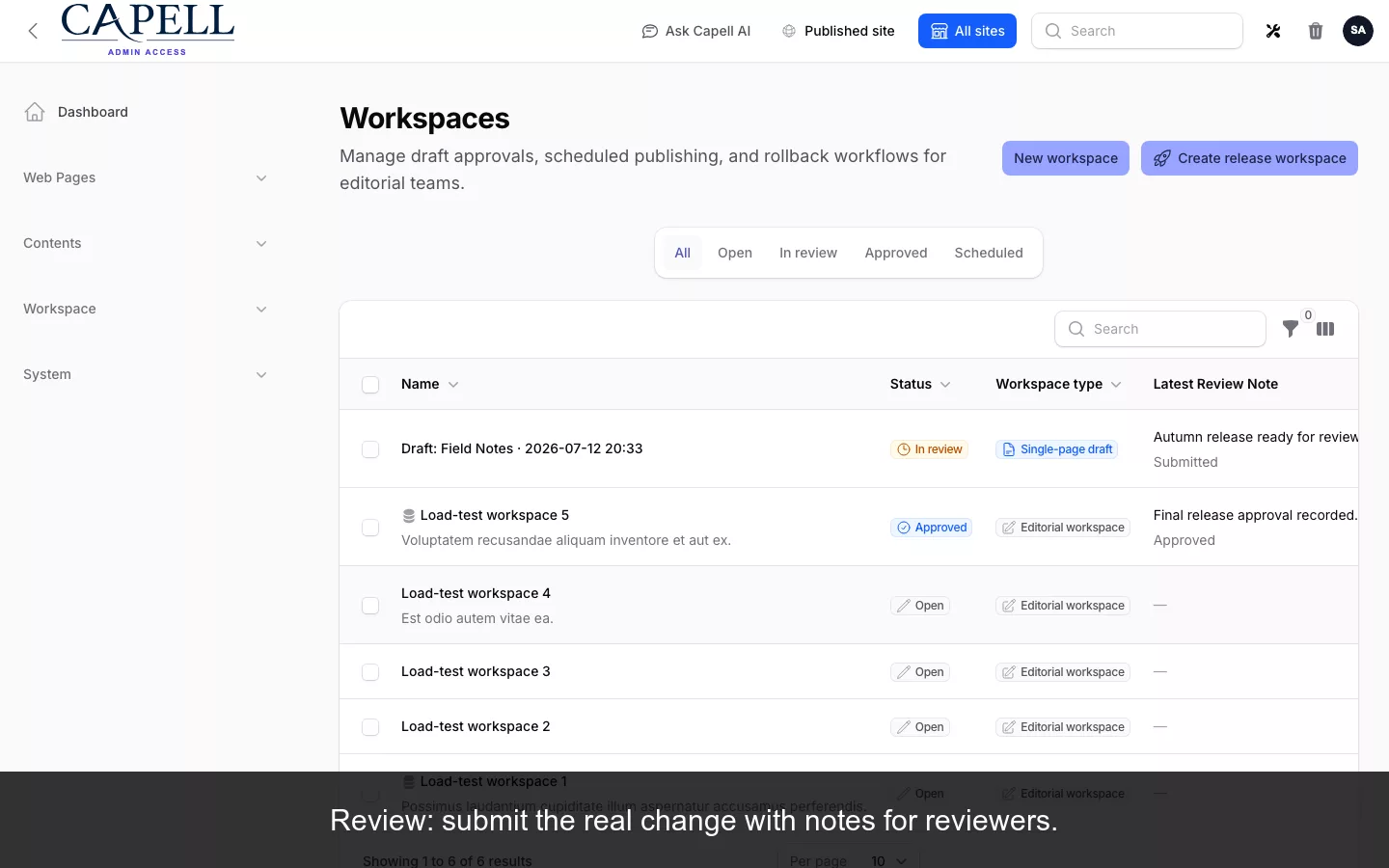
Preview the real Page and inspect the proposed change before making a publishing decision.
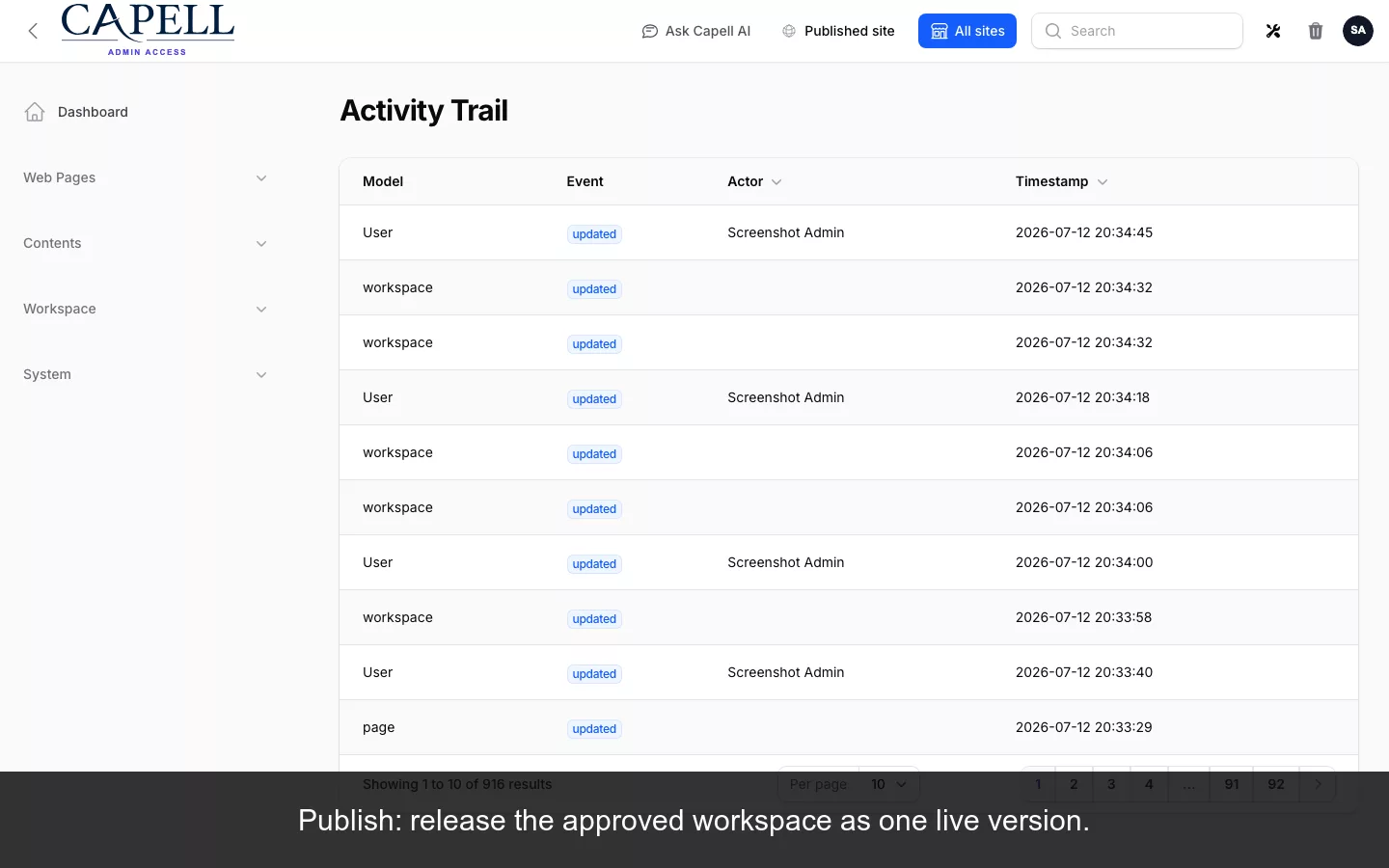
Release the approved Page through the workflow available to that Capell installation.
Read the Page history, compare states, and restore a validated earlier version when needed.
Six closed decisions explain what Capell optimises for and what it deliberately gives up.
We kept the CMS inside the application on purpose. Each decision is useful only when its trade-off also fits your project.
Capell.app and the public demo run on Capell. Check the source, follow the dated evidence, and treat an absent metric as an intentionally withdrawn claim. Paid priority support is not offered at launch while its tax treatment is reviewed; paid product terms continue to include standard support.
Track redirect health as an operating concern without discovering dead paths from visitors.
See deliveryManage several sites while previewing the effect of destructive site-level work.
Read the owner pathKeep alt text and related media context aligned with the language presented to visitors.
See contentAdd optional capability through Composer packages whose release state remains visible.
Browse extensionsKeep presentation replaceable and run explicit checks against the installed theme contract.
Browse themesLet external agents inspect approved capabilities without granting silent publishing authority.
See the agent boundaryThe same architecture pays back differently for delivery teams, product teams and individual developers.
Choose the path closest to the decision you need to make next.
Agencies
Reuse Page, upgrade and handover conventions while each application keeps its own frontend.
Read the agency pathProduct teams
Give editors a clear place to work, and share the live demo with the developer who owns the application.
Read the editor pathSolo developers
Install the MIT-licensed base, inspect the contracts, and add paid workflow only when the team needs it.
Install FoundationPages are the supported aggregate today. Other content remains outside that promise.
Developer-owned structure remains the current default while the product tests safer composition.
New claims should arrive with a current, checkable source and disappear when it expires.
One request moves through Laravel routing, a Page with event history, a blueprint and the application's own presentation. The boundary stays inspectable without a second runtime round trip.
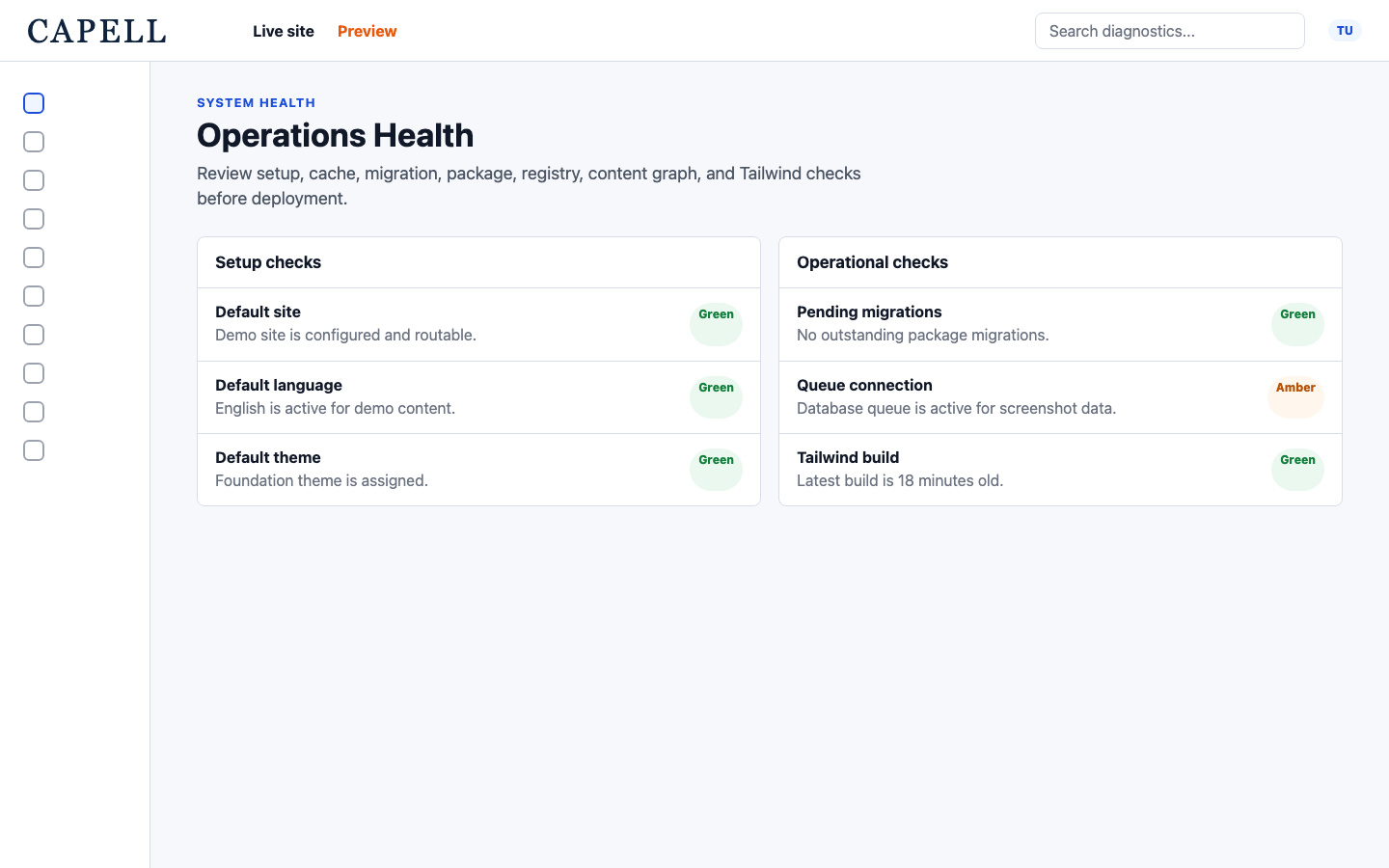
capell:install, capell:upgrade and capell:doctor give teams one repeatable operating path. Agencies can apply the same checks across a fleet while each application keeps its own code, database and release decision.
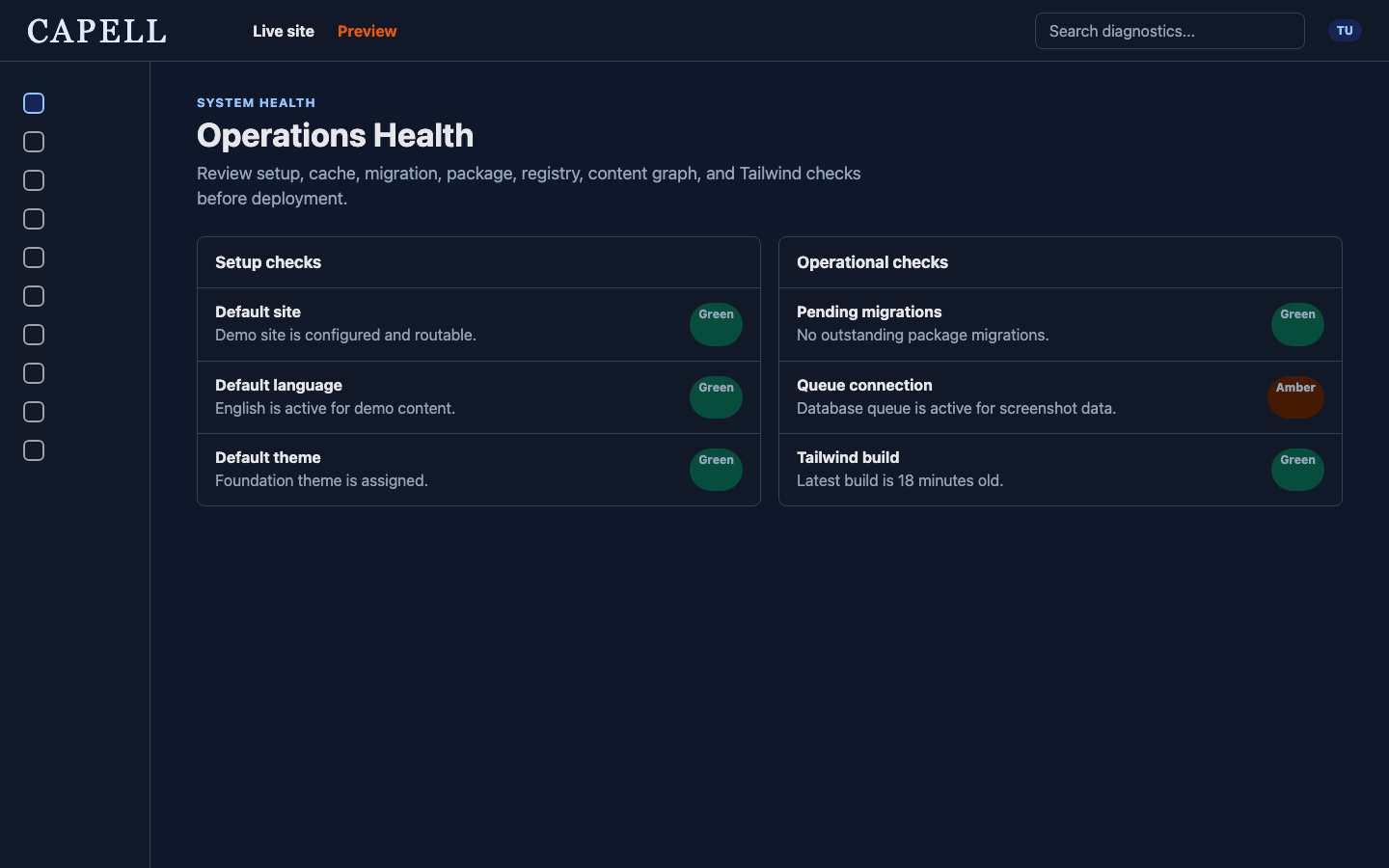
The screenshot is a real readiness surface. It is evidence of the command shape, not a promise that every check will pass on every installation.
Use these questions to disqualify Capell before a pilot costs the team time.
Choose a separate content platform when several unrelated applications must consume the same content through an API. Capell is coupled on purpose: it belongs inside the Laravel application.
There is no public content-delivery API, and that is a decision, not a gap. The application resolves a page, hydrates its content and renders it with its own stack, which is exactly wrong for a mobile app, a second website and a kiosk all reading one shared content store.
If your architecture is headless, a headless platform will serve you better, and this question should save you the pilot.
Yes. Public checkout is open for paid Marketplace products. Foundation remains available under the MIT licence without a purchase.
Install Foundation from public Packagist releases, or review a paid package's published terms and pricing before buying it through the Marketplace.
If your plan needs a paid package in production this quarter, review its release status, compatibility and licence terms before adopting it.
It can be when the sites share a delivery method and your team values repeatable upgrades, Page recovery and reviewed packages. Confirm the licence and package fit before standardising.
The agency case is where the shared model pays twice: page structures, workflows and packages proven on one client site carry to the next, and upgrades run as the same commands on every project without five bespoke procedures.
Standardising is also where a wrong fit multiplies by five, so run the disqualifying questions on this page against your actual client mix first, not against the site you happen to be building this month.
Capell is founder-maintained, and its paid commercial programme is early. The Foundation source is MIT licensed, paid-package continuity terms are published, and the current operating limits are stated plainly.
Weigh what the licences actually guarantee, not what a roadmap promises. Foundation being MIT means the code your sites run cannot be taken away or re-licensed out from under you; the continuity terms state what happens to paid packages you have already installed if entitlement lapses.
Then weigh the honest residual: a small maintainer surface is a real concentration of knowledge, and no licence fixes that. If your organisation requires a vendor with a support bench today, that is a legitimate reason to choose differently.
Build directly with Filament when a few resources and custom pages are enough. Choose Capell when Pages, URLs, Page history, layouts, themes, publishing and package lifecycle should share one maintained contract.
The test worth applying is who maintains the contract. A hand-built Page resource is yours to evolve: every URL rule, revision behaviour and layout convention added later is code your team designs, tests and upgrades. With Capell those contracts arrive maintained, and your additions plug into them through packages.
The comparison page walks a concrete requirement list through both routes; take the list, not the conclusion.
Staying put is a valid outcome. Keep the current CMS when it already fits the team, the migration cost exceeds the maintenance cost, or the paid commercial programme's early stage adds risk you do not need.
Migration cost is mostly not the content transfer; it is retraining editors, rebuilding integrations and rebuilding the operational confidence your team has in the current system's failure modes. Price those honestly before comparing feature lists.
The migration guides here start from the same premise: name every consumer of the old system before removing anything. If working through that exercise shows the current CMS still fits, you have lost an afternoon, not a quarter.
Follow the Foundation recovery track: open a Page, inspect its history, preview the difference and trace the restore path.
A specific test Inspect the recovery path without taking a rollback claim on trust.
The live demo is open; site planning is available through the assisted design-partner beta.
Agencies can use the demo as a shared evaluation path and review paid packages in the Marketplace. Foundation is £0 under the MIT licence; public checkout is open.