Install Capell in your Laravel application
After installation, check the admin, a public page and the recovery path in a fresh process.

Your Laravel application
Keep control of your Laravel application
Capell installs as Laravel packages. Start with the guided setup for a clear first pass, or use the manual guide when your team wants to review every Composer and Artisan step.
Guided setup
RecommendedInstall the browser-based guide, choose the foundation packages, run setup in order and remove the installer when the application is ready.
Use guided setupManual Composer install
Follow the package-by-package guide when an experienced Laravel team wants direct control of the application diff.
Read the manual install guide
composer require capell-app/installer
Your Laravel Cloud account
Capell prepares the deployment; you remain the owner
Laravel Cloud hosts and deploys the application. Capell prepares the app, database, environment values and initial deployment inside the Laravel Cloud account you connect.
- Your organisation owns the Laravel Cloud account and infrastructure.
- Capell prepares the application, database, environment and initial deployment.
- Your organisation controls billing, access and ongoing operation.
Have Capell build it
A written brief becomes an editable Capell site
Describe the business, the audience and the pages you need. Generation is automated and takes a couple of hours; Capell notifies you when a private preview is ready. Review it, request changes as a new version, or install it as a normal Capell site you own and edit like any other.
- You describe the site once; Capell generates design, pages, navigation and starter content.
- You review a private preview before anything is published.
- What you install is an ordinary editable Capell site, not a locked template.
Currently in a closed rollout. The self-hosted and Laravel Cloud routes above are available now.
Compatibility and package access
Capell Foundation source is public, and its packages are available through public Packagist releases. Public MIT-licensed Composer packages. An active entitlement provides protected downloads, installs, updates and support. Versions already downloaded or installed remain usable after expiry under the applicable terms.
Foundation packages are public Packagist packages and require no Capell credentials. Use the guided browser installer or take direct Composer control.
Current releases require PHP 8.4 and Laravel 13.x. Capell supports Filament 5; Composer resolves the exact supported Filament release from the package constraints for the Capell version you install. Paid marketplace packages come later through authenticated Composer access and an active entitlement.
What Capell changes in the application
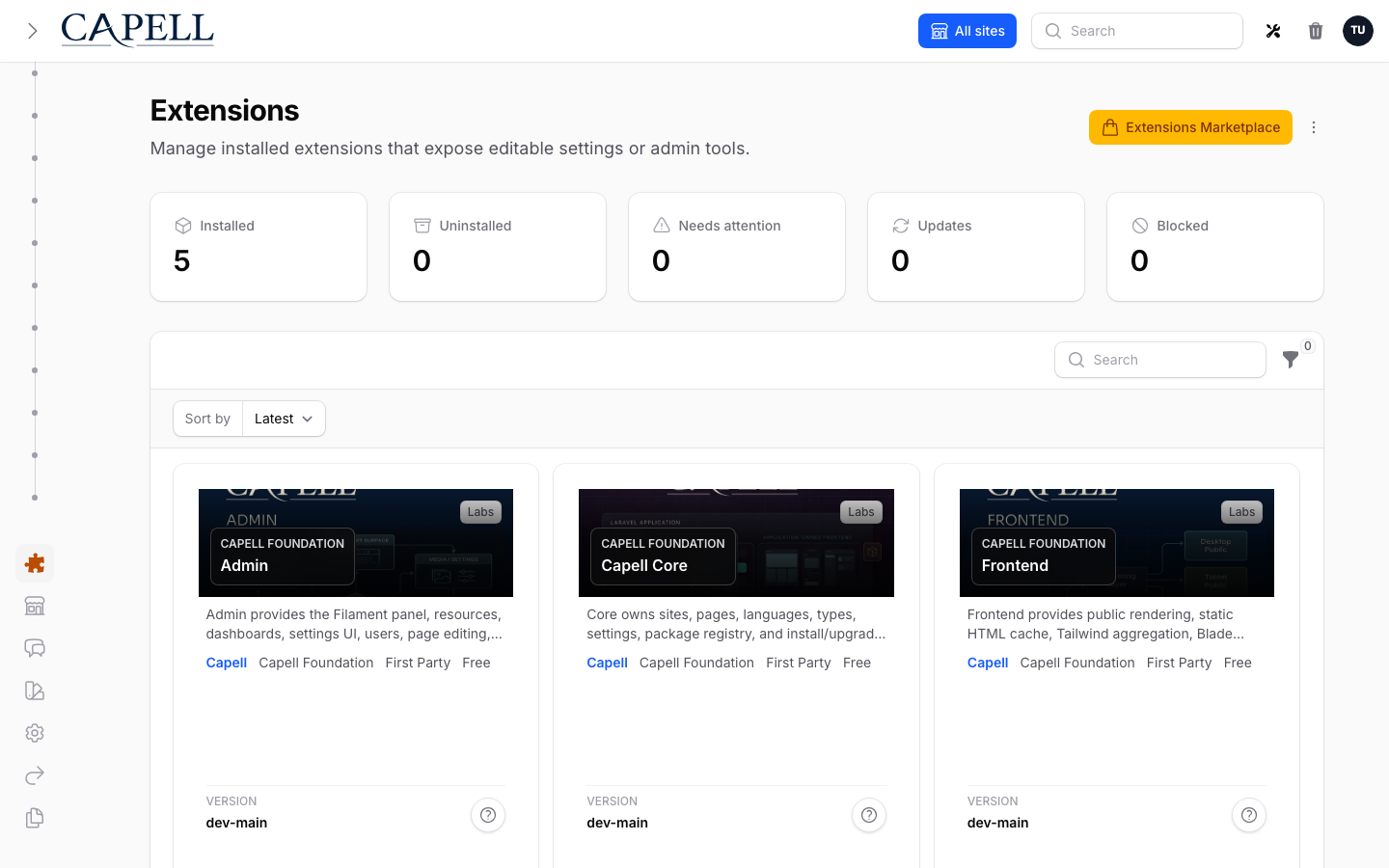
Core adds the shared content model, Admin adds the place editors work, and Frontend connects published content to the public site. Review migrations, providers, configuration and public render hooks like any other Laravel pull request.
Verification and production reference
Verify that an editor can change one page and that an anonymous visitor receives only public HTML. The supported evaluation target is a working Foundation admin and public Page within 15 minutes in the reference environment. Network and host speed affect elapsed time; the release evidence records each phase rather than presenting the target as a universal guarantee. Use the current install guide for production commands and Laravel Cloud environment guidance for hosted deployments.
Before you run it
Thirty seconds of checking saves the only install that usually goes wrong.
- PHP 8.4 Check with php -v in the environment that will actually run the application.
- Laravel 13.x An application you already run, or a fresh one from laravel new.
- Filament 5 Composer resolves the supported release; you do not pin it yourself.
- A database connection Anything Laravel can migrate against. SQLite is fine for evaluating.
Capell resolves its own package versions through Composer, so the only thing to confirm up front is the environment the application already runs in.
Get to your first working page
Install the foundation, verify the environment and publish something you can inspect.
Finish installation with an editable page and a working public response that your team can check. Capell Foundation is installed into a Laravel application through Composer. The steps below explain the prerequisites and changes so your team can evaluate it in a controlled environment before adoption.
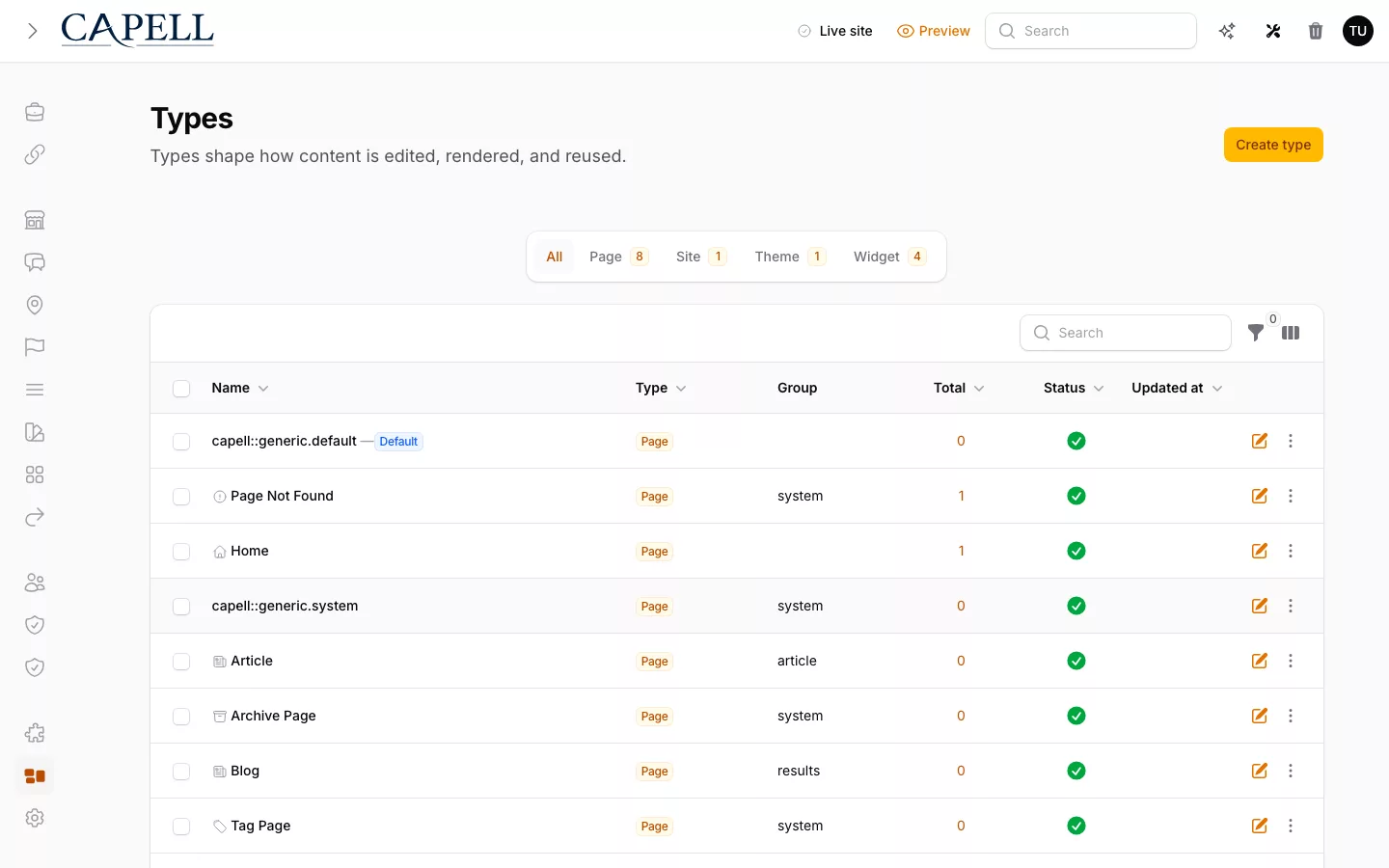
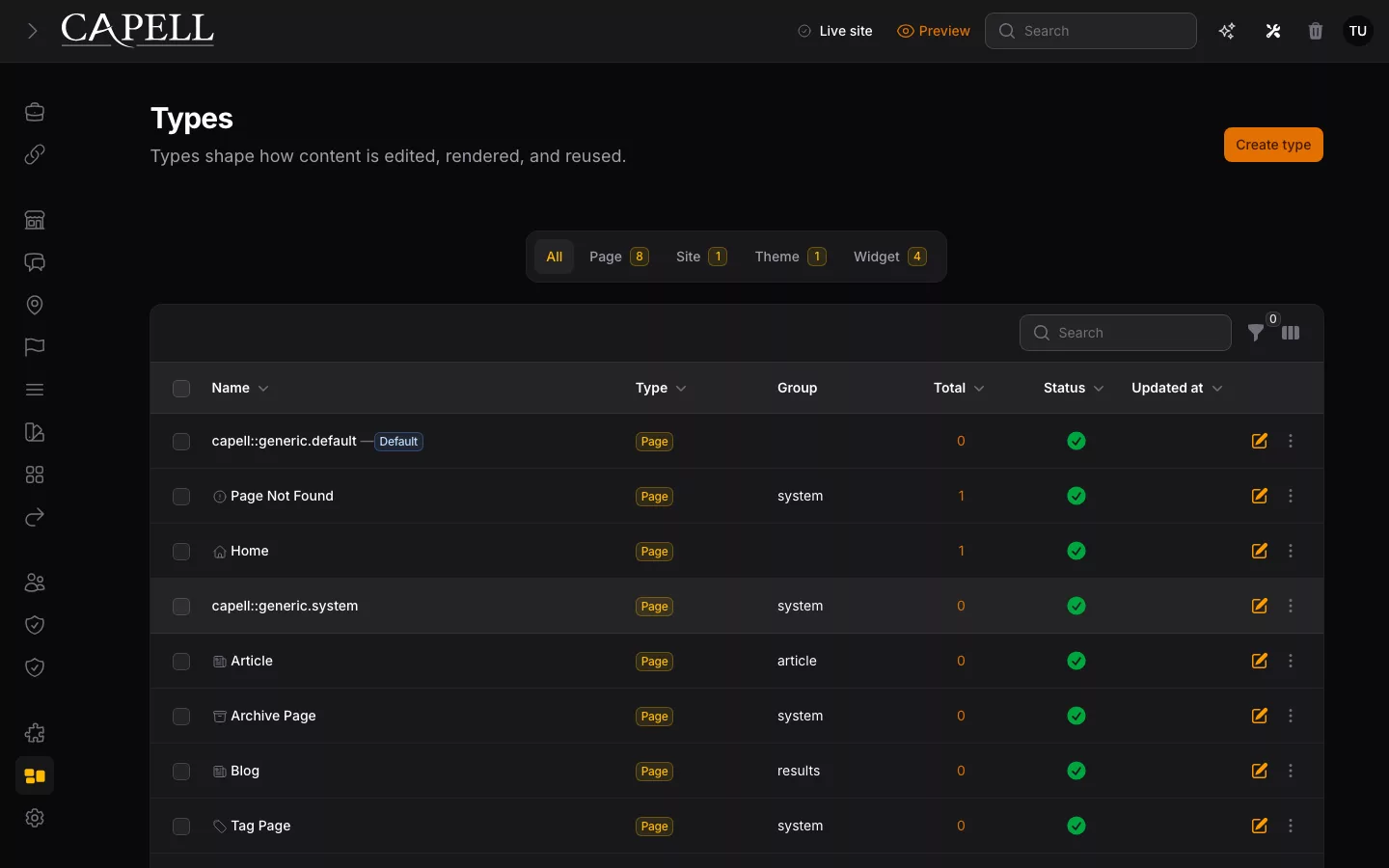
Choose the installation route that matches who will operate the Laravel application. Start with Capell Foundation, verify one editor-to-public path, then add optional capability only when the project needs it.
What actually lands in your repository
Capell adds packages under vendor, publishes config and migrations you can read, and registers through ordinary service providers. Nothing overwrites application code.
- app/
- bootstrap/
- config/
- capell.php Added by Capell
- database/migrations/
- …_create_capell_pages_table.php Added by Capell
- …_create_capell_revisions_table.php Added by Capell
- routes/
- vendor/ Added by Capell
- Config you can open and read, not a black box.
- Migrations you review like any other migration.
- Three Capell packages arrive under vendor, and leave the same way.
If you would be comfortable merging it as a pull request, you will be comfortable installing it.
Prepare a safe starting point
Know what the installer will change before running it.
Use a development application or a backed-up non-production environment. Check the supported PHP, Laravel, Filament and database requirements shown below, then review the installation command and configuration choices. Keep the Composer lock and application changes under version control.
An installer can prepare CMS tables, configuration and administration surfaces; it cannot decide the content model or public design for your project. Avoid combining the first install with unrelated upgrades. A small, inspectable change makes failures easier to understand and recovery easier to plan.
From composer require to a working admin
Four steps. The guided installer runs them in order and explains each one; the manual guide gives you the same steps as commands.
-
Require the installer
composer require capell-app/installerOne Composer package. Nothing is written to your application yet. -
Run the installer
php artisan capell:installPrompts for the site URL, which packages to include, the theme, and your first admin user. -
Add the admin and frontend
php artisan capell:admin-installRegisters the Filament panel and the public rendering layer. Run capell:frontend-install for the frontend side. - Sign in Visit /admin, edit one page, then load the public route to see it rendered.
Every step is safe to run again. The installer records what it has already done and skips it rather than repeating the work.
Prove the first useful outcome
Check editing, public delivery and recovery together.
Create a simple representative page with a title, body and image. Confirm that its editing form is understandable, its public URL works and its presentation uses the intended template. View it without relying on an admin session.
Change one field, inspect Page history and practise restoring the intended version. Then add only the packages needed for your next real requirement. Use diagnostics and the implementation documentation for specific setup questions rather than assuming every optional capability should be installed now.
You will know it worked when
Three checks, in the order you can make them.
- The admin opens /admin shows the Filament panel with Pages in the navigation.
- A page edits Change a heading, save, and see a revision recorded against the page.
- The public route renders clean An anonymous request returns plain HTML with no editor scripts and no authoring state.
If something did not
- Migrations fail part-way through
- Check the database connection the application actually uses, then re-run php artisan capell:install. The installer is safe to run again.
- /admin returns 404
- A cached route table from before the install. Run php artisan route:clear, then reload.
- The public page renders unstyled
- The frontend assets have not been built. Run php artisan capell:frontend-tailwind-assets followed by npm run build.
The supported target is a working admin and a public page within 15 minutes in the reference environment. Network and host speed vary, and the release evidence records each phase.
Foundation (£0) covers Pages and history. Add Publishing Studio (£59 for 12 months) when Pages need review, scheduling or an atomic release, then choose individual packages or suites as needed. Paid prices are GBP before applicable tax and include standard support during the active term.
See it in 50 seconds
The video follows Composer installation into Filament and then to an anonymous public response. Exact commands remain in the current install guide.
See what Capell adds to an existing Laravel application and how to verify it.
Next step
Install the foundation your team can keep
Start guided, take manual control when you need it, or try the workflow locally first.
Want to see the foundation before choosing a production route? Try the quick demo.