Capell

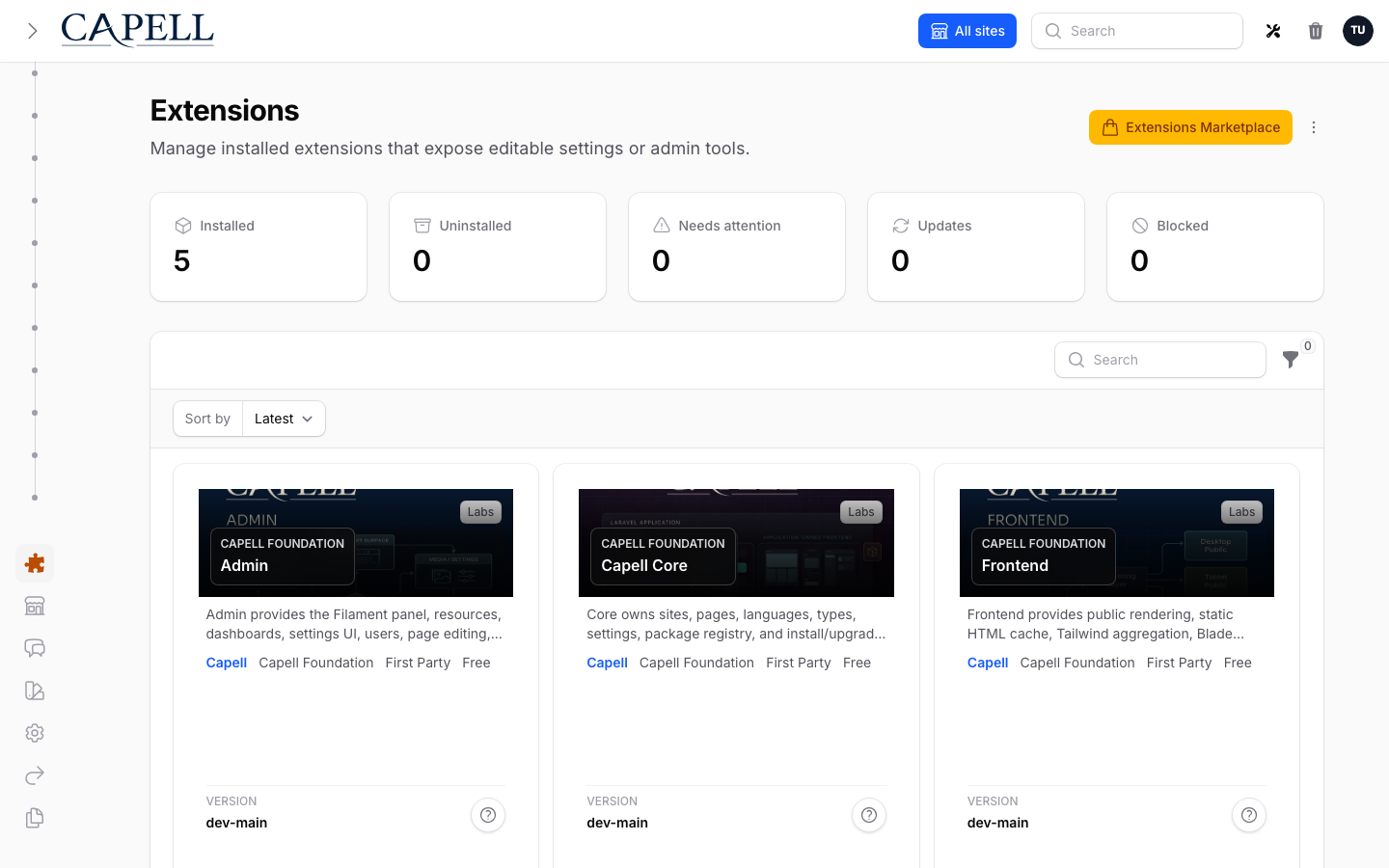
Capell Extensions

Capell is an extensible CMS you can shape around each project. Trusted extensions are independently reviewed, compatibility-tested, and approved before they are presented as production-ready installs.

Certified compatibility Support terms Security review
Verification path

Verify the CMS path

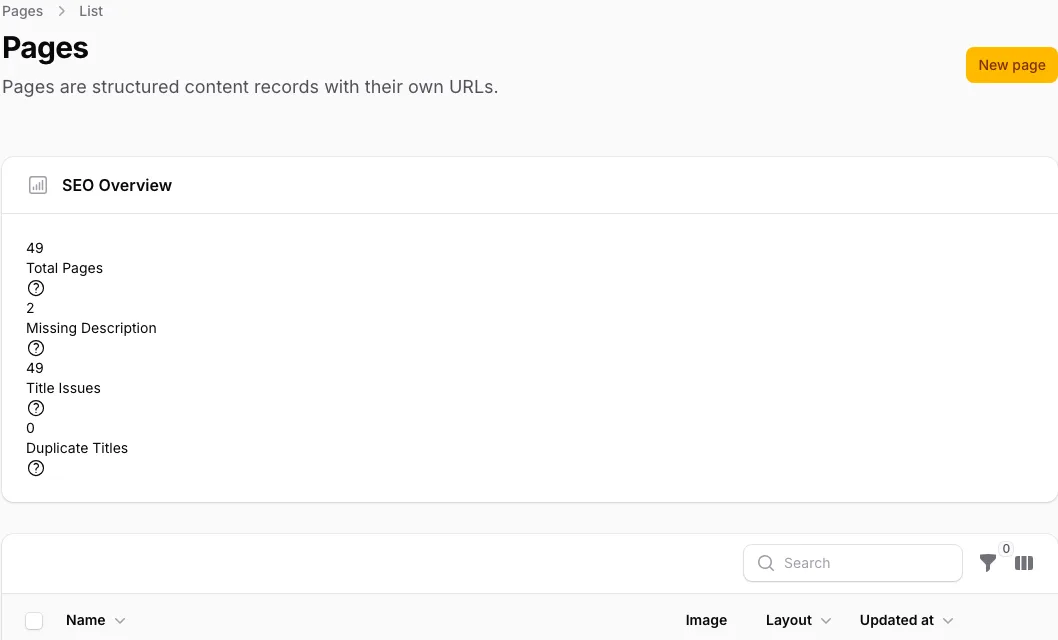
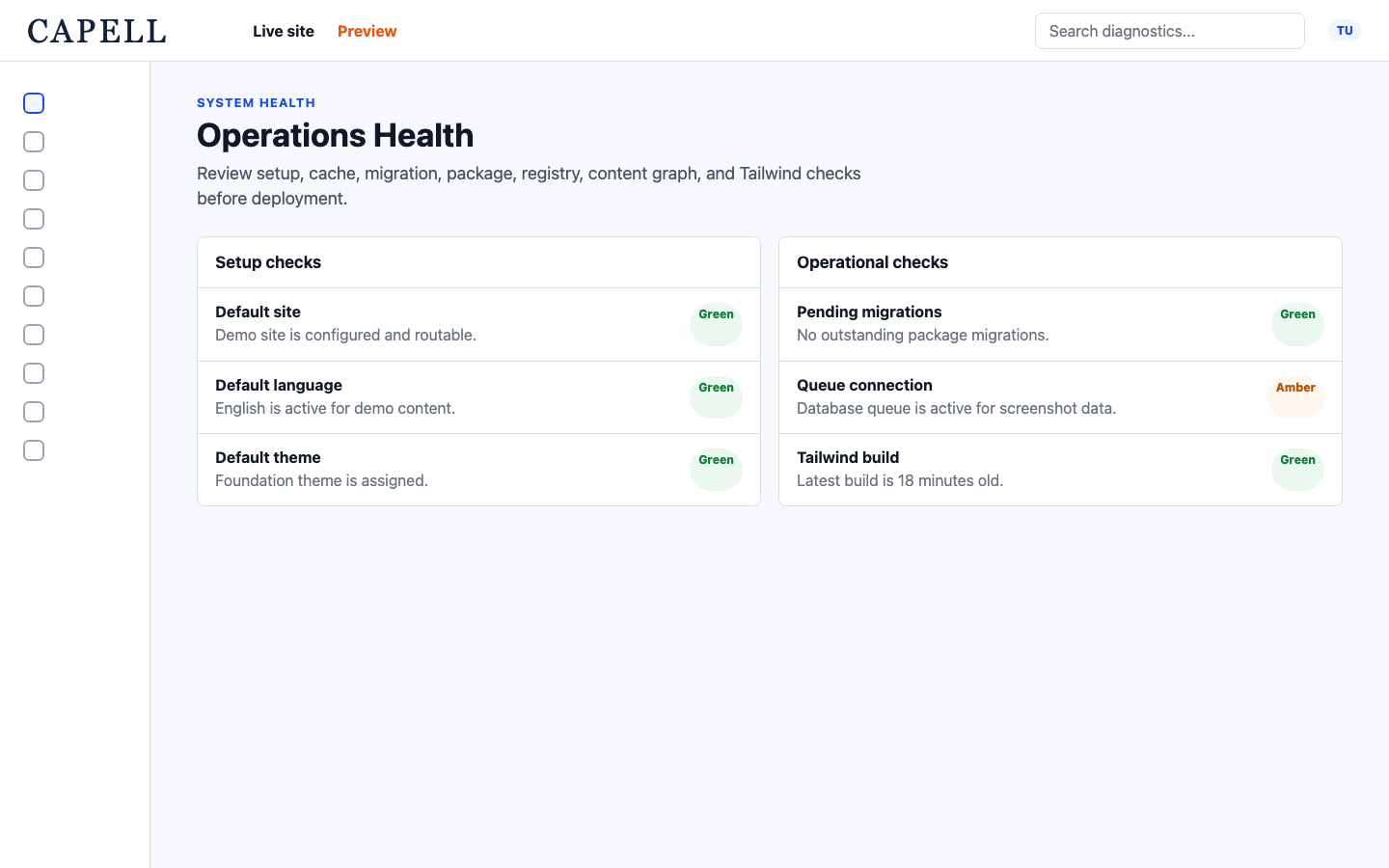
Use a real Laravel project to verify the important boundaries: create a page in Admin, write through an Action and Data object, review any package install impact, clear the affected cache, and inspect the public HTML that Frontend renders.

Capell verification graphic for checking page creation, package install impact, and public output.
Core

Create a page record

Package

Review install impact

Frontend

Inspect public HTML

Content blocks

Extension groups

Packages are grouped by the job they do, and every one declares its status, tier, bundle, contexts, dependencies, and schema impact before it joins the app.

Foundation Foundation Layout Builder, Block Library, Content Sections, Hero, Blog, Navigation, Media Library, Foundation Theme, Tags, and Address cover the basics most sites need: page composition, reusable blocks, menus, media, article publishing, taxonomy, and a clean default frontend. Open detail
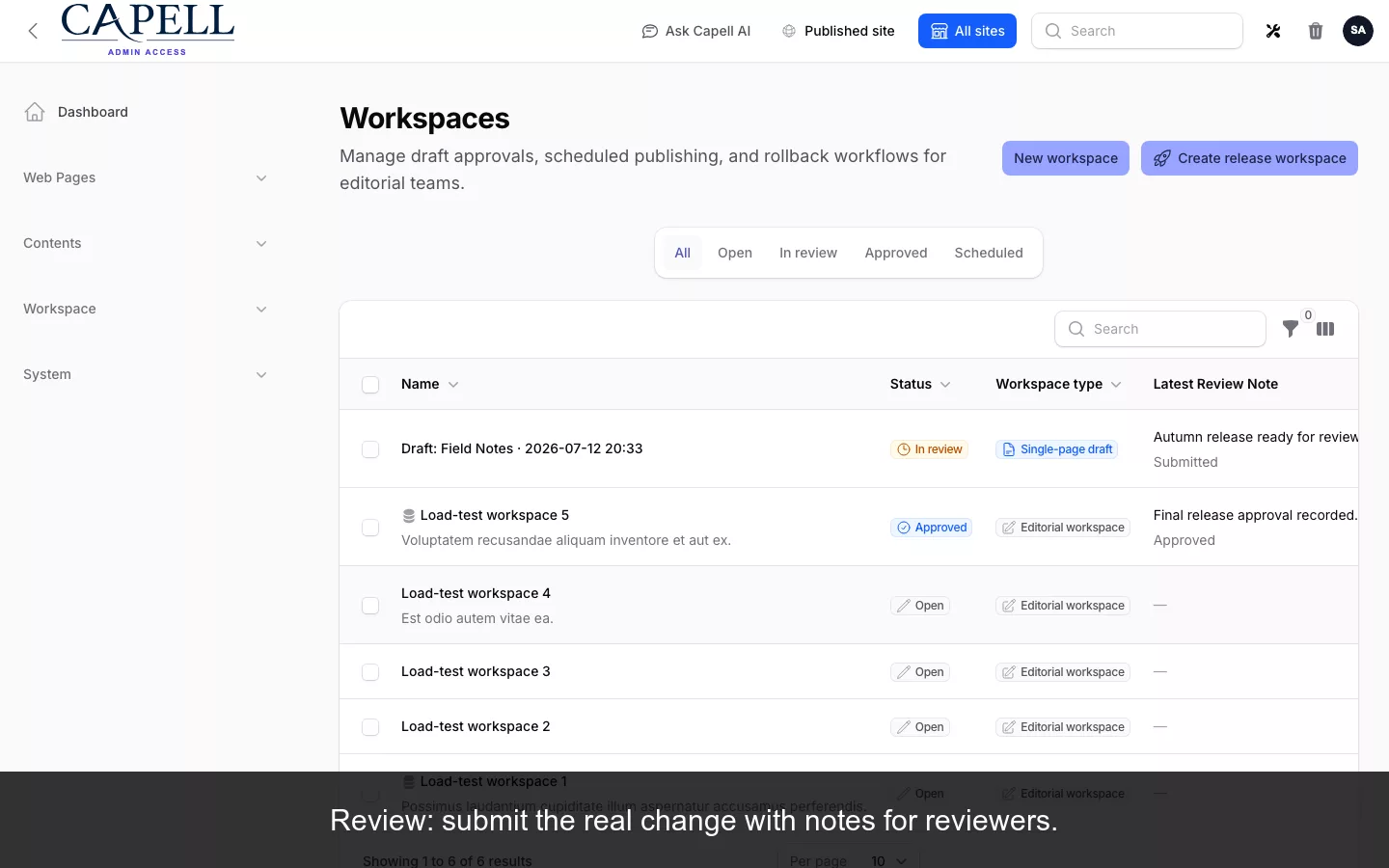
Publishing Pro Publishing Pro Publishing Studio, API, and Document Lifecycle cover controlled publishing: Draftable models, workspaces, preview links, field comments, approvals, scheduled releases, versions, rollback, controlled documents, acceptance evidence, and JSON delivery for external renderers. Open detail
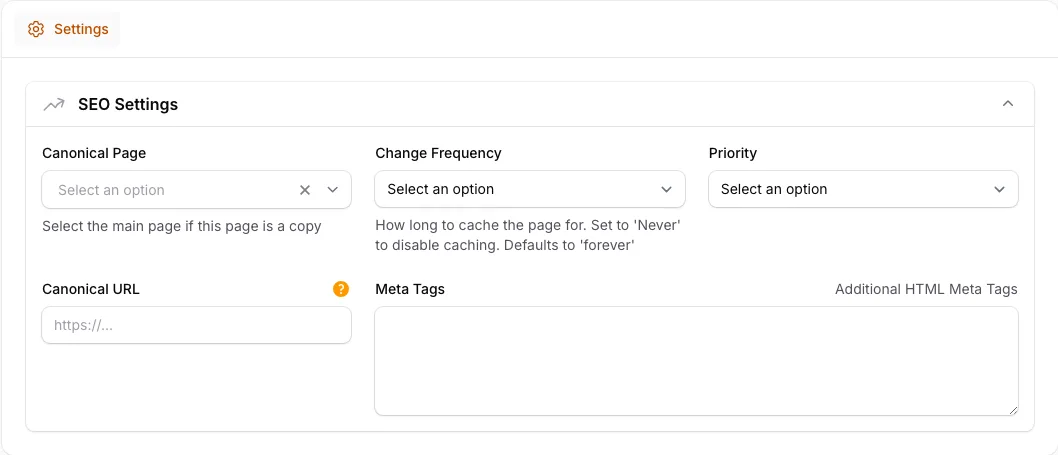
Search and SEO Search and SEO SEO Suite, Site Discovery, and Search cover metadata, structured data, sitemaps, `robots.txt`, `llms.txt`, AI Discovery, broken-link reporting, not-found URLs, Search Console data, internal search, search logs, and publish gates. Open detail
Growth and Marketing Growth and Marketing Campaign Studio, Form Builder, Newsletter, Insights, GA4 Reports, Dashboard Reports, and Email Studio turn the CMS into a working marketing system: landing pages, CTA blocks, conversion goals, UTM attribution, submissions, first-party journeys, analytics widgets, transactional email records, suppressions, and delivery diagnostics. Open detail
Performance Performance HTML Cache and Frontend Optimizer keep public pages fast with static HTML cache files, dependency-aware invalidation, stale regeneration, maintenance cache generation, public output safety checks, and profile-based CSS and JavaScript delivery. Open detail
Themes Themes Foundation Theme, Theme Agency, Theme Corporate, Theme SaaS, and Theme Business Solutions give teams a frontend starting point that can be branded, extended, or replaced without changing the content model. Open detail
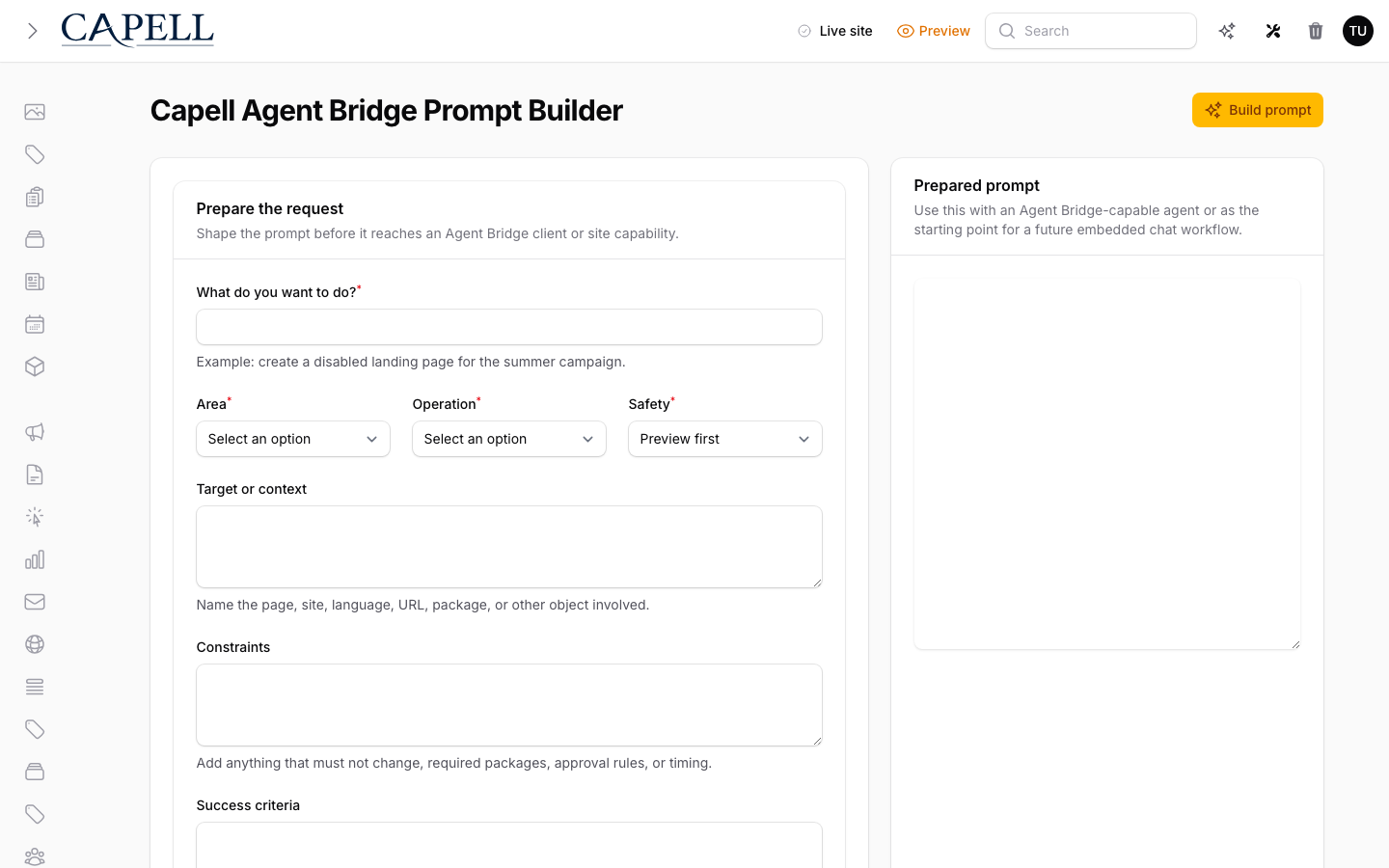
Operations and Security Operations and Security Diagnostics, Deployments, Login Audit, Password Policy, Access Gate, Translation Manager, Migration Assistant, WordPress Importer, Agent Bridge, and Welcome Tour cover install checks, site health, command palette tools, deployment connections, admin login history, forced password changes, access rules, translation files, import flows, controlled agent capabilities, and onboarding. Open detail
AI, Automation, and Commerce AI, Automation, and Commerce AI Orchestrator, Media AI, Public Actions, Shopify Commerce, Events, and Agent Bridge connect Capell to generated media, content assistance, public submission endpoints, Zapier-style outbound dispatch, Shopify catalog sync, event-driven site features, and audited agent workflows. Open detail
Questions

New to Capell?

If you landed here without reading the homepage, start with these questions. Each answer is short, and each one points to the deeper Capell page that explains the idea properly.

What is Capell? Click to open the answer

Capell is a CMS foundation for content-heavy Laravel websites: structured pages, clean admin editing, public delivery, and package-led growth.

Tour Capell
Is Capell meant for designers? Click to open the answer

Designers can work with Capell through themes, approved layouts, visual direction, and frontend systems while the CMS keeps content structure stable.

View themes
Is Capell made for developers only? Click to open the answer

No. Developers get the Laravel architecture, but site owners and editors get the practical value: manageable pages, safer publishing, and visible site operations.

See owner fit
How can Capell help me out? Click to open the answer

Capell gives repeated CMS work a proper home so teams are not rebuilding pages, URLs, layouts, publishing, redirects, cache, SEO, and package logic from scratch.

Explore features
Can I use Capell with my existing website? Click to open the answer

Yes, when the project is a Laravel app or can move into one. Start with a verified install path, then migrate content and packages deliberately.

Read install path
What happens when I install Capell? Click to open the answer

You install the Core foundation, verify Admin and Frontend, add LayoutBuilder and theme output, then choose extensions only when the site needs them.

Read docs
How can we reach you? Click to open the answer

Use the contact path when you need help deciding fit, discussing a project, reporting a concern, or talking through package and marketplace work.

Contact Capell
How can I work with Capell? Click to open the answer

You can install Capell, build a site on it, author packages, create themes, or use it as the CMS foundation for long-running Laravel projects.

Developer path
How can I help Capell? Click to open the answer

Use Core, share feedback, donate, buy first-party packages, purchase marketplace extensions, or author trusted packages for other Capell teams.

Support Capell
Extension planner

Find the extensions this site actually needs

Treat this like an install planner. It weighs your answers across publishing, SEO, AI, content, forms, migration, operations, themes, and growth work, then explains why each package made the shortlist.

Planner 01 / 06
capell extension install planner
Project shape

What are you trying to build first?

Start with the job the site has to do. The recommender will keep broad foundations in the mix, then push specialist packages up or down.

Publishing control

How much editorial workflow do you need?

This decides whether the recommendation stays at simple composition or moves into preview, approvals, scheduled releases, and review tooling.

Discovery

How important are SEO, search, and discoverability?

This is not just metadata. It covers sitemap discipline, redirects, internal search, taxonomy, and whether future AI/discovery tools can understand the site.

Content model

Will you publish articles, resources, or recurring updates?

Recurring content usually needs its own records. The answer changes whether Blog, Tags, Search, Navigation, and Media move to the front of the list.

Visitor interaction

What do visitors need to do?

This weighs the packages that collect intent, expose search, record journeys, or make the frontend easier for editors to work from.

Operational risk

What is most likely to bite after launch?

This final answer changes the starting order. A risky migration, security review, or performance target should pull operations packages up before optional polish.

Recommended path

Start with these extensions

Recommendations will appear after the last answer.

Browse all extensions