What Capell includes
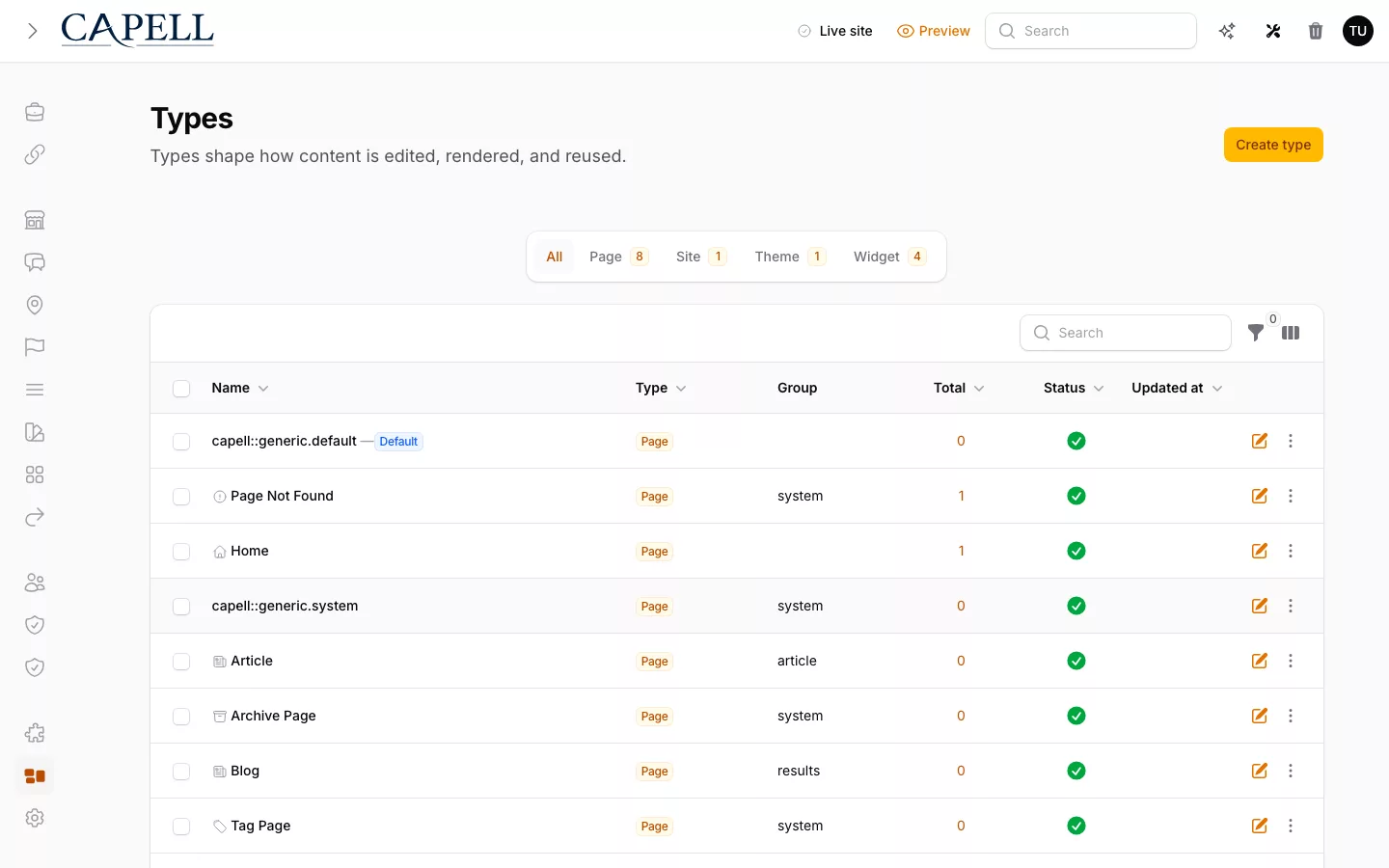
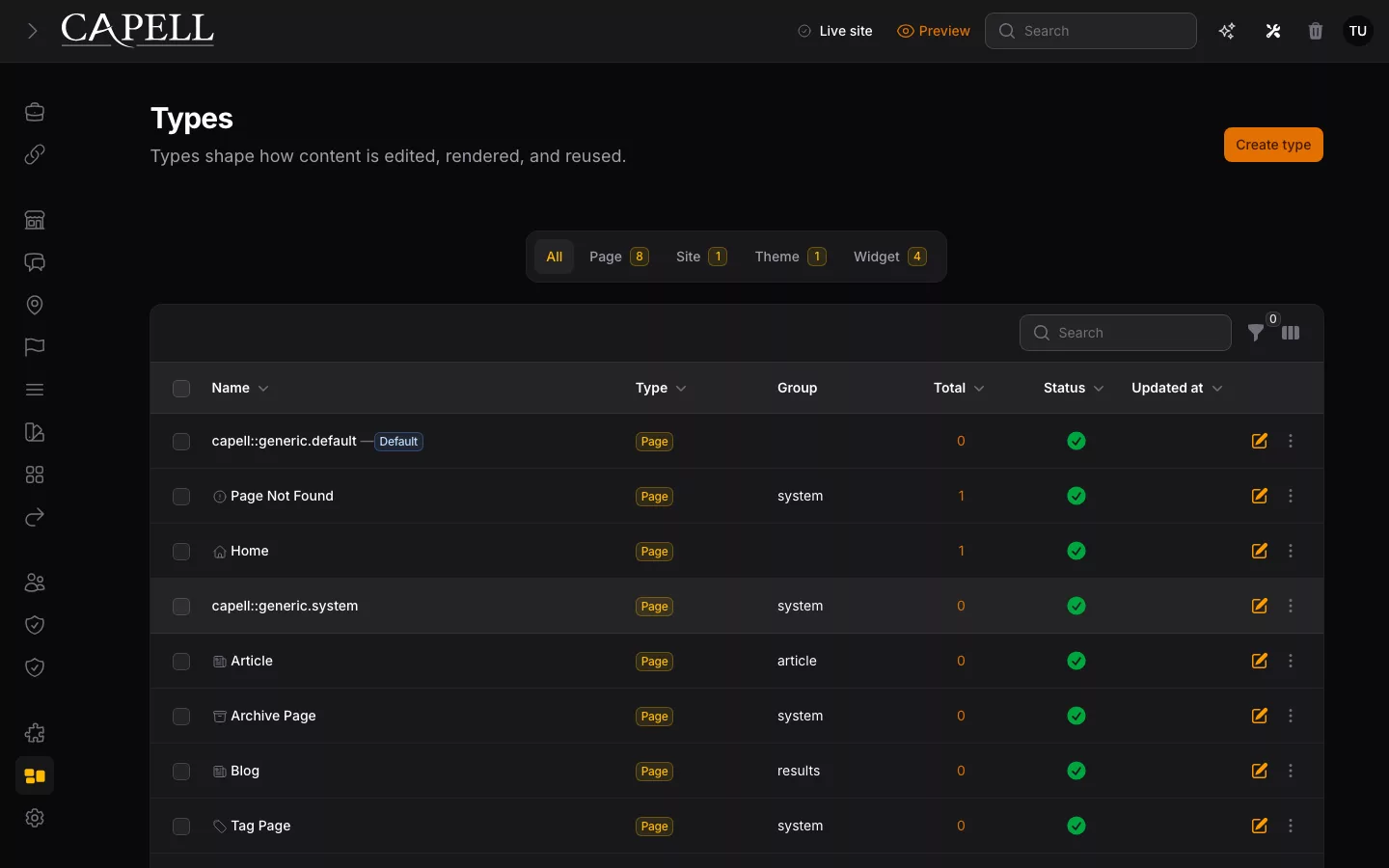
Foundation gives editors a Filament workspace for Pages and their history. Developers define reusable page types and decide how content appears on the public site.
Find what your site actually needs
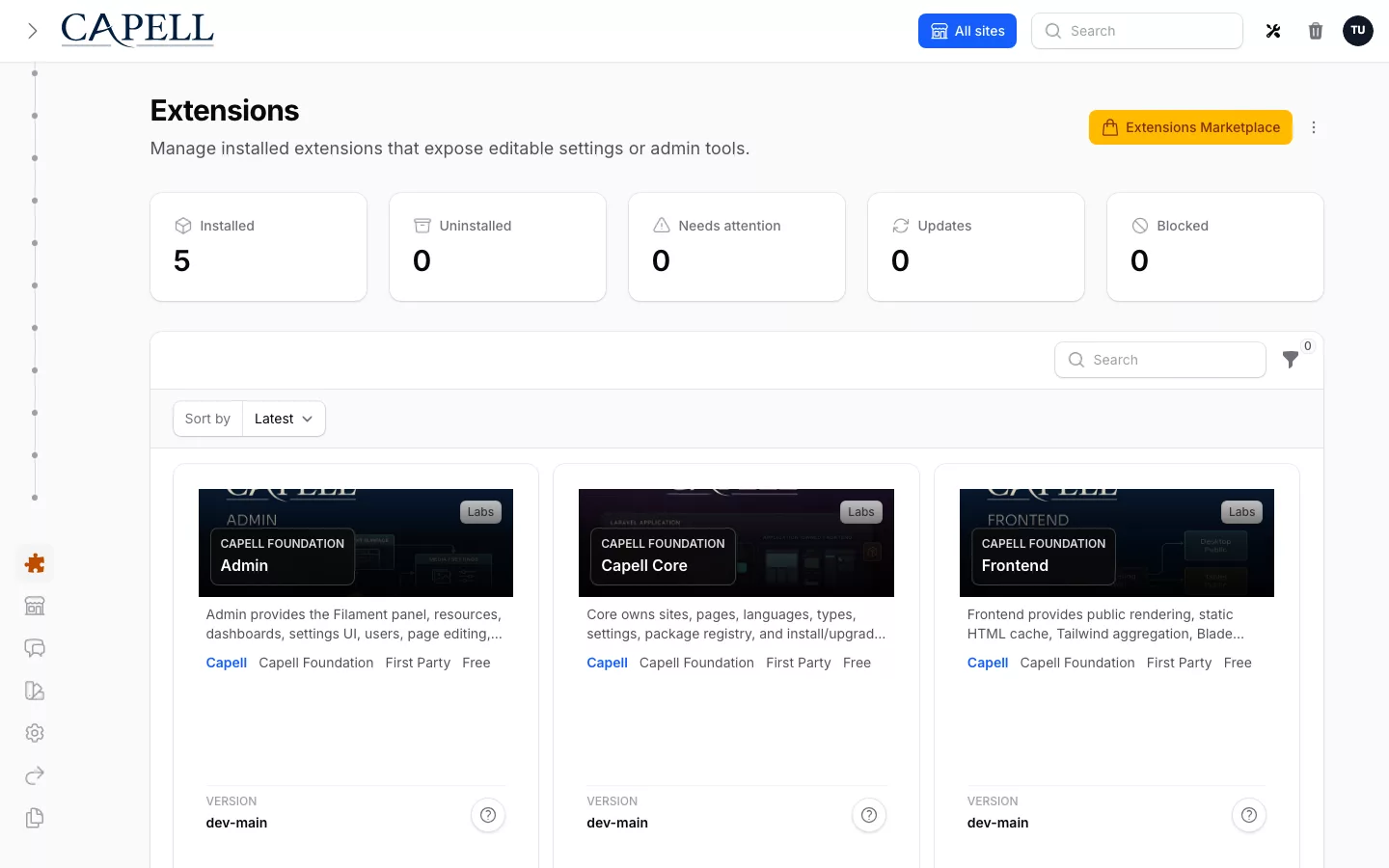
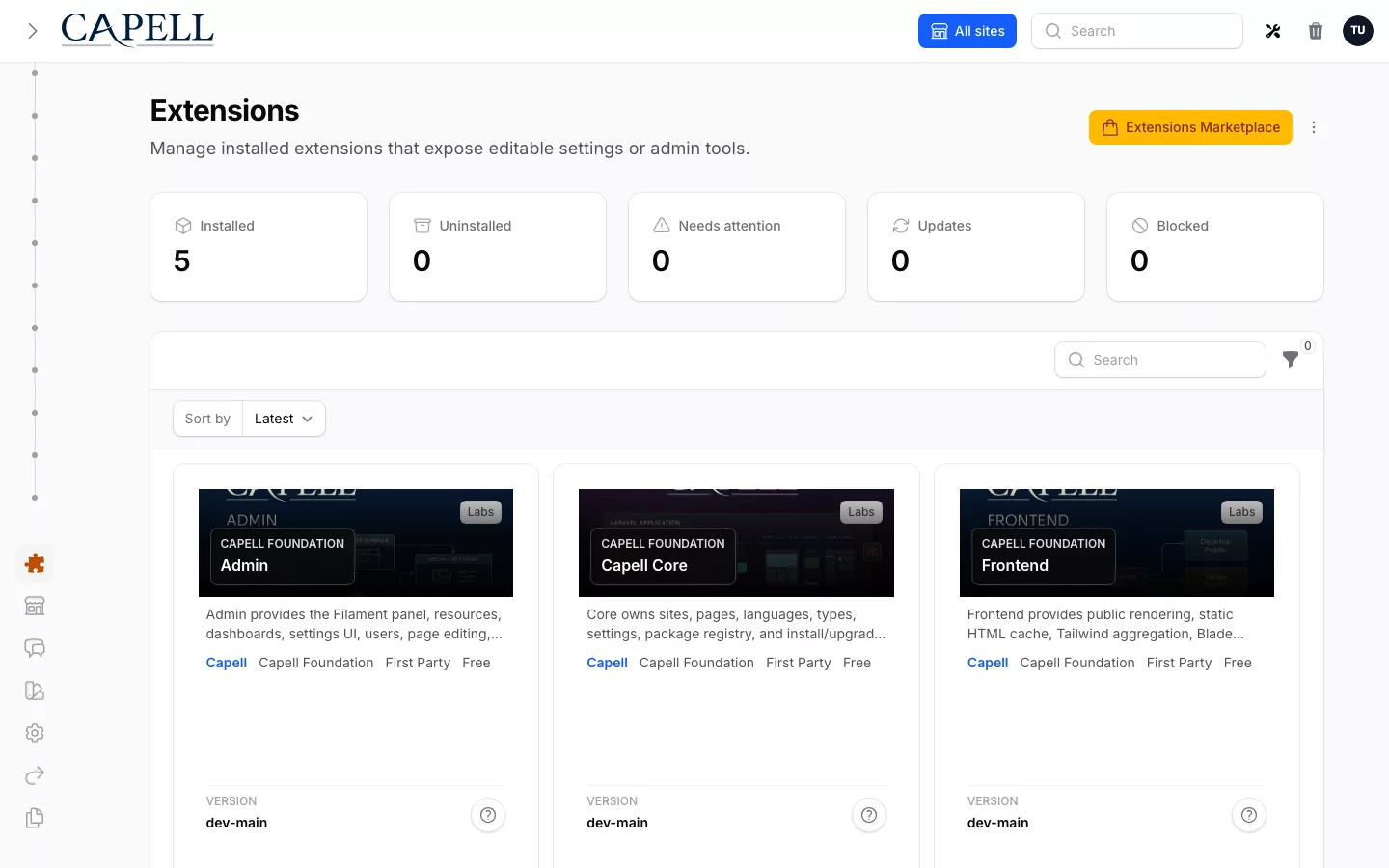
Use the current catalogue to distinguish Foundation, optional packages and availability.
You may already have a Laravel application, a clear design and people who need to keep the website current. The question is how much CMS work your team should build and maintain itself. Capell gives you a shared editing foundation, then lets you add the publishing process and specialist capabilities that the project actually needs.
Make the choice in three steps: establish what Foundation handles, identify the workflow that needs an optional package, and check that package against your real application. The extension catalogue is the single place to inspect package availability and access terms. Use this guide to connect catalogue choices to the work your team needs to complete.
Use Capell when your Laravel app needs more than a few editable pages. Editors compose approved content while developers keep control of the public output.
What your team can do
Foundation is MIT-licensed. Optional packages have their own availability, compatibility and access terms, shown in the catalogue.
Start with Foundation
Give editors a consistent workspace while keeping the public site in your Laravel application.
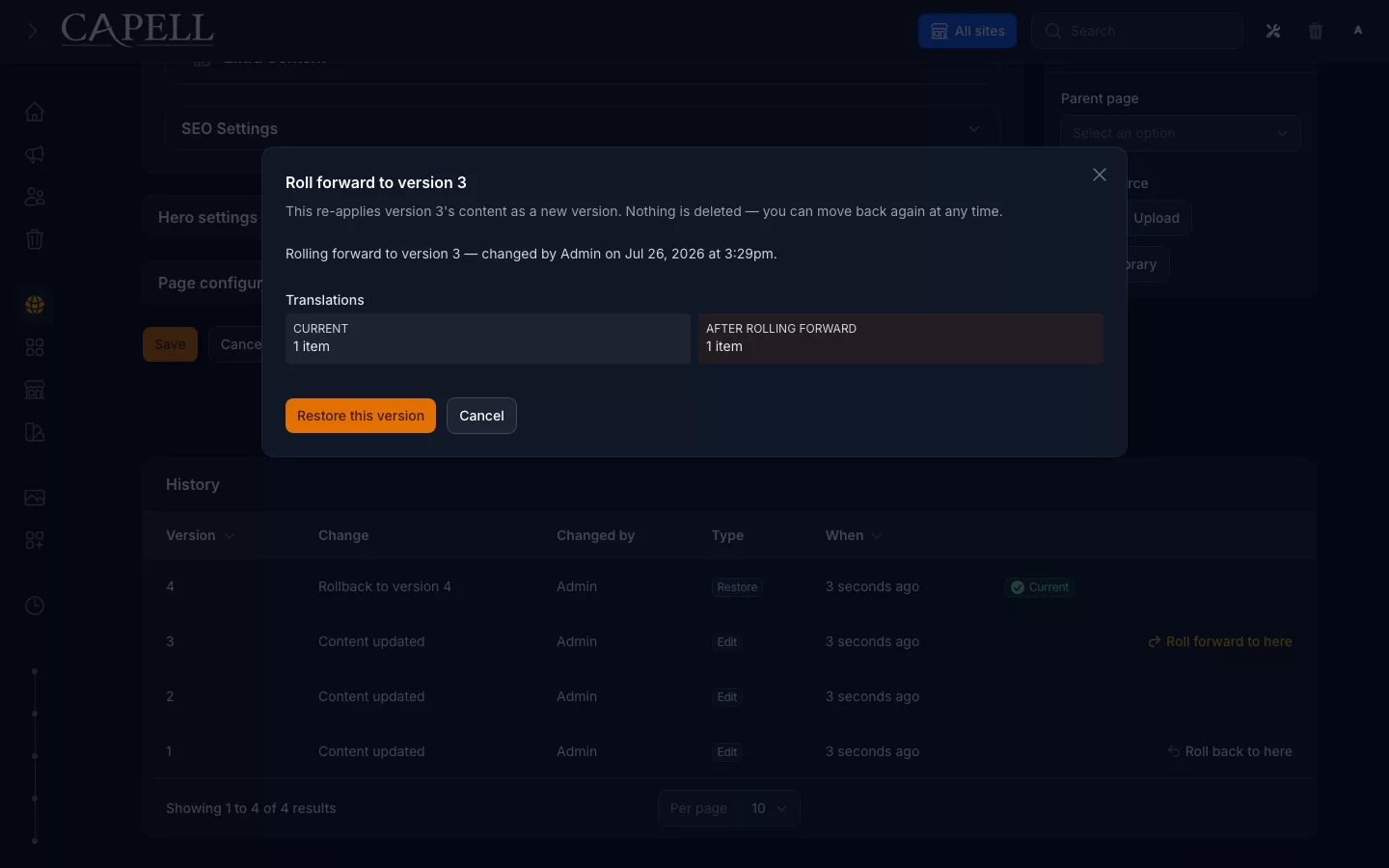
When several people need to maintain pages, the repeated work is rarely just a text field. They need a recognisable editing screen, page organisation, published state and a way to recover an earlier version when a change is wrong. Foundation brings those Page editing and history capabilities together in a Filament workspace. Developers define the page types and the presentation those records support, rather than asking editors to work around a collection of unrelated forms.
Foundation is MIT-licensed and is presented as one product, while its underlying Core, Admin, Frontend, Installer and Marketplace packages remain separate. Your application still owns the routes, templates and business behaviour. That is useful when content leads into a form, account area or another Laravel workflow: you can use a maintained CMS foundation without moving the whole website into a separate hosted delivery service. Begin with one representative page and confirm that the people who will maintain it can edit, preview and recover it.

Add the missing workflow
Choose a package for a concrete team or visitor need, not simply because it is available.
A growing editorial team may need someone assigned to review a change before it is published. Publishing Studio adds that coordinated workflow for Capell Pages, including isolated workspaces, reviewer assignment and scheduled or atomic publication. It builds on Foundation's editing and recovery rather than replacing them. Start with the person responsible for the release and the approval steps they need; those questions tell you whether the additional process earns its place.
Other requirements can be more specific: a blog, search, URL management, a visitor interaction or an operational check. Inspect the relevant package's capabilities and first-use example, then compare them with the task your application must support. Optional packages have their own scope, availability and access terms, and a suite is a collection of capabilities rather than evidence that every member fits your project. Installing selectively keeps the handover clearer: editors know which tool owns a job, and developers know which dependencies and configuration they need to support.
- Recover an edited Page: start with Foundation page editing and history to compare saved versions and restore an earlier state.
- Assign a review or coordinate a launch: inspect Publishing Studio for approval and scheduled or atomic publishing of Capell Pages.
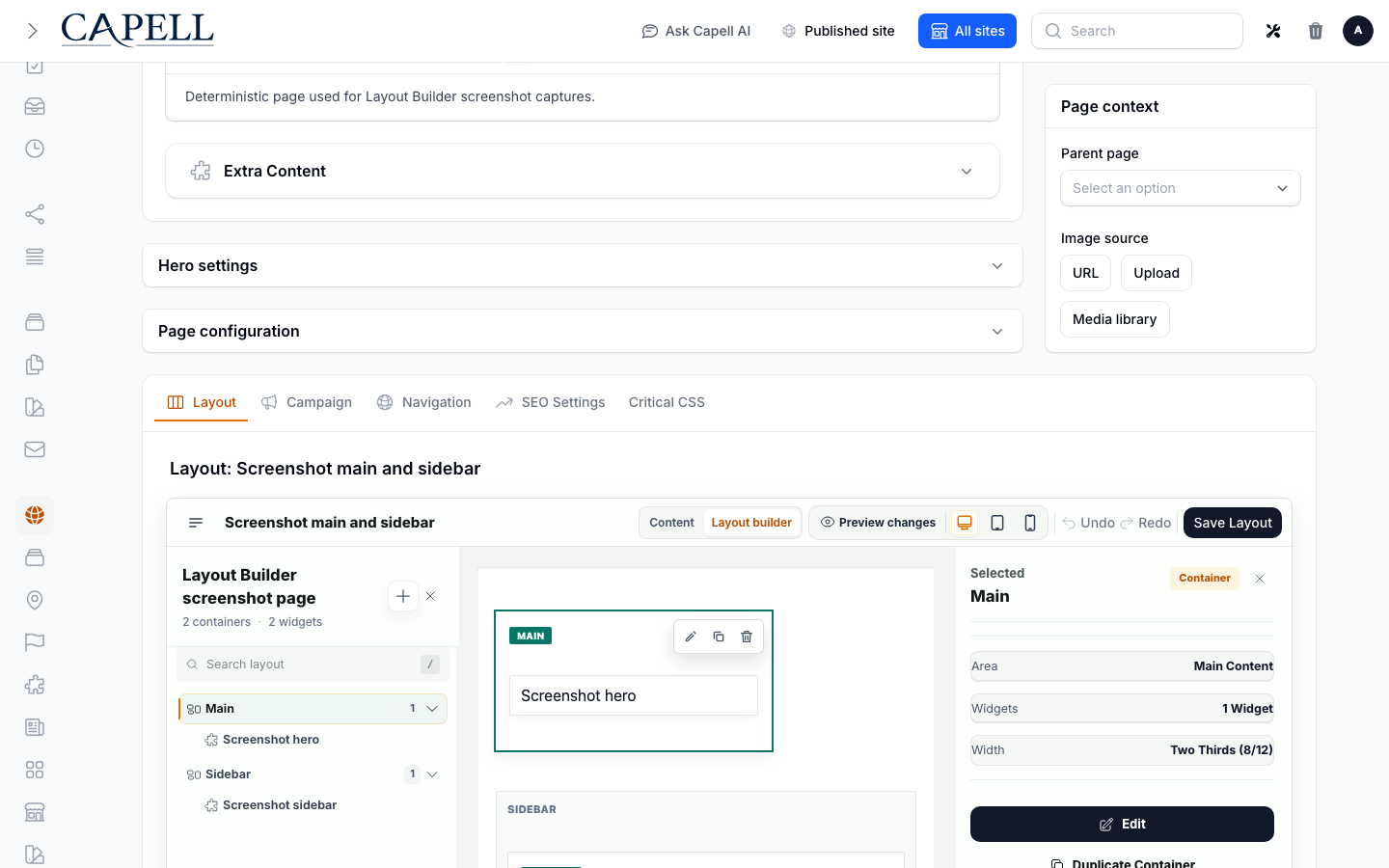
- Compose approved page sections: inspect Layout Builder when editors need to arrange widgets within developer-defined containers.
- Publish articles: inspect Blog for article organisation and check its companion dependencies before planning the editorial setup.
- Help visitors find content: inspect Search against the content, indexing and search experience your application needs.
- Keep moved URLs useful: inspect URL Manager for URL-management requirements rather than adding redirect rules one page at a time.
These are starting points for a trial, not a second catalogue. Open each listing for its current scope, availability, dependencies, price and access terms.
Know what you are adopting
Check availability, dependencies, access and a complete real-world task before making a commitment.
A useful package decision goes beyond seeing a feature name or an attractive screen. Check its current maturity, compatible application versions, required dependencies and licence or distribution terms. Read what the package adds, what a companion package supplies and what remains your application's responsibility. A screenshot demonstrates a particular state; it does not establish that your records, permissions or hosting configuration are ready for the same workflow.
Try one complete task with realistic content. For an editor, that might mean changing a page, reviewing it and checking the published URL. For a visitor feature, test the successful response and an invalid or empty state. Include a narrow screen, the longest expected labels and the person who will own the work after launch. Then check installation impact, retained data and the recovery path before adoption. This gives you a project-specific acceptance check and a clearer cost of ownership than treating the entire catalogue as a promise about one installation.