Filament CMS for Laravel teams
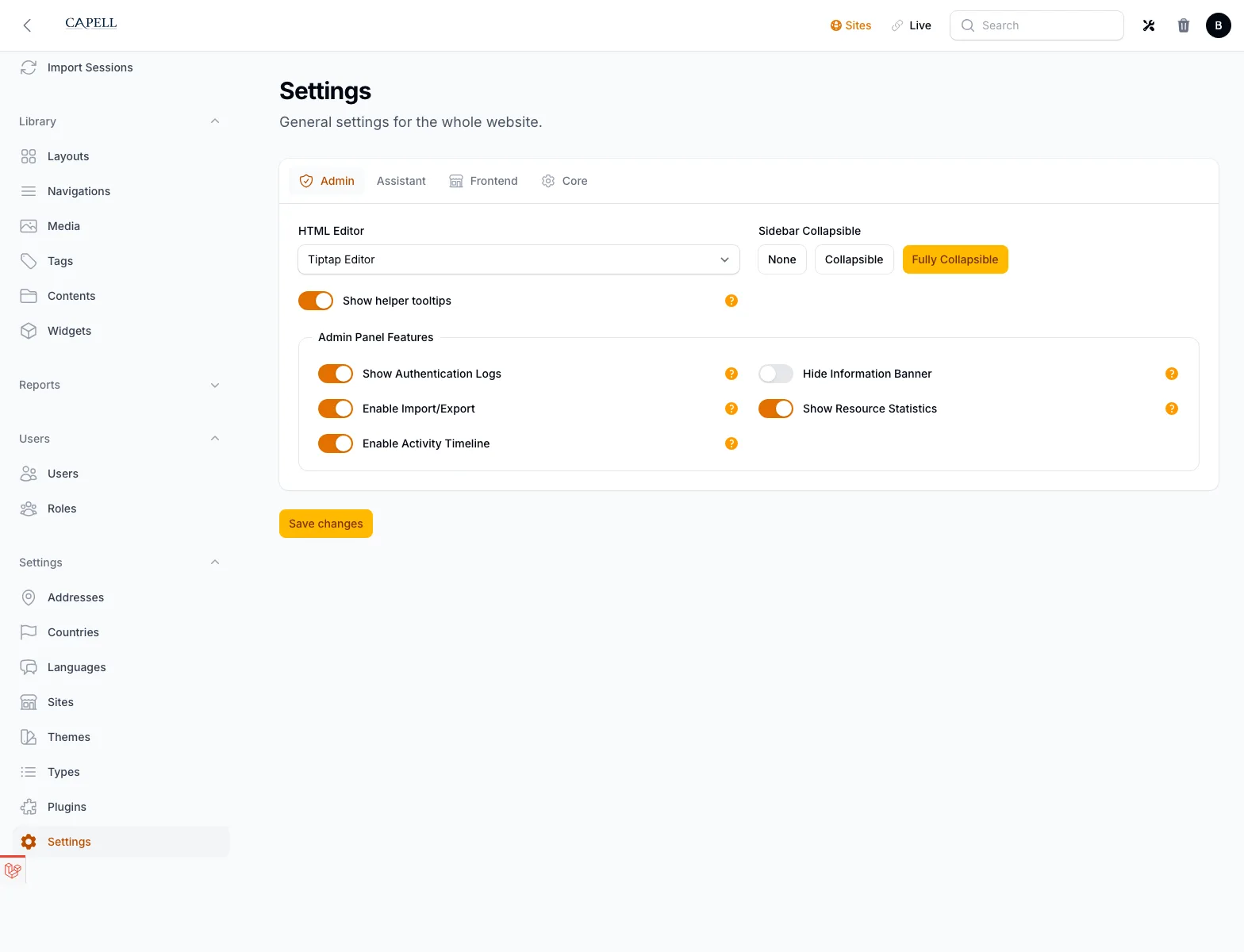
Plain Filament is excellent for admin screens. Capell adds the CMS layer around it: pages, URLs, layouts, previews, publishing, packages, frontend delivery, and public output safety.
That makes Capell a better fit when a Laravel team wants a real CMS without maintaining every CMS concern as custom Filament code.
What Filament owns in Capell
Use Capell when the CMS needs to live inside the Laravel product boundary, not when the project needs an unrestricted external visual builder.
Capell vs a custom Filament admin
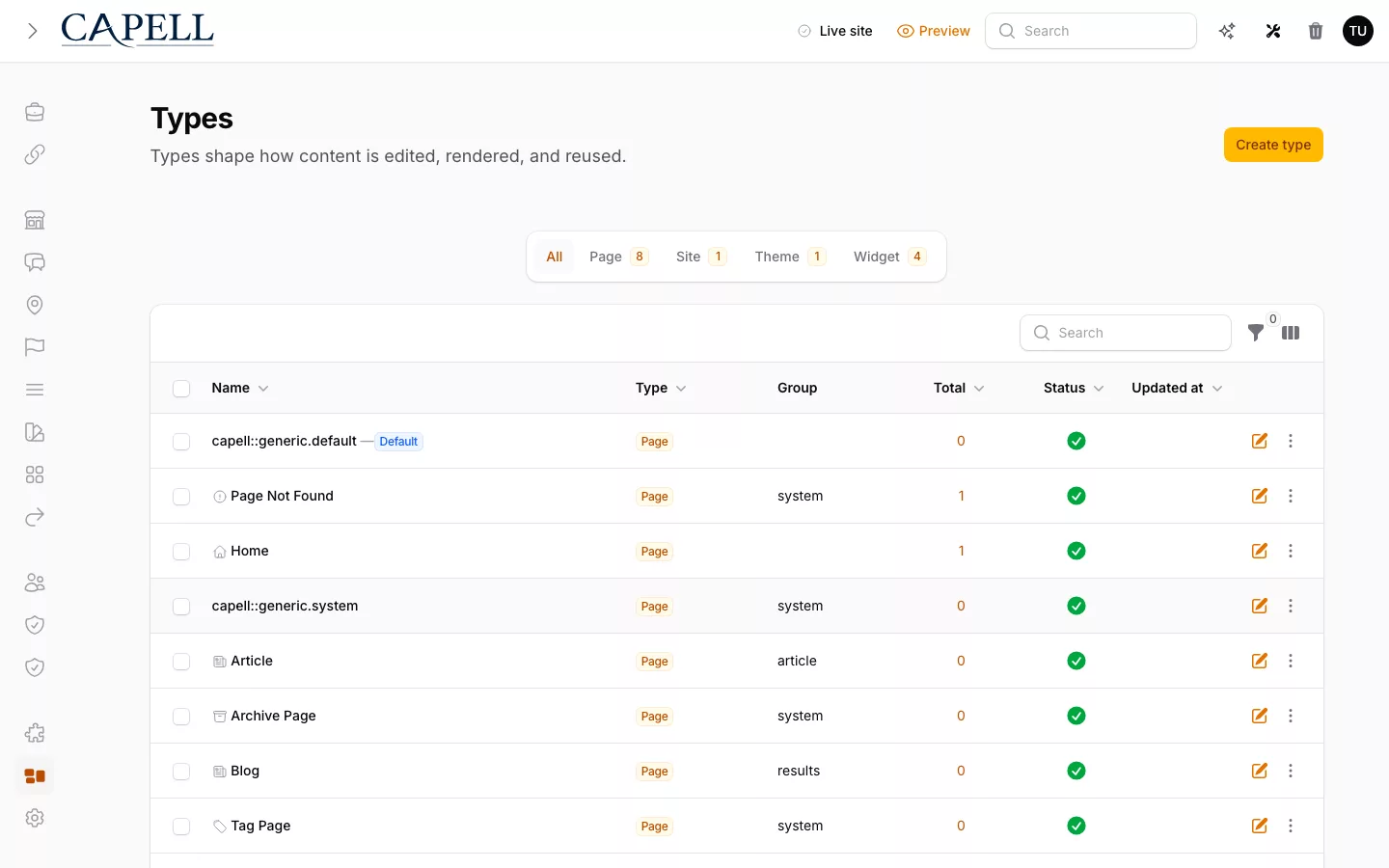
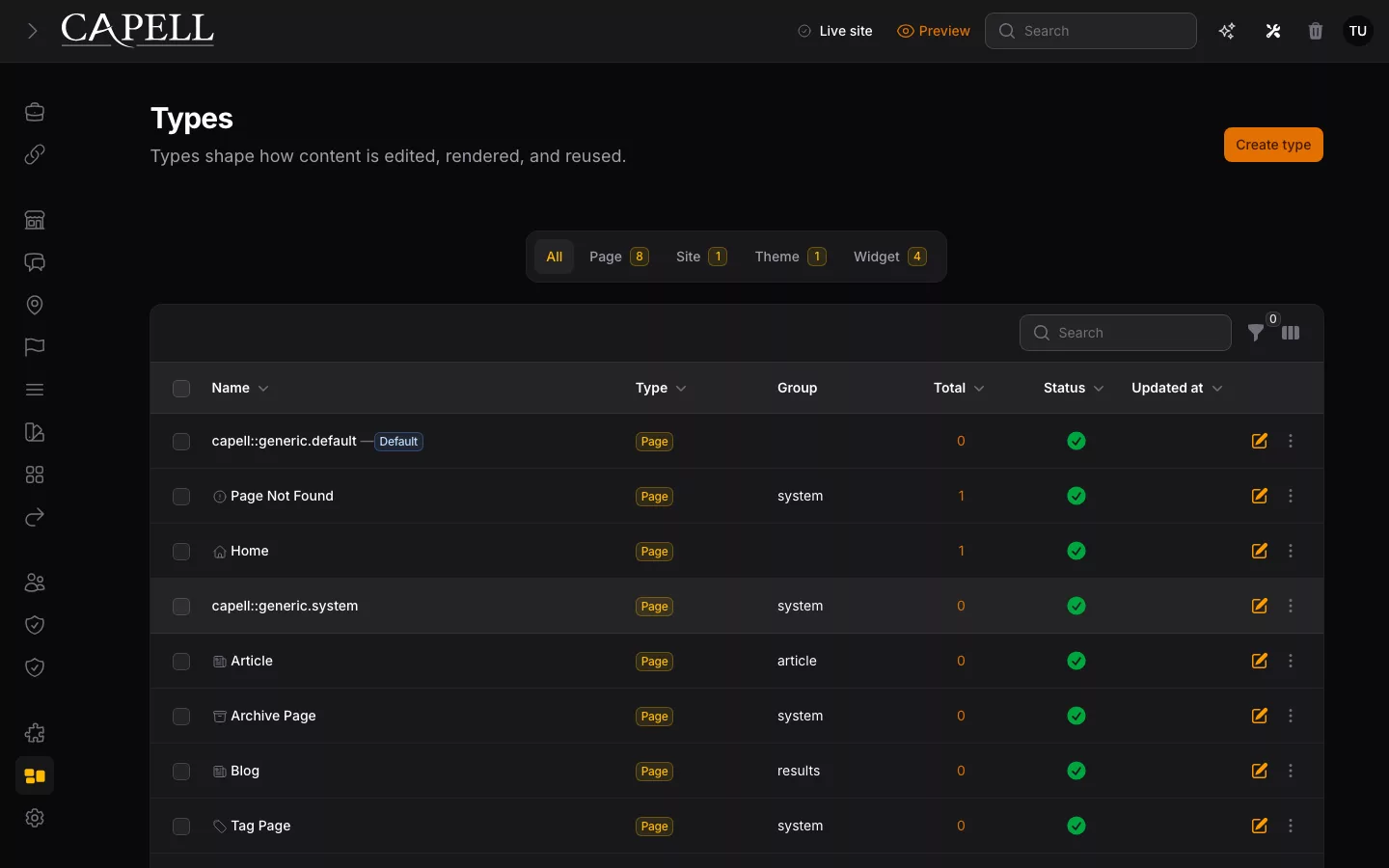
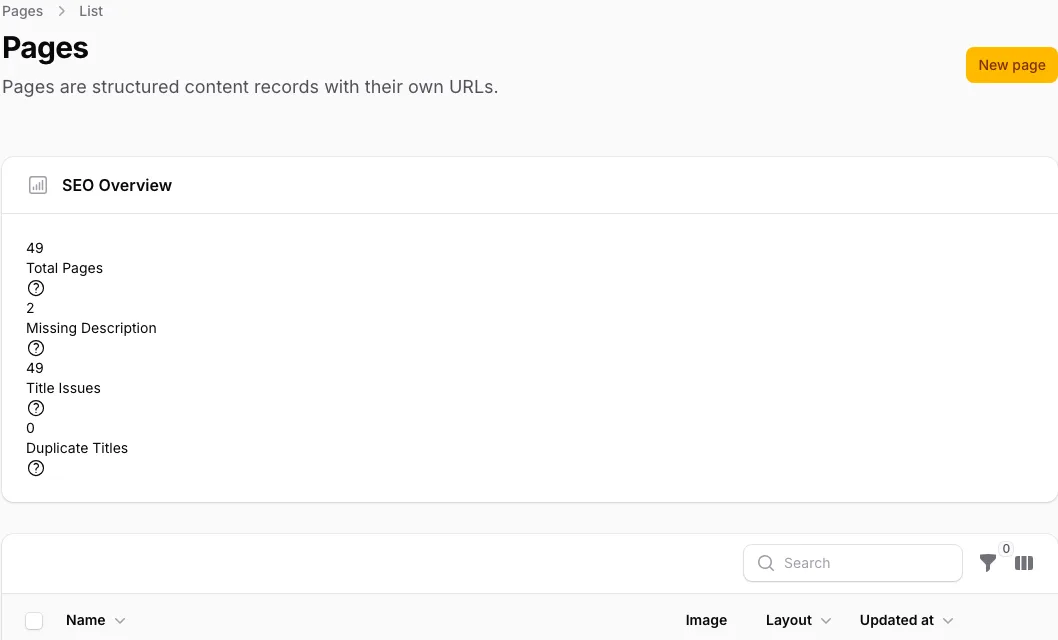
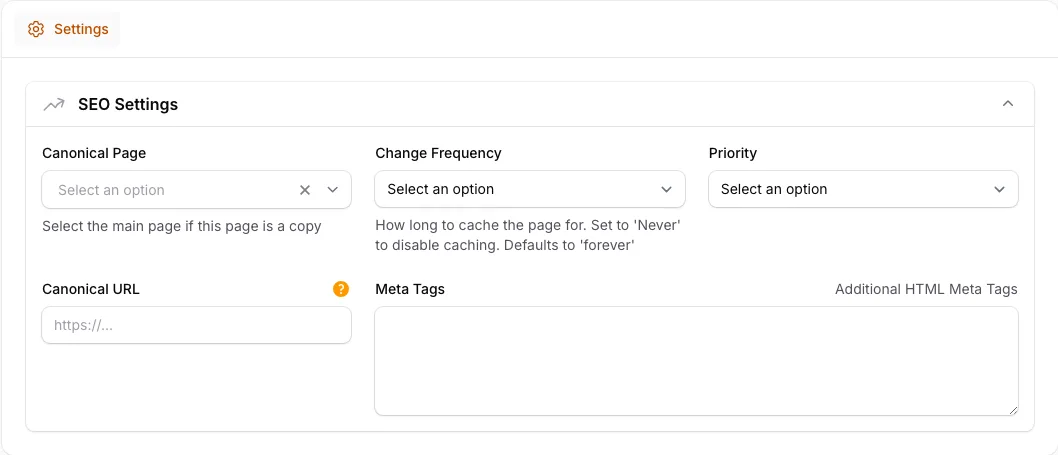
Filament is excellent for admin panels. Capell uses Filament and adds the CMS layer around it: page records, URL history, publishing flow, reusable layouts, SEO metadata, package install impact, and public frontend rendering.
| Decision | Capell | Custom Filament admin | Headless CMS | WordPress | Hosted builder | More |
|---|---|---|---|---|---|---|
| Content-heavy Laravel websites that need CMS structure and public output | Small internal tools or bespoke admin screens | Capell fits when Laravel remains the product boundary. | ||||
| Filament admin plus Capell page, layout, package, and publishing concepts | Raw Filament resources you design and maintain | Capell complements Filament rather than replacing it. | ||||
| Pages, PageUrls, translations, layouts, navigation, themes, media, and metadata | Whatever tables, resources, and conventions your team creates | Capell gives repeated CMS work shared names. | ||||
| Laravel-owned Blade, Livewire, cache, hooks, APIs, and route-backed output | You build the render path around your admin data | Public pages should not leak admin concerns. | ||||
| Composer packages, manifests, install impact, marketplace trust, and optional extensions | Copied resources, local packages, or one-off service classes | Capell keeps package impact reviewable. |
A CMS surface that stays editable
The point of Capell is not to write another static marketing site. The site should exercise Capell: editable navigation, CMS-owned page copy, LayoutBuilder-backed sections, dynamic blocks for real workflows, and exportable seed content.
Filament CMS questions
These are the practical search-intent questions around Filament CMS and Laravel CMS fit.
Is Capell a Filament CMS?
Yes. Capell is a Laravel CMS that uses Filament for the admin and editor surface, then adds pages, URLs, layouts, publishing, packages, SEO, cache, and public rendering around it.
Read overviewIs Capell a replacement for Filament?
No. Capell depends on Filament for the admin experience. It replaces the repeated CMS glue teams often build around Filament, not Filament itself.
Developer pathCan I build a CMS with Filament myself?
Yes. That can work for small internal tools. Capell is better when a public Laravel site needs page trees, redirects, previews, reusable layouts, SEO metadata, package growth, and editor-safe publishing.
Compare platformIs Capell also a Laravel CMS?
Yes. Capell is built for Laravel projects and keeps the CMS model, admin, public frontend, packages, tests, and deployment concerns inside the Laravel boundary.
Install CapellNew to Capell?
If you landed here without reading the homepage, start with these questions. Each answer is short, and each one points to the deeper Capell page that explains the idea properly.
What is Capell?
Capell is a Laravel CMS built on Filament for content-heavy websites: structured pages, reusable layouts, approved widgets, editor-safe publishing, public delivery, and package-led growth.
Tour CapellIs Capell meant for designers?
Designers can work with Capell through themes, approved layouts, visual direction, and frontend systems while the CMS keeps content structure stable.
View themesIs Capell made for developers only?
No. Developers get the Laravel architecture, but site owners and editors get the practical value: manageable pages, safer publishing, and visible site operations.
See owner fitHow can Capell help me out?
Capell gives repeated CMS work a proper home so teams are not rebuilding pages, URLs, layouts, publishing, redirects, cache, SEO, and package logic from scratch.
Explore featuresCan I use Capell with my existing website?
Yes, when the project is a Laravel app or can move into one. Start with a verified install path, then migrate content and packages deliberately.
Read install pathWhat happens when I install Capell?
You install Core, Admin, and Frontend first, verify the Filament workspace and public output path, then add LayoutBuilder, themes, and other extensions only when the site needs them.
Read docsHow can we reach you?
Use the contact path when you need help deciding fit, discussing a project, reporting a concern, or talking through package and marketplace work.
Contact CapellHow can I work with Capell?
You can install Capell, build a site on it, author packages, create themes, or use it as the CMS foundation for long-running Laravel projects.
Developer pathHow can I help Capell?
Use Core, share feedback, donate, buy first-party packages, purchase marketplace extensions, or author trusted packages for other Capell teams.
Support Capell