Capell home
Live demo

Manage cookie preferences

Choose which optional cookies Capell may use.

Essential
Always on

Required for Capell to work — login, security, page rendering.

Analytics

Anonymous usage telemetry to improve editor performance.

Marketing

Personalization for the Capell marketing site.

Cookie policy

Choose what you are comparing

Your shortlist should reflect how the team builds, publishes, and operates the site. Pick the option already under serious consideration, then test the trade-off that would make it win or rule it out.

A clear case for every alternative Eight decision areas Migration guides for detailed paths
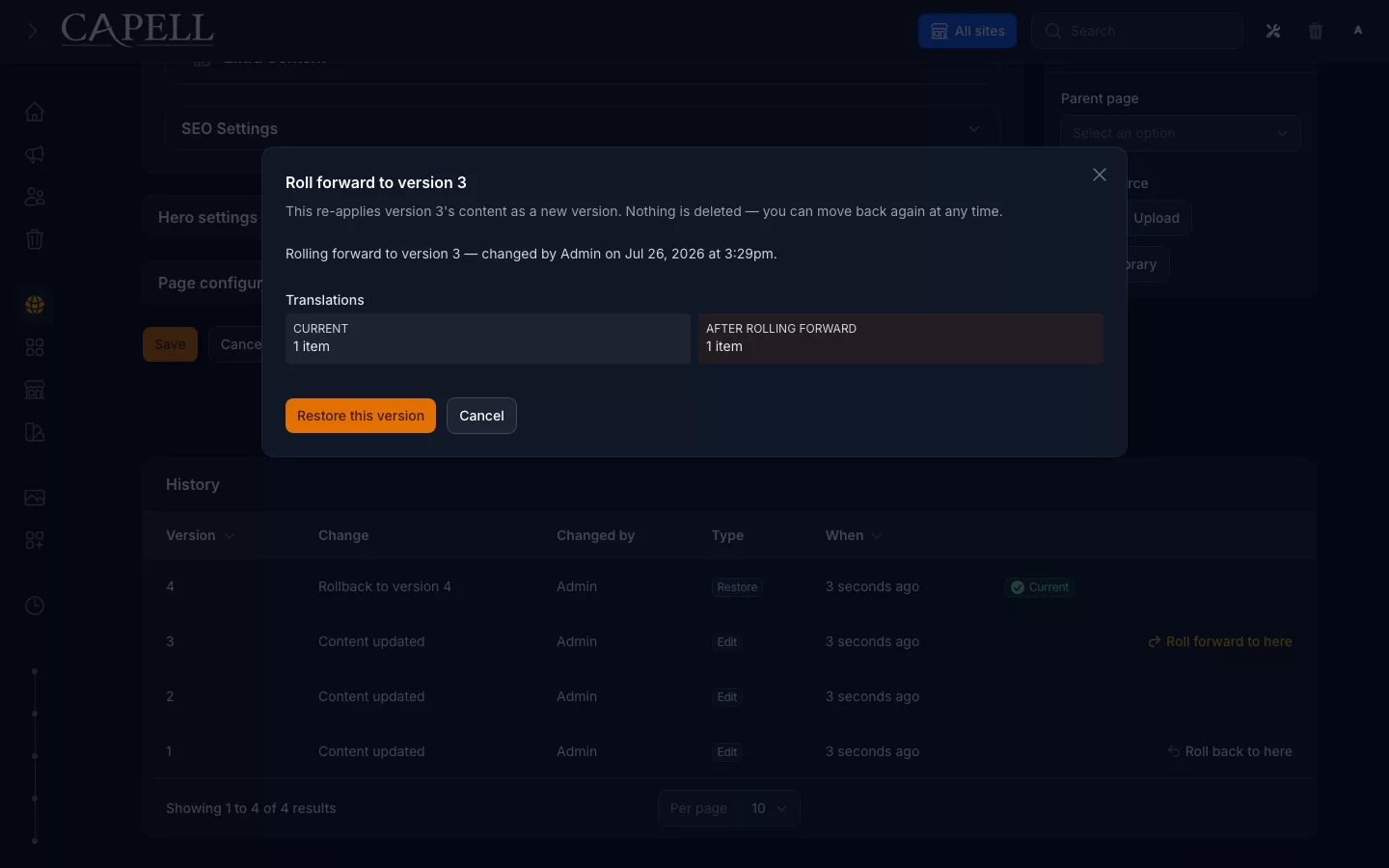
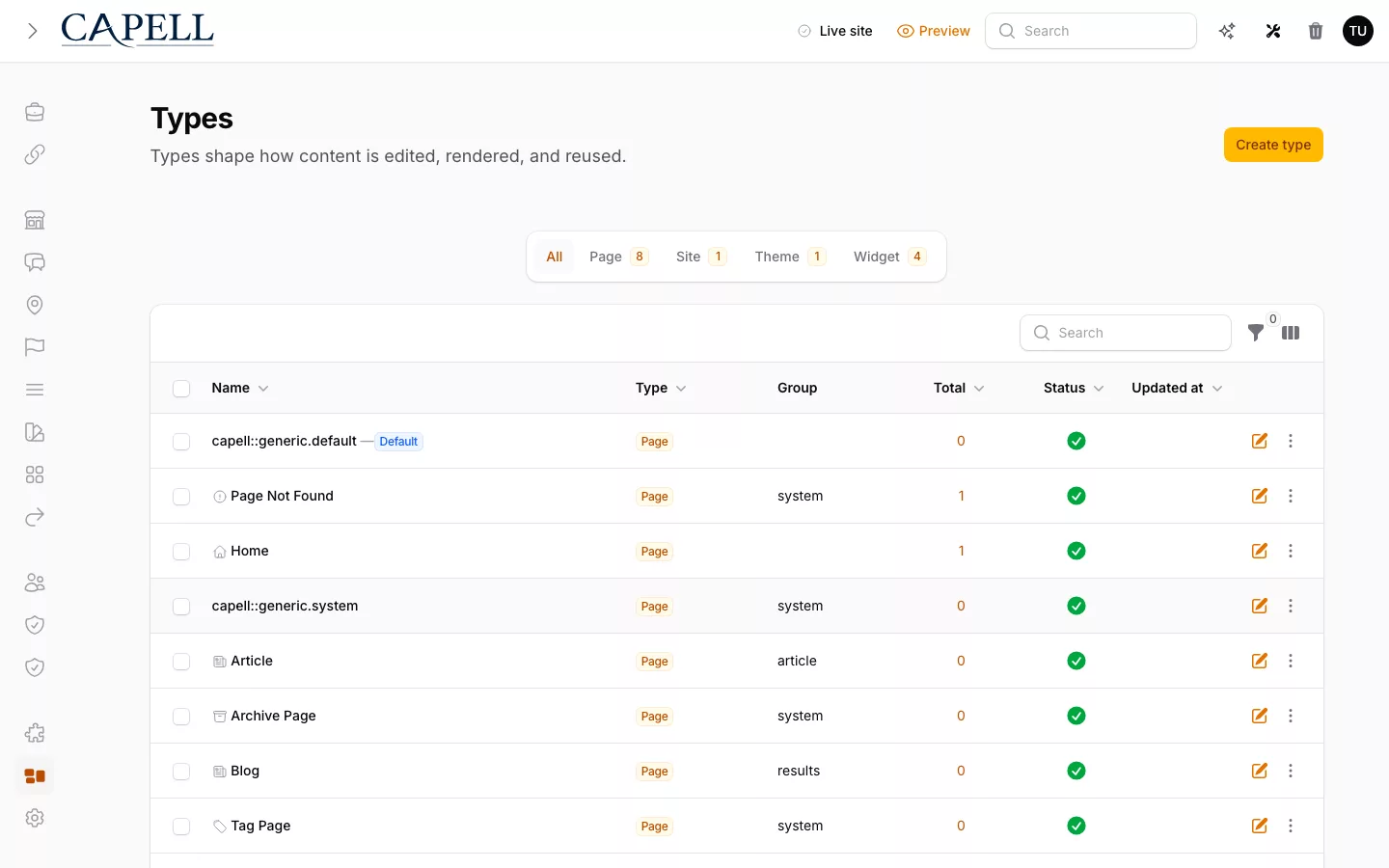
CMS capture · Content index Structured content stays visible in the admin. The screenshot comes from the Capell CMS admin, where page records, preview images, layouts, SEO status, and editor actions stay visible without opening every page.
Composer output: core package Capell installs as Laravel packages. Actual composer show output captured from this application, with the local repository path and build reference omitted.
Public output: cache hit Public HTML stays separate from the admin. This anonymous frontend capture proves the output boundary: cached public HTML with no editor selectors, model identifiers, or signed authoring URLs.

Actual Capell CMS pages index showing records, SEO overview metrics, thumbnails, layouts, and editor actions.

A useful CMS comparison begins with the work, not the logo. Record who publishes, how many public experiences consume the content, where the site is deployed, and which team will own upgrades in year five.

Choose the model before the feature list

  • Choose WordPress with ACF for a conventional content-led site that benefits from its broad ecosystem and developer-shaped fields or blocks.
  • Choose Statamic when a content-first Laravel product and Git-oriented workflow suit the team.
  • Choose headless delivery when independent frontends genuinely need one hosted content service.
  • Keep custom Filament screens when the editing surface is small, stable, and specific to the application.
  • Keep Craft, Twill, and Payload in view when their control panel, toolkit, or TypeScript and API boundary describes the project more accurately.

Evaluate Capell when the growing Laravel product needs reusable page structures, a Filament editor workspace, and public delivery owned by the application team. The detailed guides make that case without pretending every project should reach the same answer.

Decision matrix

Compare the boundary that matters

Start with the constraint your project cannot ignore. A content-led site may value WordPress ecosystem breadth. A Statamic team may value flat-file and Git workflows. Several independent frontends may justify headless delivery. A few stable internal screens may need only custom Filament resources.

Capell enters the shortlist when the Laravel application needs a maintained page model and a Filament publishing workspace. The matrix shows that boundary once; each detailed comparison then concentrates on the decision unique to its alternative.

Read the final row first. If the other model describes the work more accurately, use it.

Capell Custom Filament WordPress + ACF Statamic Headless CMS
Where it lives The Laravel application and its deployment An empty Filament panel you extend A separate platform to host and maintain A Laravel application with Statamic's content model and control panel A separate content service plus a separate frontend
Editing Filament admin with structured pages, layouts, and previews You design and build the editing schema Mature block editor with structure shaped by the chosen setup A mature control panel with flexible collections and blueprints Structured entries; preview needs wiring
Frontend ownership Application-owned Blade, Livewire, Inertia, Vue, or custom rendering You build every route, layout, and render path Theme-driven templates in the platform Antlers, Blade, static output, or headless delivery You build and host the frontend yourself
Extensions Composer packages with clear, visible install impact Every feature is bespoke Large plugin ecosystem with varied review and support models First-party features and a Laravel addon ecosystem Apps, webhooks, and glue services you maintain
Upgrades Compatibility notes and staged package changes Maintenance remains the responsibility of your team Plugin and theme updates need careful staging Product and addon upgrades within a supported Laravel CMS Vendor API changes plus your frontend dependencies
Operations Redirects, cache, diagnostics, and package health near the CMS Wired up per project Often depends on plugin mix and hosting setup Established CMS operations with flat-file or database-backed content Vendor runs the platform; app ops stay yours
Integration work Lower when the CMS belongs inside the existing Laravel app Low at first, then every CMS feature is yours to build A second system running beside the Laravel app Depends on content migration, templates, addons, and control-panel conventions API contracts, SDKs, and glue to maintain
When it wins A growing Laravel product that needs one maintained CMS model A few stable, application-specific admin screens Conventional content-led sites that benefit from a broad plugin and theme ecosystem Content-first Laravel sites that benefit from flat-file and Git-oriented workflows Independent frontends consuming a hosted multi-channel content service

Where it lives

Capell
The Laravel application and its deployment
Custom Filament
An empty Filament panel you extend
WordPress + ACF
A separate platform to host and maintain
Statamic
A Laravel application with Statamic's content model and control panel
Headless CMS
A separate content service plus a separate frontend

Editing

Capell
Filament admin with structured pages, layouts, and previews
Custom Filament
You design and build the editing schema
WordPress + ACF
Mature block editor with structure shaped by the chosen setup
Statamic
A mature control panel with flexible collections and blueprints
Headless CMS
Structured entries; preview needs wiring

Frontend ownership

Capell
Application-owned Blade, Livewire, Inertia, Vue, or custom rendering
Custom Filament
You build every route, layout, and render path
WordPress + ACF
Theme-driven templates in the platform
Statamic
Antlers, Blade, static output, or headless delivery
Headless CMS
You build and host the frontend yourself

Extensions

Capell
Composer packages with clear, visible install impact
Custom Filament
Every feature is bespoke
WordPress + ACF
Large plugin ecosystem with varied review and support models
Statamic
First-party features and a Laravel addon ecosystem
Headless CMS
Apps, webhooks, and glue services you maintain

Upgrades

Capell
Compatibility notes and staged package changes
Custom Filament
Maintenance remains the responsibility of your team
WordPress + ACF
Plugin and theme updates need careful staging
Statamic
Product and addon upgrades within a supported Laravel CMS
Headless CMS
Vendor API changes plus your frontend dependencies

Operations

Capell
Redirects, cache, diagnostics, and package health near the CMS
Custom Filament
Wired up per project
WordPress + ACF
Often depends on plugin mix and hosting setup
Statamic
Established CMS operations with flat-file or database-backed content
Headless CMS
Vendor runs the platform; app ops stay yours

Integration work

Capell
Lower when the CMS belongs inside the existing Laravel app
Custom Filament
Low at first, then every CMS feature is yours to build
WordPress + ACF
A second system running beside the Laravel app
Statamic
Depends on content migration, templates, addons, and control-panel conventions
Headless CMS
API contracts, SDKs, and glue to maintain

When it wins

Capell
A growing Laravel product that needs one maintained CMS model
Custom Filament
A few stable, application-specific admin screens
WordPress + ACF
Conventional content-led sites that benefit from a broad plugin and theme ecosystem
Statamic
Content-first Laravel sites that benefit from flat-file and Git-oriented workflows
Headless CMS
Independent frontends consuming a hosted multi-channel content service

Keep three adjacent options in view

Use these as scope checks before narrowing the shortlist. Craft brings a mature self-hosted CMS and plugin store. Twill is an open-source Laravel toolkit for teams prepared to assemble more of the CMS themselves. Payload is a TypeScript and Next.js platform with generated APIs. If one describes the product boundary you actually want, evaluate it directly.

Scroll horizontally to view the full table.

Option Choose it when Keep Capell in the decision when
Craft CMS Choose Craft for a mature, purpose-built control panel, established plugin store, and self-hosted content platform that does not need to share a Filament admin. Keep Capell in the decision when the CMS must live inside an existing Laravel product and Filament is the admin standard.
Twill Choose Twill when an open-source Laravel toolkit and a team-authored module and block model are the goal, and the team is ready to own more CMS assembly. Keep Capell in the decision when pages, URLs, Page History, public delivery, and package operations need one maintained product model.
Payload Choose Payload when TypeScript, Next.js, generated REST and GraphQL APIs, and independent content consumers are core requirements. Keep Capell in the decision when one Laravel application owns the website and a delivery API would add a boundary the product does not need.

Role scenarios

What to inspect in a CMS comparison

Questions for testing fit, tradeoffs, and the point where another CMS shape works better.

Role-based checks drawn from product capabilities and fit boundaries.

Laravel developer representing this editorial scenario.

A comparison honest about where it loses — what to verify

Map one project against WordPress, Statamic, headless CMS, custom Filament and Capell criteria. The comparison should identify genuine alternative wins and scope the no-model-call claim only to Capell's MCP Agent Bridge flow.

Read more

The demonstration should show: The MCP Agent Bridge exposes governed tools without invoking a model or requiring a Capell model API key; intelligence and inference cost belong to the external client agent. Optional AIOrchestrator is a separate provider-calling capability, so comparisons must account for its configured model, credentials and cost.

Scope check: If their need is a blog with a huge plugin ecosystem or a pure headless API feeding one frontend, the page will point teams elsewhere and it is right to. Capell is not trying to win every shape.

Laravel Technical Lead

Evaluator scenario for a Laravel technical lead

Loading footer