Capell vs Statamic
Choose Statamic when flat-file/Git authoring or Statamic's control panel is the requirement. This is not a feature-count contest. Compare where the CMS sits, which editorial conventions the team wants to adopt, and what a move would cost.
Statamic facts were checked against first-party public materials on 2 October 2026 and describe the product as of October 2026.
Two credible Laravel CMS models
Eleven practical decision areas
A clear case for choosing Statamic
Compare the editorial fit
Choose the Laravel CMS workflow your team can maintain confidently.
Both choices belong on a Laravel team's shortlist, but shared technology does not mean identical editorial or maintenance work. Compare a real page family, its preview and its recovery path, then consider how the CMS fits the administration your team already uses.
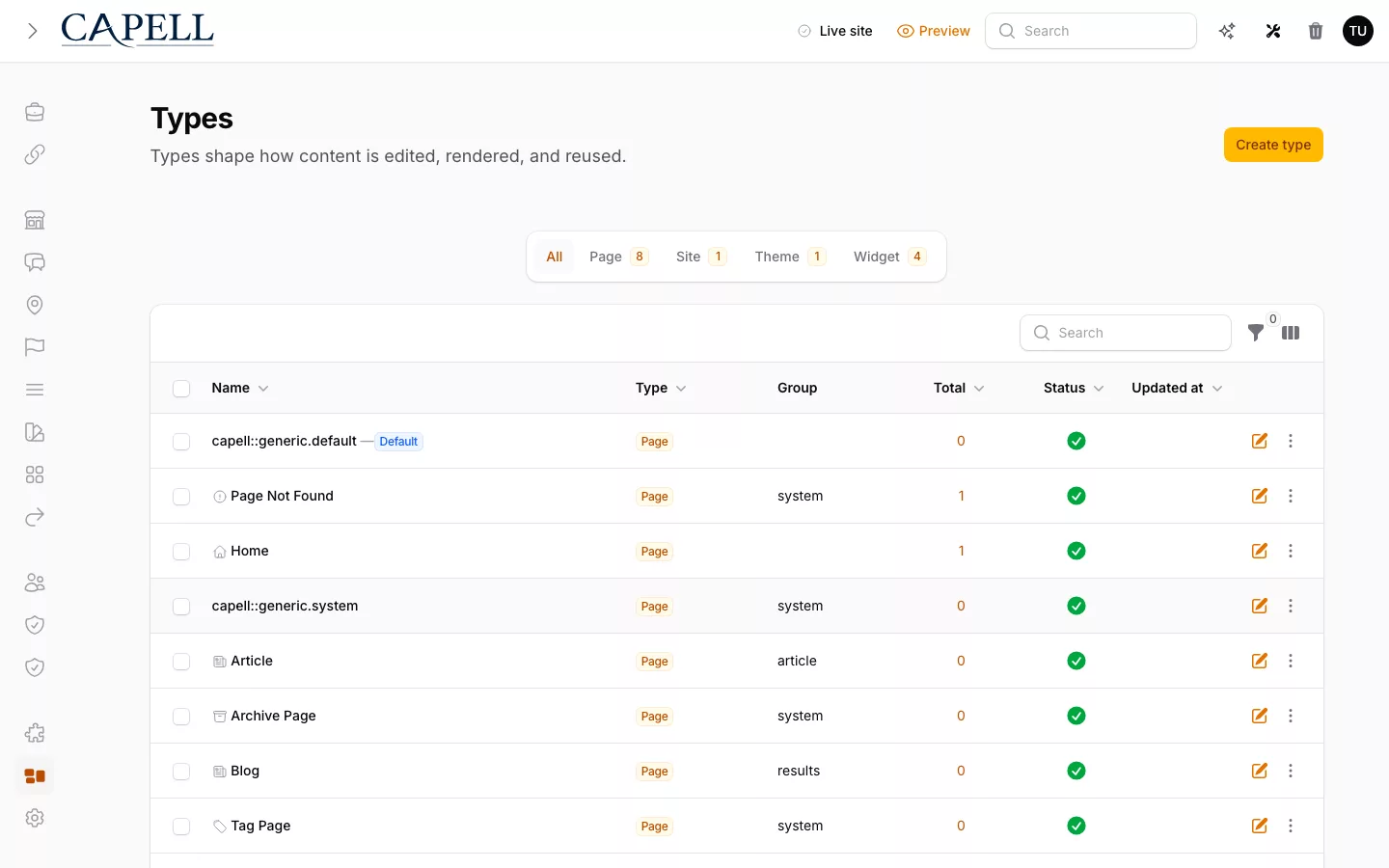
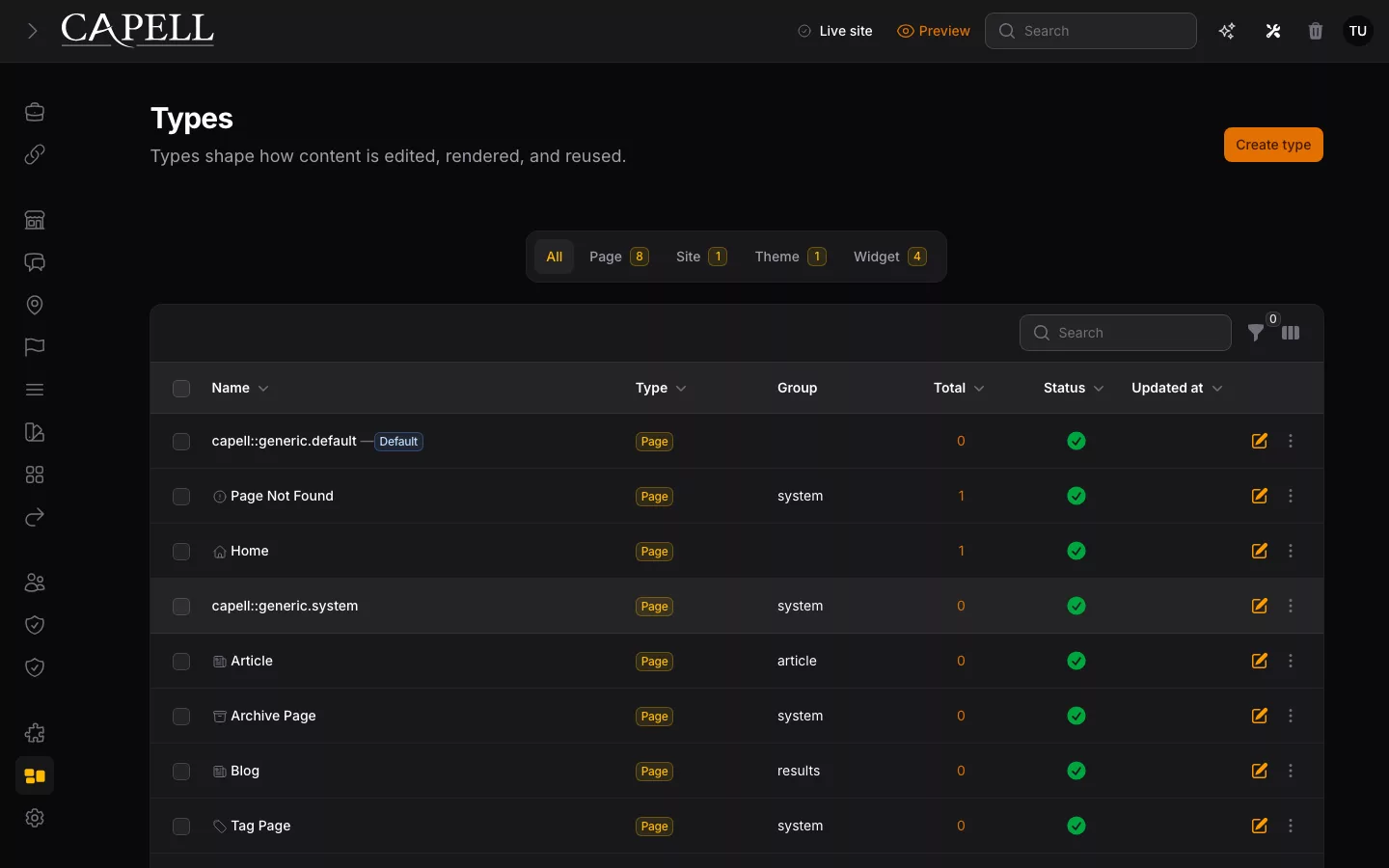
Try the same editorial change
Judge the form, preview and recovery together.
Statamic documents blueprints, field types, live preview and content history on its official feature pages. Evaluate those through the current product and plan rather than an assumed feature gap. Capell centres its page editing and recovery in Filament, with shared page definitions and application-owned presentation.
The useful distinction is what your editors and developers do day to day. Trial the same content change in both products and ask the editor to explain what becomes public and how they would correct it.
Consider the existing application
Include operating habits and migration cost in the choice.
A team comfortable with Statamic may benefit from retaining that workflow. A Laravel application already organised around Filament may find Capell's administration and package model more natural. Neither preference removes the need to inspect supported integrations and deployment responsibilities.
Review current official documentation for content storage, APIs, licensing and add-ons before making a project estimate. Moving platforms should solve a demonstrated problem, not merely exchange one familiar set of conventions for another.
Capell and Statamic are both Laravel CMS products installed with Composer, but they optimise for different centres of gravity. Statamic brings a complete content model, purpose-built Control Panel, editorial features, and a marketplace of addons and starter kits. Capell brings CMS structure into an application that already treats Eloquent, Filament, and its public frontend as the primary platform.
Where Statamic is the clearer fit
Choose Statamic when the site is content-first and the team benefits from collections, blueprints, a broad set of fieldtypes, Antlers or Blade templates, Live Preview, flat-file content, and Git-oriented publishing. Statamic describes Core as free and proprietary open source, not FOSS. Pro adds commercial capabilities whose current edition entitlements should be checked before procurement. The Statamic Marketplace may reduce custom work when a suitable addon or starter kit passes the team's compatibility, support, and update review.
Where Capell is the clearer fit
Choose Capell when the CMS must become one maintained layer inside a wider Laravel product. Pages, URLs, layouts, sites, languages, translations, and media remain application records. Editors work in Filament beside the product's other admin surfaces, while developers keep Blade, Livewire, Inertia, Vue, or another frontend stack in the same release boundary.
Do not migrate for vocabulary
Collections can map to page types, blueprints to schemas, and Bard or Replicator sets to approved composition, but those similarities do not make a migration cheap. Templates, addons, asset references, localization, permissions, preview, revision history, routes, Git automation, redirects, and editor habits still need explicit owners.
Prove the operating model
- Build the most difficult representative content type in both systems.
- Ask an editor to compose, preview, localize, publish, and recover a change.
- Trace a frontend change and a CMS upgrade through testing and deployment.
- Price the required commercial edition and packages, not the headline licence alone.
Keep Statamic when those tests confirm that its CMS-led conventions remove work. Consider Capell when the same tests show that one Filament workspace, database-backed application records, and developer-owned public delivery are the simpler long-term shape.
How Capell and Statamic work
Read the best-fit row first, then test the storage, editing, composition, preview, and release workflow with one representative page. Statamic's static caching and Capell's optional HTML Cache package should be evaluated as configured features; full-page HTML caching is not part of Capell Core. Pricing is useful only after the required edition and packages are known.
Scroll horizontally to view the full table.
| Decision | Capell | Statamic |
|---|---|---|
| CMS placement | A CMS layer inside the Laravel application. The application's domain model, routes, admin, and product workflows remain primary. | A full Laravel CMS whose collections, Control Panel, and frontend conventions can provide the application's primary shape. It can also be installed into an existing Laravel app. |
| Filament alignment | Admin is built on Filament, so CMS editing can sit beside the application's existing Filament resources and conventions. | Statamic uses its own purpose-built Inertia and Vue Control Panel. Filament is not its admin foundation. |
| Who builds the public site | The application team owns Blade, Livewire, Inertia, Vue, caching, and the release path. Capell does not require a presentation stack. | The team still owns the frontend, with more CMS-native options: Antlers or Blade, static generation, and Pro headless APIs. |
| Content storage and modelling | Database-backed Eloquent models for sites, languages, pages, URLs, layouts, translations, and media. | Collections, blueprints, taxonomies, and fieldtypes stored in flat files or in a database through the Eloquent Driver. |
| Page composition | Shared page types and layouts with approved widgets and assignable assets. Reusable structure is the default; custom pages remain an explicit choice. | Blueprints structure entries while Bard and Replicator sets let editors arrange approved field sets. Starter kits and addons can supply wider page-building patterns. |
| Multi-site and localization | Sites, languages, translations, and URLs are first-class database records. Validate the required roles, publishing workflow, and package mix against a real locale. | Pro multi-site manages localised or regional variations across domains, subdomains, or paths. Statamic explicitly separates this from independent multi-tenant sites. |
| Licence and current price | Capell Foundation costs £0. Public MIT-licensed Composer packages. Publishing Studio is £59 GBP per year for protected downloads, updates, and support for 1 production domain, 2 non-production environments, and 5 named users. | Statamic describes Core as free under its proprietary licence, while Pro uses a per-site commercial licence. Check Statamic's current pricing and edition entitlements before procurement. |
| Marketplace and addons | A focused catalogue. Capell Foundation packages and visible Released or Beta listings state maturity and install impact; confirm the needed package is actually available. | The Statamic Marketplace lists free and paid addons and starter kits alongside first-party CMS capability. Review compatibility, support, updates, and fit; a suitable addon may reduce custom work. |
| Preview and publishing | Preview follows the Laravel application's real route, and Admin includes Page History and validated page restore. Assignments, comments, approvals, scheduling, and coordinated releases require the licensed Publishing Studio package. | Core includes Live Preview. Pro adds revisions, drafts, content history, and multi-user editing, with working copies kept separate from the published entry. |
| Migration cost | A move from Statamic must map collections, blueprints, taxonomies, Bard or Replicator data, assets, URLs, templates, addons, and the Git workflow. Importing entries is only one part of the cost. | Staying avoids that rewrite when the current workflow works. Adopting Statamic also means accepting its content repositories, Control Panel, templates, and addon conventions; pilot the difficult content type first. |
| Best fit | An existing or growing Laravel product where Filament is strategic and application records, shared releases, and developer-owned frontend conventions matter most. | A content-first Laravel site where Statamic's purpose-built Control Panel, flat-file or Git workflows, built-in editorial features, and marketplace addons the team has reviewed remove project work. |
Pick the product whose defaults remove work
Choose Statamic without apology when its content-first workflow already matches the project. Choose Capell when the application is the centre of gravity and the CMS should adopt its Filament, Eloquent, frontend, and release conventions.
Fit checks
Questions about choosing Statamic or Capell
Are Statamic and Capell both Laravel-native?
Yes. Both install into Laravel with Composer and can use Laravel infrastructure. The important difference is placement: Statamic supplies a complete CMS model and Control Panel, while Capell is designed as a CMS layer aligned with an application's existing Eloquent and Filament model.
Compare the Laravel boundary
Does Capell replace Statamic's flat-file and Git content workflow?
No. Capell stores its CMS model in the application database and follows the application's release workflow. If version-controlled content files and Control Panel Git automation are requirements rather than preferences, Statamic is the clearer fit.
Map the Git dependency
Which product costs less?
The editions cover different things. Statamic describes Core as free under its proprietary licence, while Pro uses a per-site commercial licence. Capell Foundation costs £0. Public MIT-licensed Composer packages. Publishing Studio is £59 GBP per year for protected package access, updates, and support. Check Statamic's current pricing and compare edition entitlements, required addons, hosting, and implementation effort before procurement.
Review Capell pricing
What belongs in a Statamic migration estimate?
Include collections, blueprints, taxonomies, globals, Bard and Replicator data, assets, routes, Antlers or Blade templates, addons, users, roles, locales, preview, revisions, Git automation, redirects, cutover, and rollback. Pilot the hardest representative content type before committing to a full move.
Scope the migration pilot