Capell home
Live demo

Platform / Delivery

Public site delivery

Build a site your team can improve and your visitors can use, without choosing a more complicated architecture than the project needs.

Delivery connects the content your team maintains to the page someone actually visits. The route, layout, published state, media, interactive behaviour and response caching all contribute to that experience. Understanding them together makes it easier to choose a rendering approach and to diagnose a page that looks right in preview but behaves differently in public.

This guide follows a campaign through that journey. Start with its page type and public address, build a connected layout, prepare the visitor response, then check performance, publication and recovery. The examples distinguish the Laravel-owned foundation from optional packages, so you can see which decisions belong to the application and which capabilities you need to add.

This approach suits a Laravel team whose content leads into application work: an enquiry, booking, account or purchase. It can replace repeated hard-coded campaign pages and their custom editing forms. You still need someone to build and maintain the public templates, forms and deployment. If you want a hosted service to operate the content platform for you, include that requirement in the fit decision before starting the trial.

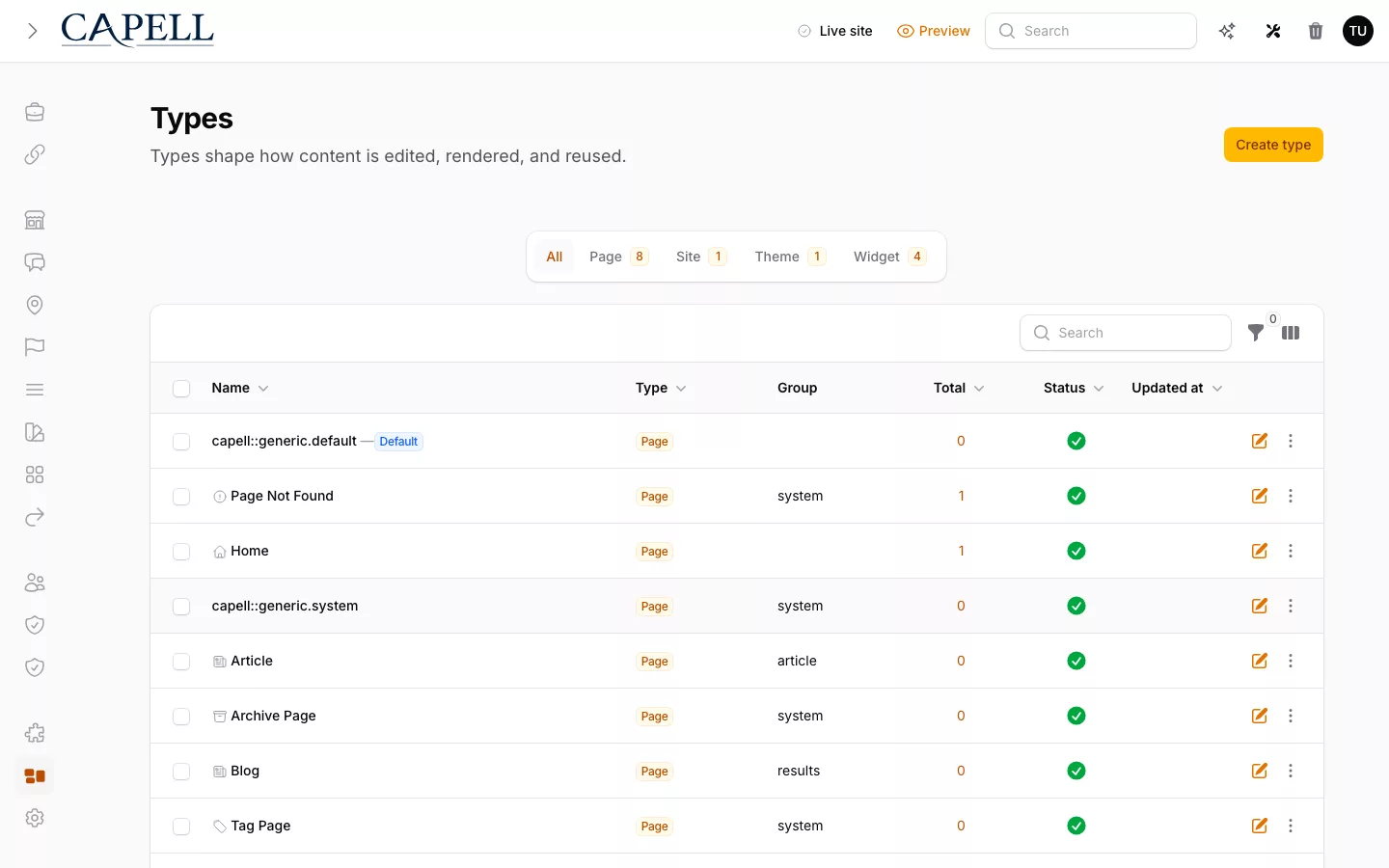
Capell page types with structured definitions for public pages.
Begin with the page definition: editable content and public presentation are related, but have different responsibilities.

Follow the guide from a campaign record to a verified public response, then explore the detailed delivery paths.

01 / Content and routing

Your site, your way

Build the public site in Laravel with control over its design, URLs and behaviour.

A public page begins with a content model, not a separate frontend service. A page type describes the information an editor can maintain; a page record supplies that information for one URL. Your Laravel application remains responsible for the route, the presentation and the behaviour around the page.

Start by deciding which pages genuinely share a shape. A campaign might have a headline, introduction, image and call to action; a help article might need a subject, answer and related guidance instead. Keeping those definitions distinct makes editorial forms clearer and prevents every template from having to guess what an arbitrary field means.

Routing then connects the published record to the visitor-facing address. Treat that address as part of the content contract: changing a campaign name should not accidentally strand incoming links. When a URL needs to change, plan its replacement and redirects, and check the response as an anonymous visitor rather than relying on the editor screen.

Page definitions showing the relationship between editable content and public page types.

02 / Presentation

Build pages that work together

Give related pages a shared structure so editors can update them and you can improve the design in one place.

Capell lets the application own presentation while editors work with the content that presentation expects. Blade is a natural starting point for a Laravel-rendered site. Livewire can provide an interactive workflow where it is needed; a separate frontend remains an architectural choice rather than a prerequisite for publishing a page.

With Layout Builder installed, containers organise the page into meaningful regions and widgets provide the individual content or interactive elements. Widget assets supply the authored material for a widget instance. Use that separation to keep a guide's introduction, explanation, evidence and next step in a readable sequence instead of presenting a collection of unrelated panels.

For the campaign, editors can change the offer, replace its image and arrange the components your developers make available within the page containers. They do not need to rebuild the template for each new promotion. Developers still define which widgets are available, how the page responds on smaller screens and how the enquiry form validates and handles a submission. That gives the publishing team useful freedom without asking them to maintain application code.

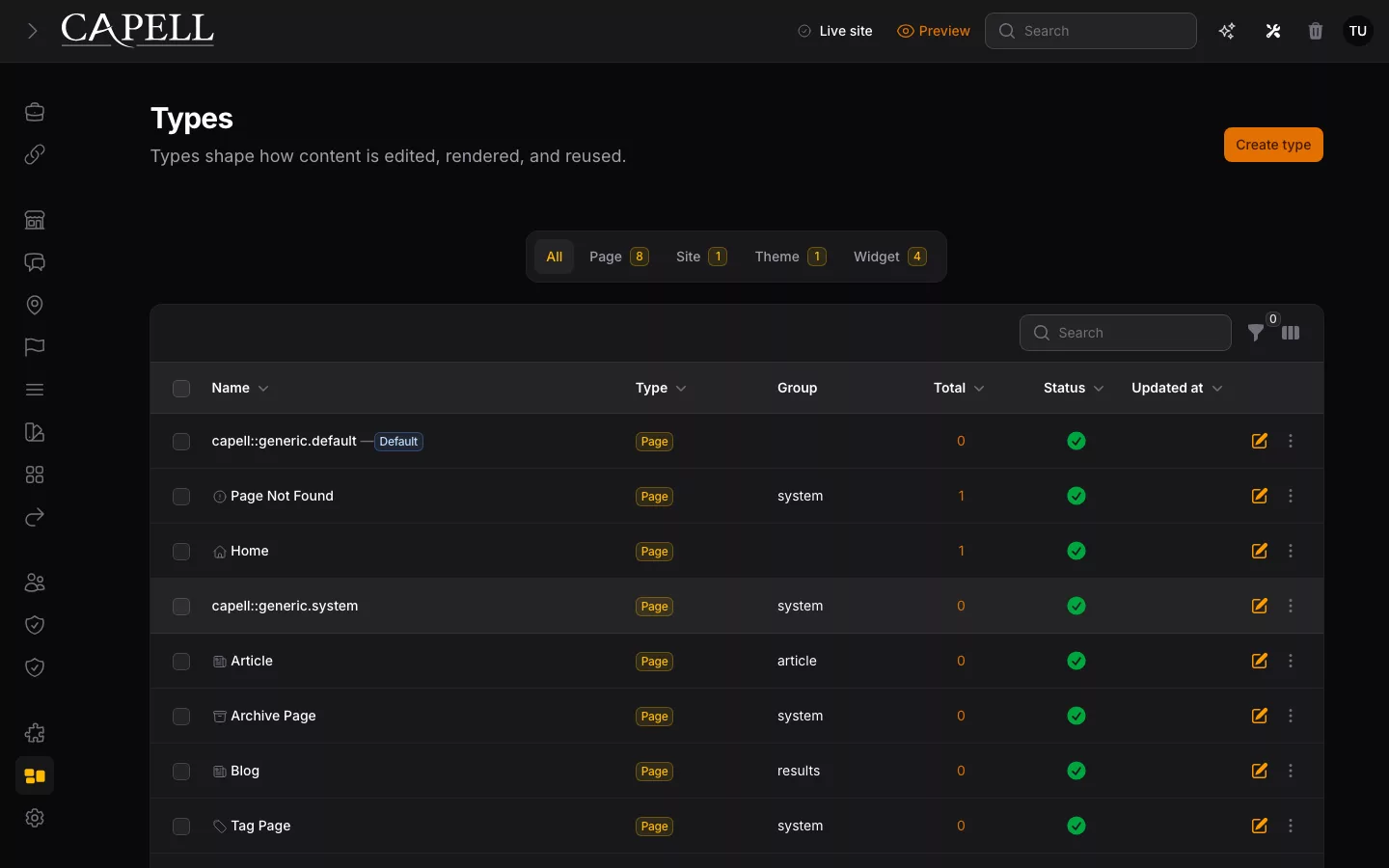
Layout Builder showing containers and their widgets, rather than a separate hard-coded page composition.

03 / Public rendering

Ready for visitors

Turn published content into a public experience with the forms and application features visitors need.

The editing screen and the public response serve different audiences. An editor may need draft state, permissions, revision tools and field-level controls. A visitor needs the published content and the functionality intended for that page. Treat that distinction as a rendering boundary, not a CSS rule that merely hides editing controls.

Public templates should receive prepared render data. Resolve the page, translations, media and widget data before rendering; keep model lookup and permission decisions out of the public Blade view. This makes the template easier to understand and allows the same public contract to be inspected for an ordinary request, a cached response or another supported delivery path.

Verify the actual anonymous response. Check that it contains the intended headings, image descriptions, links and form behaviour, but no signed editor links, raw widget state or internal field identifiers. A preview can prove that a draft looks right; it cannot prove that the published or cached page serves the right bytes to someone without an account.

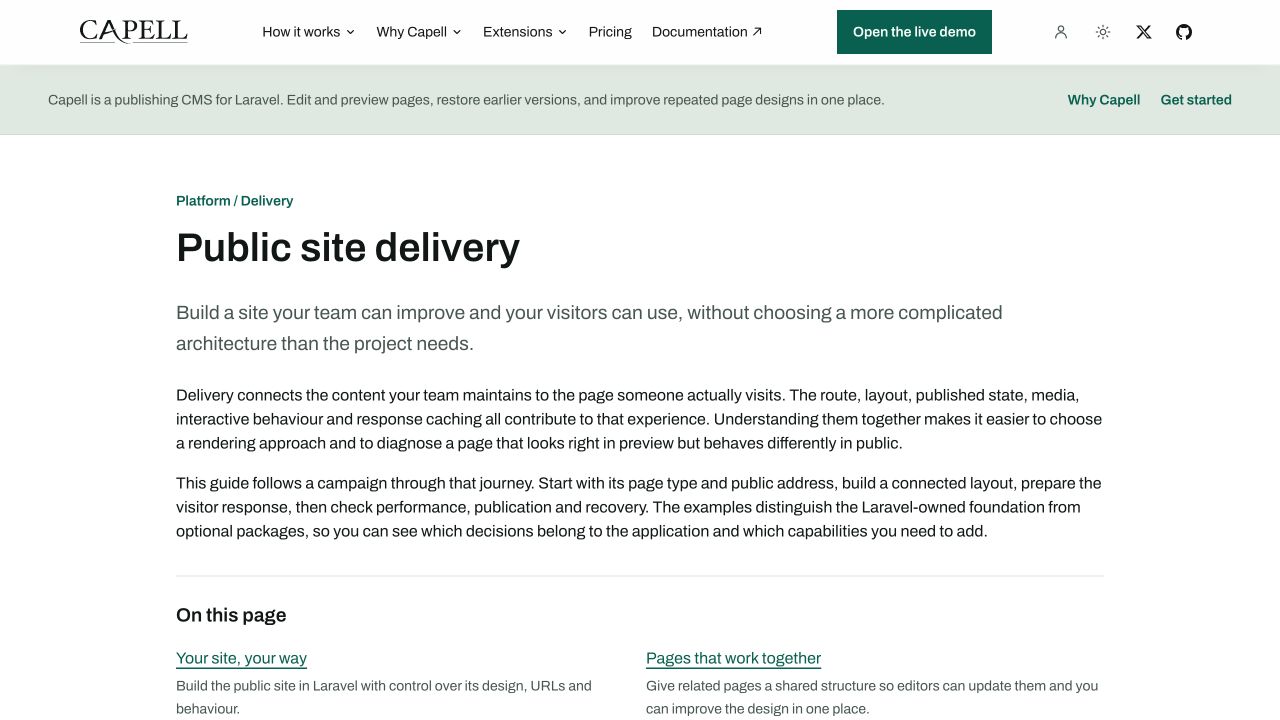
Delivery: Actual anonymous Capell delivery guide showing the published overview and linked contents in its Laravel-rendered page.
The published Delivery guide as an anonymous visitor sees it, with its overview and linked contents. This demonstrates public rendering, not form handling or cache timings.

04 / Performance and SEO

Fast and findable

Build pages people can reach, understand and use, with appropriate media, metadata and optional caching and SEO packages.

A page is not complete because it looks correct after everything has loaded. Inspect the first response, the first viewport and the work needed to reach the main content. An oversized screenshot, a missing image dimension or a delayed stylesheet can undermine an otherwise clear page. Give important media an appropriate size and keep interactive code tied to the interaction that needs it.

Where an HTML cache package is installed, separate cache behaviour from fresh rendering. A cache-bypassing request checks the current render path; the canonical URL checks what visitors actually receive. After content changes, understand how entries are refreshed and verify the served content rather than treating a successful invalidation command as confirmation that a page is fresh.

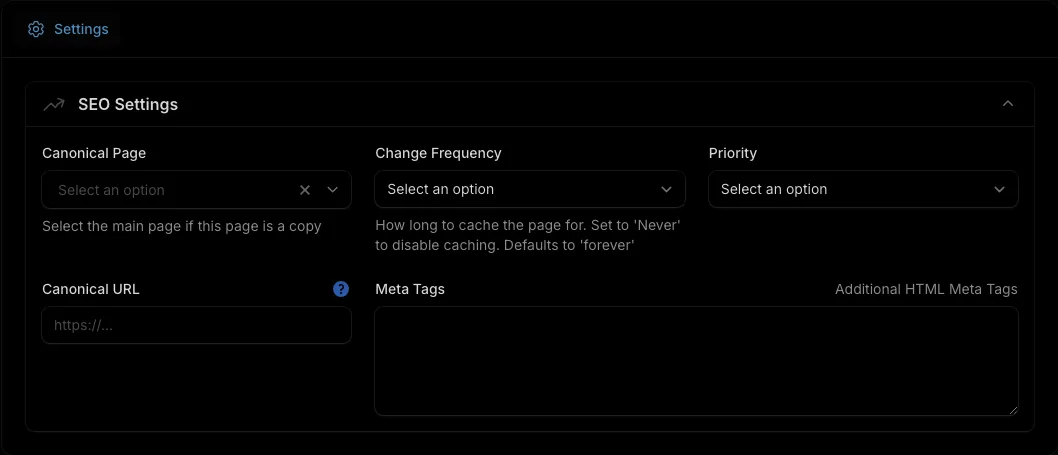
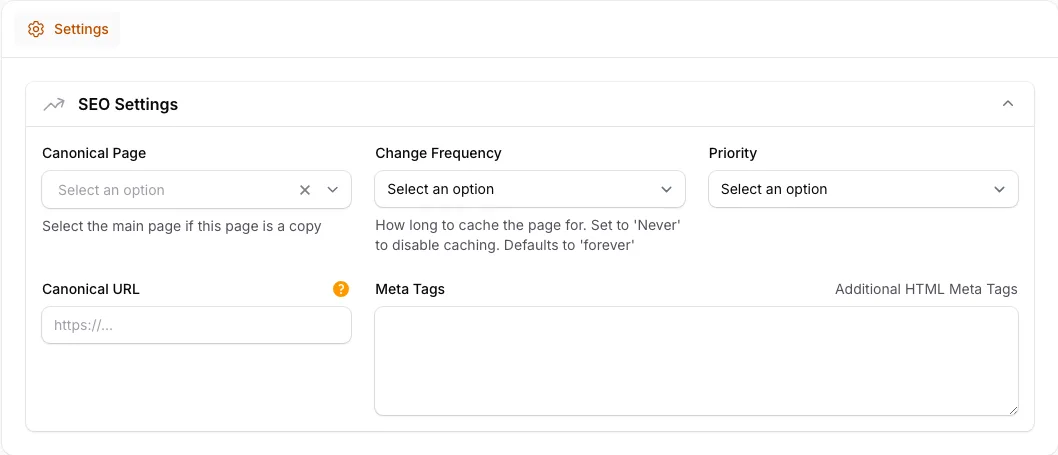
Discovery is another response-level check. Confirm the page title, description, canonical address and appropriate indexing behaviour. Use a clear heading hierarchy and meaningful internal links so both people and crawlers can understand the page. Optional SEO and URL-management packages can support that work, but they do not replace checking the final output.

05 / Change and recovery

Change with confidence

Keep everyday content updates separate from code releases, with the right review and recovery path for each.

Publishing content and releasing application code are related but different operations. An editor changing a campaign introduction should not need a code deployment when the existing content model and presentation already support it. Changing the schema, installing a package or altering the template is application work with its own review and release checks.

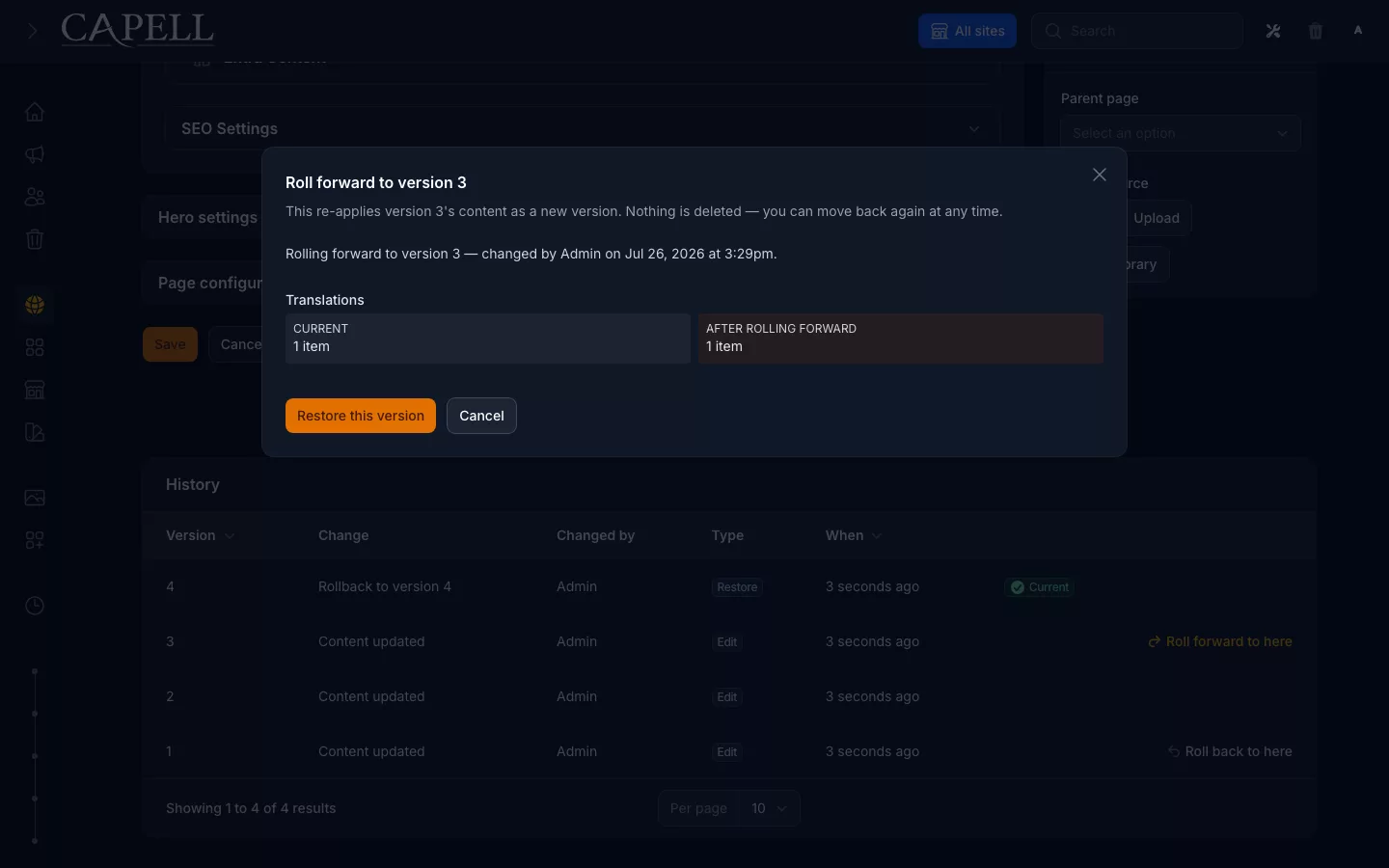
Before publishing, preview the intended content and check the behaviour surrounding it. Foundation provides Page history, comparison and validated recovery. Publishing Studio adds assigned review and coordinated publication when the team needs that workflow. Decide who can approve changes, how an urgent correction is made and how a previous revision is restored. Do not assume an optional workflow is available simply because the public page can render.

Deployment remains your Laravel application's responsibility. Plan dependencies, environment configuration, migrations, built assets and the checks that establish a healthy release. Recovery should distinguish restoring content from reverting an application release: the first addresses an editorial mistake; the second addresses incompatible code or infrastructure. Verify the public URL again after either operation.

Capell Foundation Page history for comparison and validated recovery
Foundation Page history provides comparison and validated recovery; Publishing Studio adds assigned review and coordinated publication.

06 / Architecture and next steps

Start with what you need

Keep rendering in Laravel, or introduce a separate consumer when the project genuinely calls for one.

Use Laravel-owned rendering when the website and its application behaviour belong together. It keeps routing, validation, authentication and presentation in the application your team already operates. This is especially useful when a content page leads directly into a form, account area or other business workflow rather than acting as a detached document.

A headless split becomes useful when a real consumer needs it: for example, another application needs published content independently of the website. It also creates responsibilities for the API contract, consumer rendering, preview integration, cache freshness and deployment coordination. Compare those costs against the consumer requirement before introducing the split.

Capell Foundation is not a hosted content-delivery service and does not include a content-delivery API. An optional API package, currently in beta, provides read-only JSON for published pages. Confirm that package's current scope before promising a particular consumer integration. You can start with a Laravel-rendered website and revisit the boundary when an actual delivery requirement changes.

Next step

Choose your rendering approach

Start with the public page your project needs, then choose the optional packages that support its layout, performance and publishing workflow. Check the current package scope and licence before making the delivery plan.

Role scenarios

What to inspect in frontend delivery

Checks for public delivery, cache behaviour, frontend control, and output safety.

Role-based checks drawn from product capabilities and fit boundaries.

Actual Capell Layout Builder for the agency workflow described.

Check for database queries during cached rendering

Render a cacheable public page that performs a database query. The render should fail visibly in development so a slow query cannot become part of the handed-over build.

Read more

The renderer treats a stray query on a cached page as a fault, so delivered performance does not quietly erode after handover. Public presentation stays the Blade and Tailwind the agency owns, not rented from a renderer agency teams cannot touch.

Trade-off to assess: It will not hand a client who wants to design every page a no-code canvas. A hosted builder fits better when the app does not need to own delivery or defend its own speed.


Run this yourself in the demo

Agency Director

Evaluator scenario for an agency director

Loading footer