Engineering checks and dated results
Release and compatibility · Install diagnostics · Public-output safety · Page recovery · Continuity · Upgrade diary · Upgrade, removal and CI evidence · Limits
Start with failure cases before trusting the happy path. Recover a page, inspect an anonymous response, run the lifecycle commands and open the source behind each metric.
Public pages are coupled to the Laravel application; Capell Foundation has no delivery API (the optional API package, in beta and free, returns read-only JSON for published pages) and no hosted Capell runtime. That limitation belongs in the adoption decision, especially when several independent frontends need the same content.
Page history and rollback Install, upgrade, and doctor Current CI evidence
Make the adoption decision checkable
Inspect dated evidence, recovery and continuity before depending on Capell.
Confidence should come from something you can examine. This page brings together Page recovery, current engineering results and the project's continuity commitments. Read each claim with its date and scope, then use a pilot to check the requirement that matters to your application.
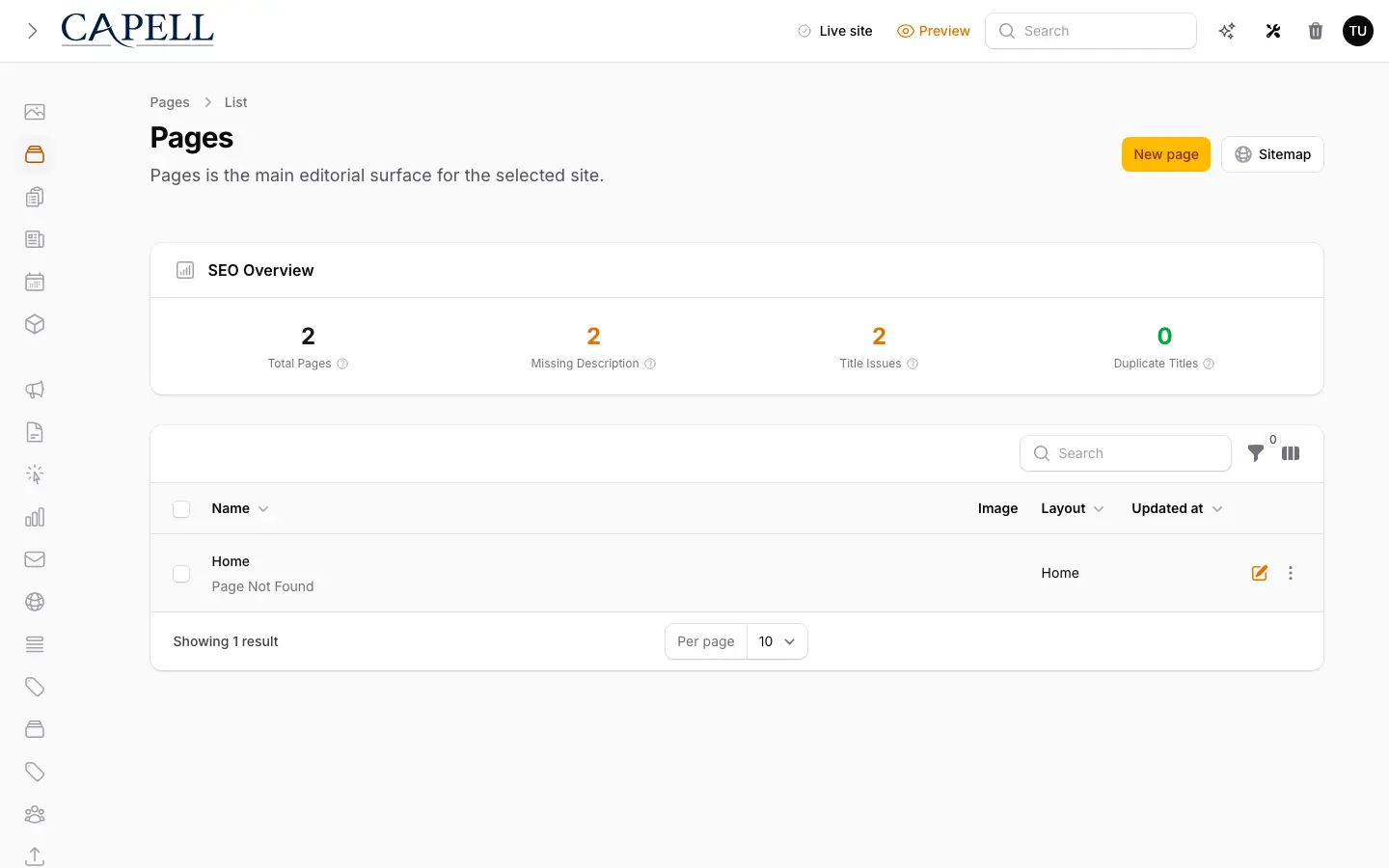
Adopting a CMS means trusting future upgrades, recovery paths and the boundary between editor work and public output. Those claims should survive a test, not rely on a brochure. Five checks you can run before committing:
- Verify release and compatibility. Use the current tagged 1.x release and verify PHP 8.4, Laravel 13.x, Filament 5, and the chosen PHP-FPM or Octane runtime against the actual application. A roadmap state, branch name, or undated package page is not release evidence.
- Inspect public-output safety. Request a published page anonymously and check that the response contains no editor state, internal IDs, field paths, permissions, signed preview URLs or package internals.
- Practise upgrade and removal. Run the supported upgrade path in staging, inspect package migrations and jobs, and test the documented removal effect before production adoption. Installed paid packages keep running after entitlement expiry, but protected downloads, updates, and support stop after the grace period.
- Check the date behind a number. Engineering cards render only when the public projection and operator manifest agree on the result, method, attestation, date and allowlisted CI run; a stale or mismatched claim disappears instead of being shown as current.
- Keep the limits visible. Capell remains a coupled Laravel CMS: Capell Foundation has no delivery API (the optional API package returns read-only JSON for published pages) and no managed Capell runtime. Paid terms cover their stated named-user, production-domain and non-production-environment allocations, and optional packages add their own data, migrations, jobs, and operating responsibilities.
Read evidence in context
Distinguish a current result from a permanent guarantee.
A release check applies to the version and workflow it measured. A screenshot demonstrates a particular configured environment. Neither establishes that every possible project integration will behave the same way. Follow the linked source and date before relying on a result.
Use the published evidence to identify what to test, including package compatibility and public output. A missing result should remain a question, not become an implied success. Keep local pilot findings separate from product-wide claims.
Plan for continuity
Understand what you retain and what you must still operate.
Your application, content and hosting responsibilities do not disappear into a hosted CMS account. Read the actual licence and continuity commitments for Foundation and paid packages. This explanation does not replace those terms or create a new entitlement.
Test Page recovery alongside your application backup and release procedures. Keep the dependency lock and maintenance knowledge available to the next owner. A usable continuity plan includes people and operating instructions as well as access to code.


Recover a page without hiding its history
Core appends a full-state revision after PageSaved. Admin provides Page History, diff preview, integrity validation, rollback, and roll-forward without erasing later history. This history is page-only. Capell does not imply the same recovery model for every CMS record.
Publishing Studio is an optional licensed companion package. It adds isolated workspaces, assignments, comments, approvals, scheduling, atomic releases, and release recovery for Capell Pages.
Run maintenance before it becomes an incident
Use the commands in CI, a staging environment or the application shell to expose missing configuration and unsupported changes early.
Install
php artisan capell:installPreview an upgrade
php artisan capell:upgrade --dry-runDiagnose the installation
php artisan capell:doctor- Install
- php artisan capell:install
- Checks the application and installs the CMS through the supported Laravel setup path.
- Upgrade
- php artisan capell:upgrade --dry-run
- Runs the supported upgrade sequence so version changes and migrations stay visible.
- Diagnose
- php artisan capell:doctor
- Reports missing configuration and operational problems before they become guesswork.
Each command runs against the customer-owned Laravel application.
One review standard for every first-party release
Automated checks, adversarial AI-assisted analysis and accountable human sign-off are separate stages.
We review the exact package version and artifact, not a publisher label or a permanent claim of security. When code changes, we review it again. Catalogue-wide claims remain hidden until every eligible first-party extension and theme has current evidence.
AI-assisted source inspection is limited to the code and behaviour examined. It can identify implementation paths, unsafe assumptions and unsupported claims, but it does not replace current release evidence or the accountability of the people who approve and operate the software.
Inspect anonymous output
curl -s https://your-site/page | grep -Ei 'wire:|livewire|filament'102 of 102 eligible first-party releases currently carry exact-release review evidence.
-
Strict, maintainable PHP
Strict types, explicit signatures, Pint and PHPStan keep package code predictable and UI layers thin.
Automated AI-assisted -
No database queries in public views
Public Blade receives complete hydrated data without Eloquent, query-builder, DB or lazy-loading fallbacks.
Automated AI-assisted -
Actions and typed boundaries
Domain work belongs in Actions or services, with structured input and output crossing layers through Data objects.
Automated AI-assisted -
Clean public output
Anonymous HTML is checked for editor controls, internal IDs, field paths, permissions, package internals and signed URLs.
Automated AI-assisted -
Authorisation and input safety
Permissions, validation, rate limits, signed routes, escaping, uploads and raw queries receive explicit scrutiny.
Automated AI-assisted Human sign-off -
Declared package boundaries
Packages use Capell extension points, declare real dependencies and degrade safely when optional companions are absent.
Automated AI-assisted -
Manifest and migration integrity
Declared commands, settings, contributions, migrations and health checks must match reachable code and lifecycle guidance.
Automated AI-assisted -
Compatibility and interoperability
Supported release families, dependency closure and cross-package behaviour are exercised together as well as in isolation.
Automated AI-assisted Human sign-off -
Meaningful tests
Primary behaviour, failure paths, permissions, public output and package contracts need behavioural evidence.
Automated AI-assisted -
Security and supply chain
Dependency audits, secret scans, artifact hashes and public-output contracts protect the exact reviewed release.
Automated AI-assisted Human sign-off -
Performance and operations
Hot paths, job retries, bounds, cache interactions and diagnostics are reviewed for production behaviour.
Automated AI-assisted -
Theme delivery quality
Responsive layouts, keyboard access, reduced motion, light and dark modes, content portability and screenshot truth are inspected.
Automated AI-assisted Human sign-off -
Claims match reality
Marketplace copy, screenshots, setup, support, data access, compatibility and removal guidance must match reachable behaviour.
AI-assisted Human sign-off -
AI analysis plus human accountability
AI searches for missed interactions and unsupported claims; an authorised human resolves findings and owns the exact-release decision.
AI-assisted Human sign-off
What you are left with if Capell stops
Capell does not take ownership of your application. If the project stopped tomorrow, you would still have a normal Laravel application, ordinary Composer packages you can open and fork, your own database, and the frontend your team wrote. There is no hosted runtime to lose access to and no proprietary content store to export from.
Foundation is MIT licensed and does not expire. Paid packages you have installed keep running after an entitlement ends; what stops is protected downloads, updates and included support. If Capell discontinues a first-party package, that package's source is released under the MIT licence.
The full terms are on the licensing page. Support windows for the current release line are dated on the requirements and support page.
Upgrade diary
Upgrade evidence, published from the command
There is no entry yet. The first entry will be added after the first Laravel/Filament point-release after launch. It will show the raw output from capell:upgrade --dry-run, including warnings and unknowns, so the evidence remains inspectable.
After the first Laravel/Filament point-release after launch, this diary will publish the exact dry-run transcript, date, elapsed time and exit code.
Current engineering results
Strict types, PHPStan, Pest and package checks run in the release pipeline. Every visible card carries its observation date and allowlisted workflow source. Missing, stale, future-dated or mismatched results are omitted individually.
No current evidence cards are available. No externally verified set has been published yet, so there is no previous expiry date to report.
Public project activity
These values are refreshed on a schedule from GitHub and Packagist, then published from the public cache. Each card carries the observation date and opens the source used for the value. If a source is unavailable or a value cannot be validated, that card is omitted.
GitHub stars
5
Stars currently shown on the public Capell repository.
Packagist downloads
3
Total downloads reported by Packagist for the Capell package.
Role scenarios
What to inspect before launch
Checks for security claims, release readiness, operations, and known limits before launch.
Role-based checks drawn from product capabilities and fit boundaries.
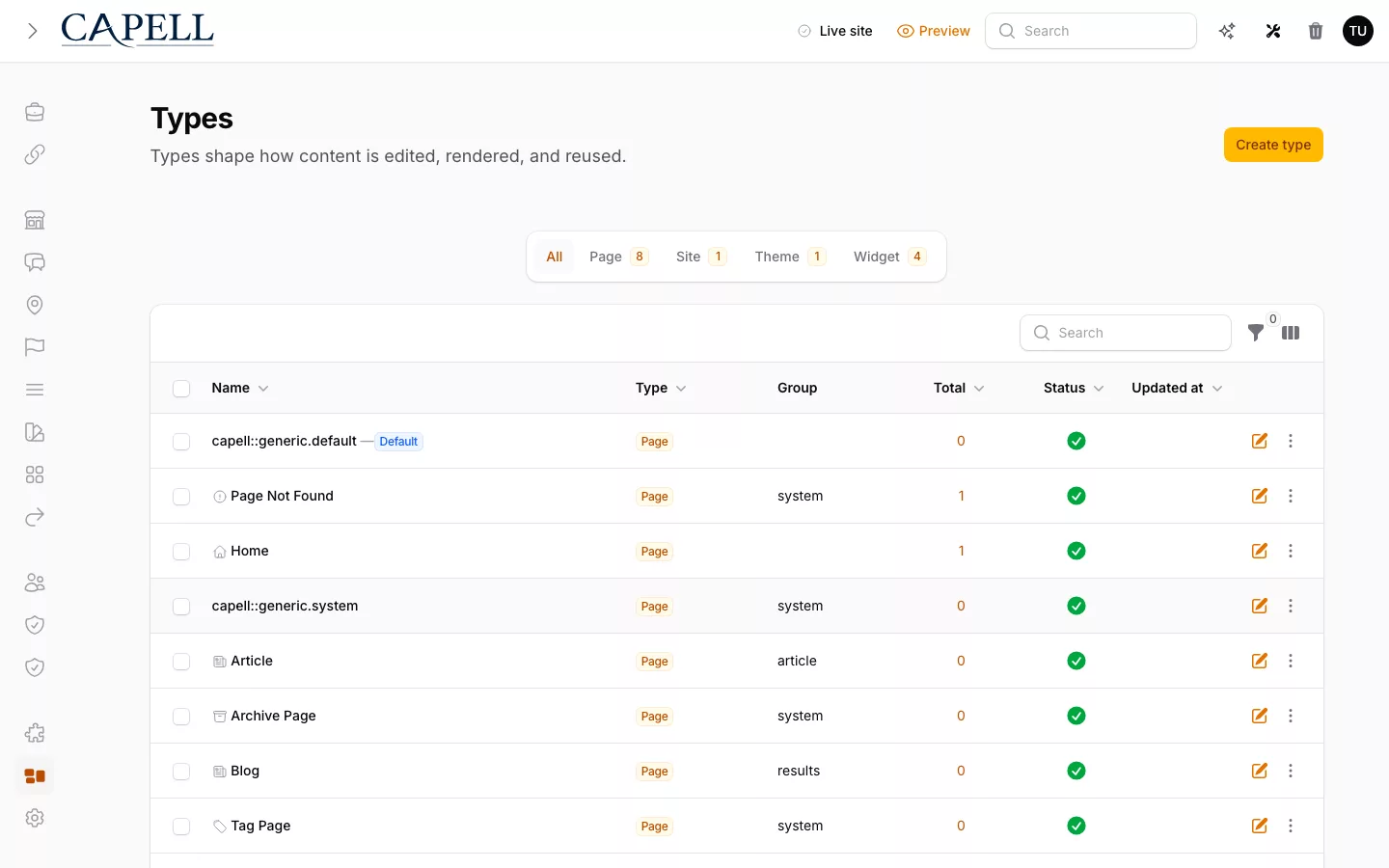
Test public output for editor data
Render public HTML containing editor markup, a signed admin URL and an encoded form of the same URL. The output inspector should block every leak and record the responsible extension without storing the secret.
Read more Show less
A technical lead can check the same behaviour in the public-output tests: the inspector normalises encodings, catches signed URLs JSON-escaped inside an inline script, and rejects fabricated testimonial wording. The check records the responsible extension without retaining the secret.
Use these checks as a floor, then run threat modelling and a real pen test against whatever gets built on top. They are readable safeguards, not a certificate of total safety.

Trust: evidence for the editor role
Place a signed editor URL in draft text and add an encoded version inside a script, then request the public page. Both forms should be blocked before visitors receive them.
Read more Show less
Evidence to request: Before serving a page the inspector normalizes multiple encodings, unescaping things like unicode and slash sequences, so a signed editor URL hidden inside an inline script is still caught rather than shipped. Every near-miss is logged as an event, so the boundary is enforced by code, not promised in a sentence.
Alternative fit: It guards what reaches the page, not whether their copy is correct. Facts, tone and accessibility are still theirs to check; the contract stops leaks, it does not proofread editors.
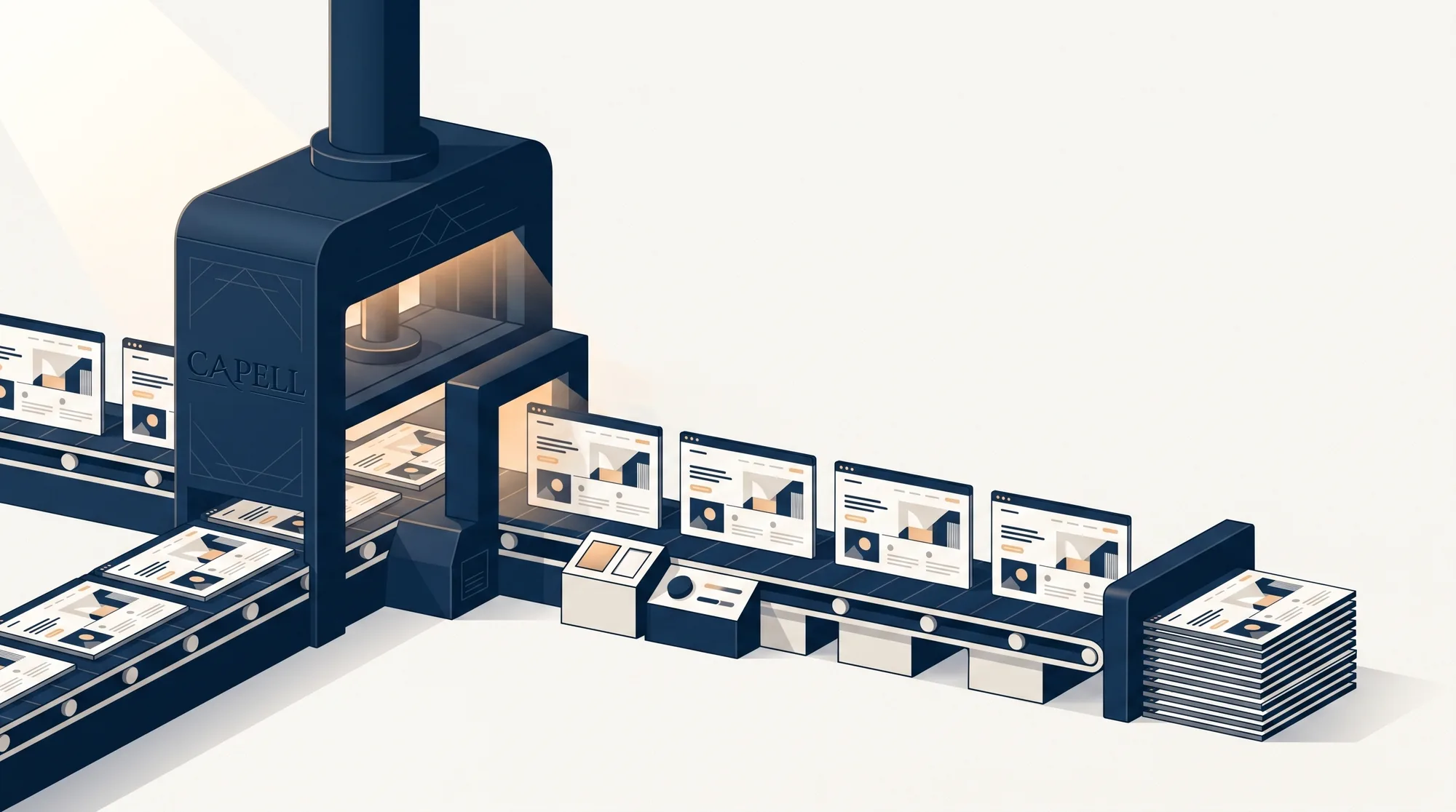
Test Trust with an agency director
Trigger a render-contract violation from a test extension and inspect the resulting event. It should identify the package while hashing URLs and removing tokens, creating evidence that can be shown without leaking secrets.
Read more Show less
Expected evidence: Contract violations are recorded as first-class events that name the offending package, while the log itself hashes URLs and strips tokens so it never becomes a secret store. Paired with engineering figures read from real test runs and a scenario pipeline that throws on fabricated praise, those are claims agency teams repeat without crossing their fingers.
Choose a lighter option when: A real customer track record still carries its own weight, and a newer platform is earning that. Agency teams can vouch for the mechanics; agency teams cannot yet point to years of named references.
Next step
Inspect Page History in the demo
Use the demo to inspect page history and public output before repeating the same checks in a local foundation install.
Look for what an anonymous visitor can see, what a page recovery preserves, and which claims link back to current engineering results.