Awards
Archive & directoryNumeric scores, segmented judging, winner-of-the-day, public votes — an awards scoreboard with the tension left in. May the best entry win.
Choose which optional cookies Capell may use.
Required for Capell to work — login, security, page rendering.
Anonymous usage telemetry to improve editor performance.
Personalization for the Capell marketing site.
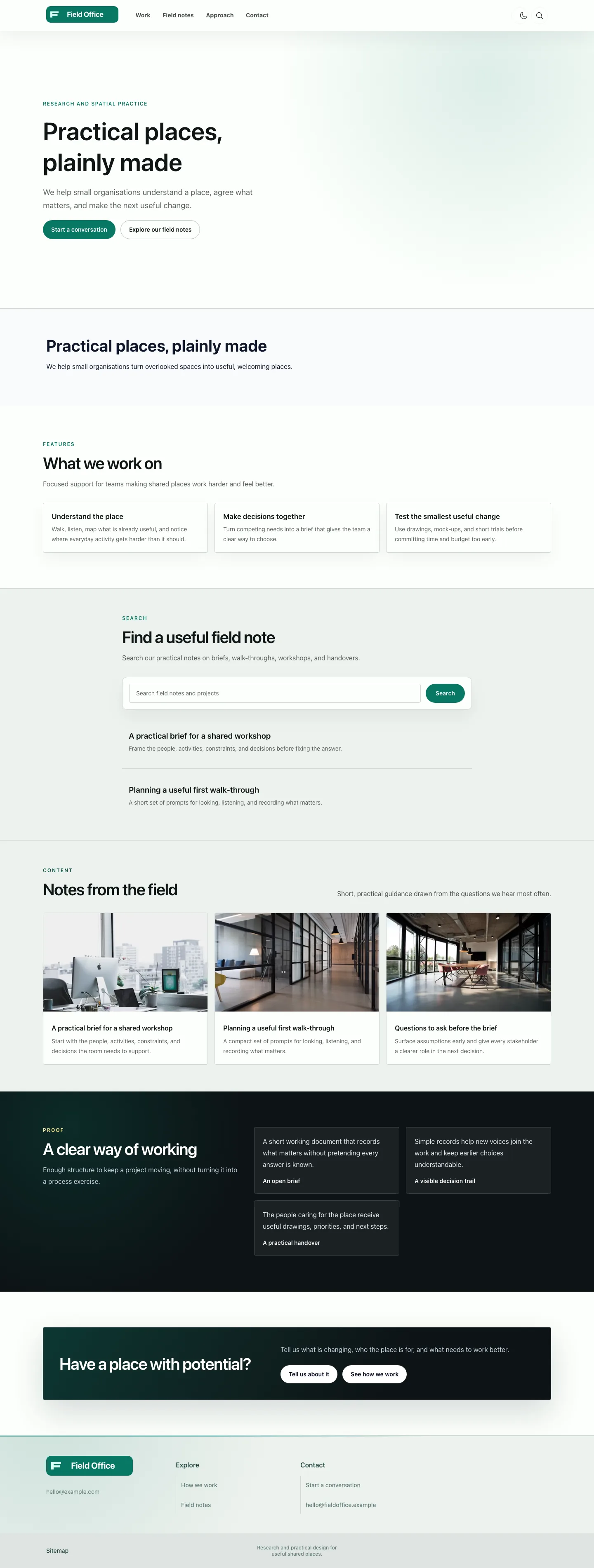
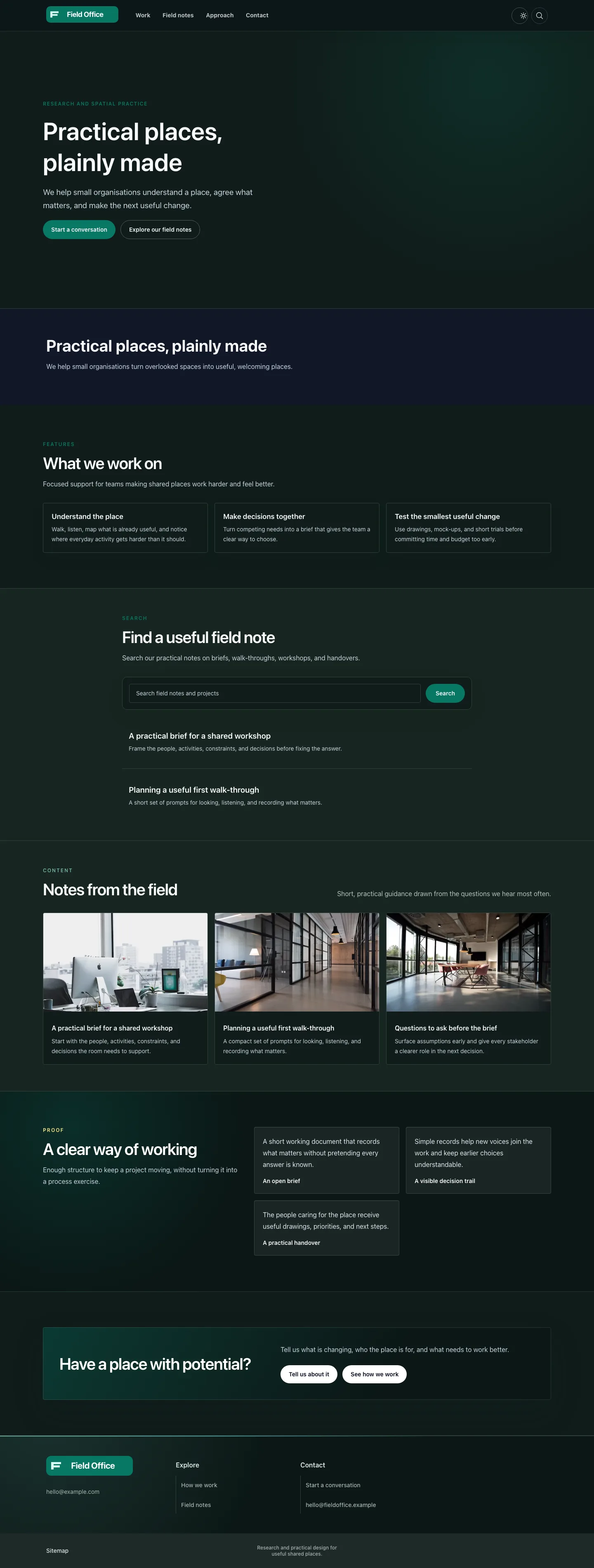
Judge a theme by more than its homepage. Open the real preview, move through the page types and responsive states, then check tier, setup, support, editable content, and replacement cost.
Capell themes provide worked page designs that a Laravel team can inspect, adapt, and eventually replace. Use the gallery when a real preview fits the brief; use the custom theme guide when adapting a package would create more work than starting from the site's own design.
Numeric scores, segmented judging, winner-of-the-day, public votes — an awards scoreboard with the tension left in. May the best entry win.
Monospace type, stark links, visible focus rings, deliberately unpolished. A zine-grade archive for culture that lives outside the mainstream and distrusts gloss.
A digital-awards archive with motion previews, jury scores, and sharp media frames on muted grey. Every winner, every credit, every frame accounted for.
An award-show directory with an experimental streak — submission galleries, bold type, rules made to bend. For creative industries that hate looking corporate.
A search-first documentation theme with structured navigation, API references, changelogs, and reader feedback paths.
Print-voice serif typography, generous measure, nothing shouting. For essayists and journals where the words are the design.
Page 1 of 4 Showing themes 6 of 21 themes shown
Scaffold the Laravel views, layouts, assets, and tokens from the theme guide, then test them against the site's real page shapes. Editors can continue working with the same content while the frontend team owns the resulting markup.
A packaged theme can still be a reference. Reuse the useful setup patterns and replace the renderers that do not fit.
Packaged and custom themes follow the same practical path: establish the content assumptions, shape the page renderers, connect the visual tokens, test real pages and responsive states, then release with a replacement plan.
Install a listed theme when its page shapes fit, or scaffold a custom one when the brief needs a different structure.
Build the layouts and renderers against the hardest article, listing, landing page, and navigation state in the brief.
Map colours, type, spacing, density, and supported presets to tokens that can change without rewriting page content.
Check realistic content lengths, media, accessibility, responsive states, and any optional package surfaces before release.
Apply the theme, verify key public routes, and document how the next team can override a renderer or replace the design later.
A redesign should preserve the content editors maintain unless the underlying page model genuinely needs to change.
Test the actual HTML, assets, accessibility, responsive behaviour, and cache path that visitors receive.
The handover should explain how to override one page family or replace the whole design without rebuilding every record.
Switching presentation should not force editors to recreate sound page content. Identify any model change separately from the visual redesign.
Theme docsMaintainers should understand how the theme turns navigation, media, forms, search, and page sections into the public result they support.
Frontend ownershipAgencies can reuse discovery, setup, quality checks, and handover while leaving each client's brand, content, and conversion journey distinct.
Agency deliveryCompare tier, support, update access, setup, screenshots, fit, and replacement cost before making a theme the basis of a long-lived site.
Compare suite pathsEvery public first-party theme earns Capell reviewed only after its exact release passes the theme delivery subset and the shared package standard.
Review covers representative pages, responsive widths, keyboard access, reduced motion, light and dark presentation, content portability, query-free public Blade, shared package behaviour and screenshot truth.
1 of 45 eligible first-party releases currently carry exact-release review evidence.
Representative page families are inspected at desktop, tablet and mobile widths with keyboard focus and reduced motion.
Theme views receive complete render data and do not fall back to Eloquent, query builders or relationship loading.
Promoted screenshots, real content handling, setup guidance and compatibility must match the release a customer installs.
Role scenarios
Checks for ownership, content fit, extension points, performance, and future redesigns.
Role-based checks drawn from product capabilities and fit boundaries.
Inspect Themes from the site owner perspective
Compare the marketplace swatch with the installed theme stylesheet, then switch a token preset. The preview colours should come from the real CSS and the project should retain editable Blade and styles.
Acceptance evidence: The marketplace reverse-engineers the palette straight out of the theme's stylesheet, so the colours site owners previewed cannot drift from the real thing even though the theme's settings block is empty. The evaluator can compare the generated preview with the real stylesheet instead of relying on a marketing mockup.
Boundary of fit: It is a structure, not a finished brand. Real design, accessibility and content work still land on teams or whoever teams hire, and site owners would not pretend otherwise.
Test Themes with a Laravel technical lead
Render a deliberately broken theme section in development and production. Development should throw for diagnosis, while production should degrade that section safely without taking down the whole page.
The demonstration should show: A broken section throws in development but degrades safely in production, and sections inherit a default contract that keeps the theme thin. Inspect the inherited Blade and Tailwind extension path rather than relying on a bespoke templating DSL.
Scope check: No-code convenience is not the goal here, and the page says so plainly. A theme is a start, so distinctive brand and the accessibility pass are still their work, not something it finishes.
A layout ready for real content — what to verify
Create a new page from the theme's default sections, reorder them and preview the result. The page should begin with a useful structure and allow composition from real section types rather than a blank canvas.
A credible evaluation should confirm: The theme ships a per-section renderer registry, so editors assemble a page from first-class blocks that already know their job instead of styling an empty container. A preview lets editors read the result before it is live, and small changes are theirs to make without a design ticket.
When to look elsewhere: Content that genuinely breaks the usual patterns may still call for a bespoke layout from a developer. The theme gives editors a strong default, not a design for every unusual page editors dream up.