Find the page that could break the estimate
A representative pilot should include one routine article and one dependency-heavy landing page. Rehearse the final export, route switch, verification, and rollback before treating the rest of the site as repeatable work.
Inventory plugin-owned behaviour
Protect URLs, redirects, and media
Name every cutover owner
Move more than posts and pages
Preserve the URLs, media and plugin behaviour your visitors rely on.
A WordPress migration can look straightforward until a page depends on a shortcode, a builder or a plugin-owned form. Start with that difficult page. Capell's destination should give editors a clearer workflow while maintaining the public journeys that make the website useful.
What normally transfers
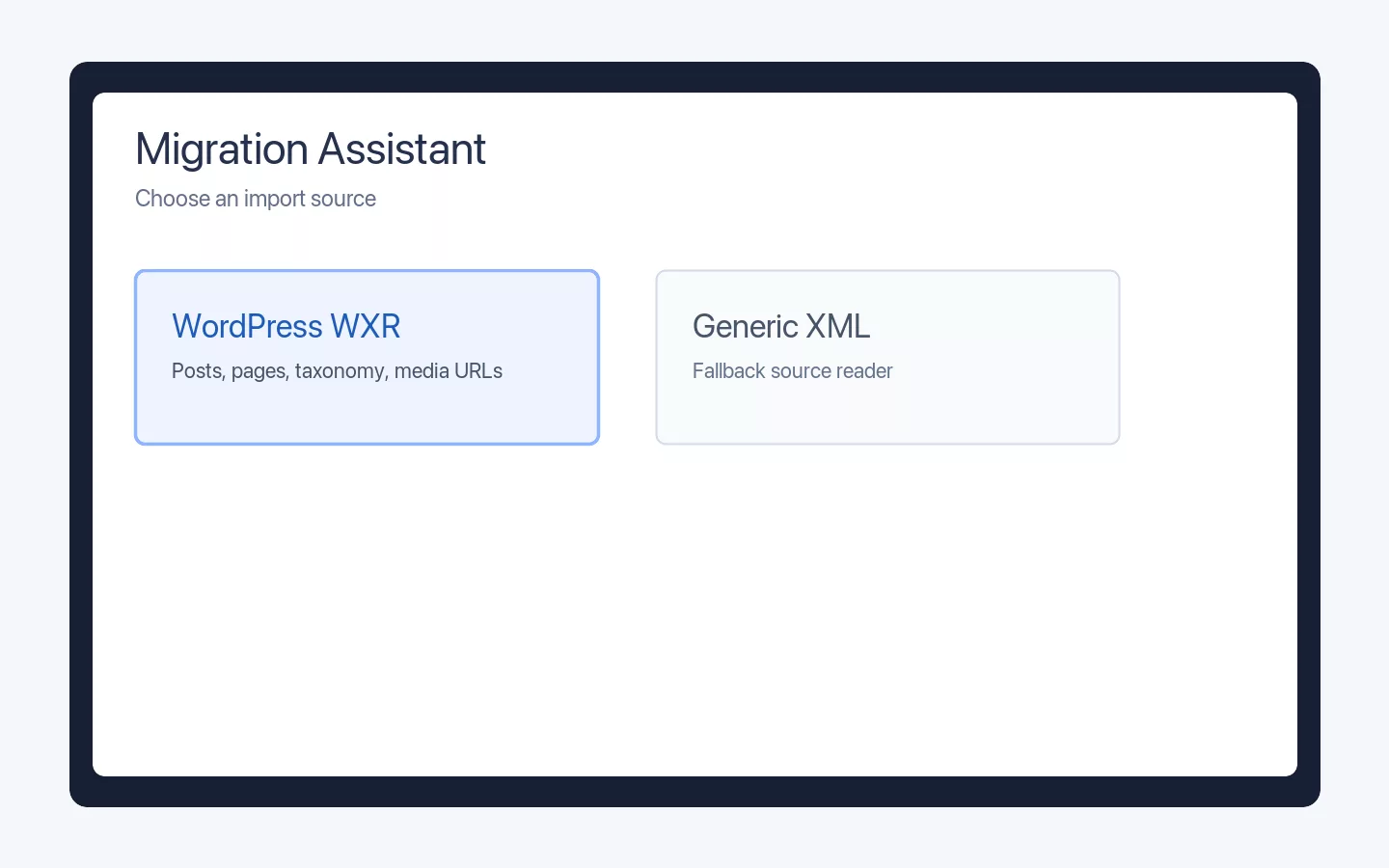
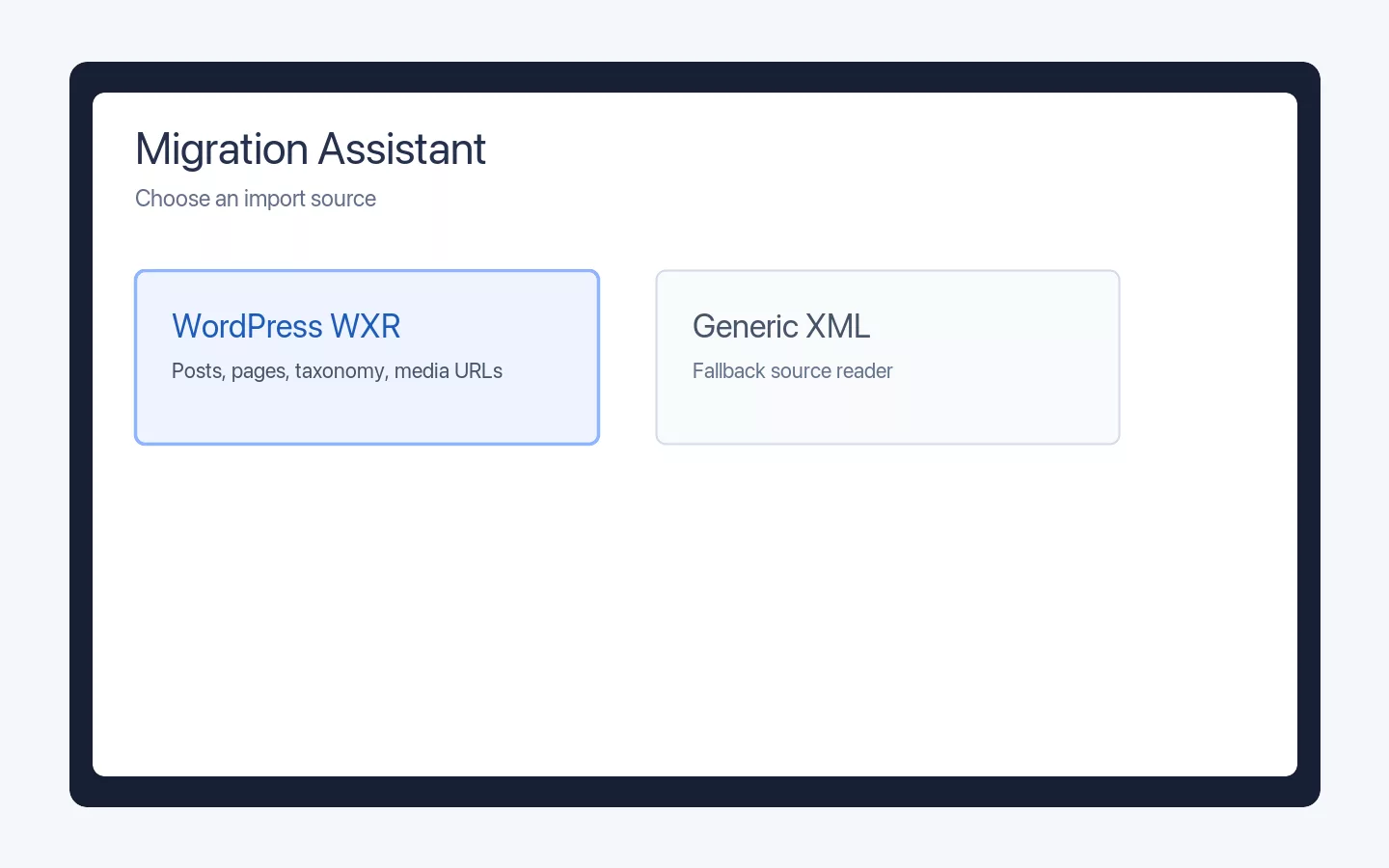
Posts, pages, authors, taxonomies, menu relationships, metadata, media references, and existing URLs can usually be exported. The content owner decides which statuses, revisions, users, and legacy records remain in scope. WordPress categories and tags arrive as metadata on each imported record rather than as live Capell taxonomy, so an editor reassigns them after the import.
What needs mapping or rebuilding
Inventory plugins, themes, forms, custom fields, feeds, commerce, scheduled jobs, shortcodes and blocks. The plugin owner decides whether each behaviour maps to Capell, another Laravel package, bespoke code, or retirement.
What may not transfer cleanly
Page-builder markup, undocumented plugin tables, generated image sizes, embedded third-party scripts, and inconsistent media metadata often need editorial cleanup. The media owner defines the source file, alt text, crop, rights, and broken-reference checks.
Verify URLs and search metadata
The URL and redirect owner records permalink patterns, canonicals, language paths, query-dependent pages, metadata, sitemaps, and redirect chains. Verify high-traffic URLs plus a representative sample before migration, during the pilot, and after cutover. Preserving search visibility is a migration goal, not a guarantee.
Run a representative pilot
Move one routine article and one page that depends on plugins, shortcodes or blocks, reused media, forms, and redirects. The editor acceptance owner repeats the real publishing task; the technical owner checks public HTML, metadata, media, integration behaviour, logs, and rollback.
Plan cutover and rollback
The cutover owner sets the write freeze, final export, DNS or route switch, redirect deployment, cache clear, monitoring window, and go or no-go decision. Keep WordPress recoverable and prevent conflicting writes until the acceptance owners sign off.
Start with the page most likely to expose a hidden plugin or URL assumption. If that pilot cannot preserve the required behaviour at an acceptable cost, change the scope or stay on WordPress.
Find what the export misses
Inventory plugins and generated content before estimating the work.
List custom fields, forms, page-builder markup, taxonomies, media variants and scheduled behaviour. Distinguish source information from generated presentation. A WXR export can provide posts and pages, but it does not automatically rebuild every plugin integration.
The WordPress Importer prepares supported WXR material for Migration Assistant mapping. Review the current scope and decide which remaining behaviours need Laravel packages, project code or deliberate retirement. Assign editorial cleanup rather than leaving broken shortcodes in the destination.
Protect the established journey
Reconcile addresses and interactions before the public switch.
Record important permalinks, redirect rules, canonicals and language paths. Verify representative pages and high-value journeys before and after the pilot. Preserving search visibility is a goal that requires monitoring, not a promise a CMS can make for every migration.
Agree who freezes edits, runs the final export and approves the switch. Keep WordPress recoverable until the destination passes content, media, integration and editor checks. Avoid conflicting writes while both systems remain available.
Map ownership before mapping fields
Cover content, plugins, URLs and redirects, media, editor acceptance, and cutover before implementation begins. On a small team, one person may cover several responsibilities; each decision still needs a named owner and acceptance check.
2 keep 4 replaced by Capell 2 to decide
-
In your WordPress site Posts and pages In Capell Structured page records Capell replaces
WordPress Importer previews WordPress WXR posts and pages for Migration Assistant mapping, preserving permalink, taxonomy, author, media-reference, Gutenberg, and shortcode metadata. Other plugin data needs separate mapping.
-
In your WordPress site Your domain and URLs In Capell The same addresses, backed by redirect records Keep
Nothing about the move forces new addresses. Permalink patterns that do change get redirect records, so search value and bookmarks survive the switch.
-
In your WordPress site Theme templates In Capell Page types, layouts, and widgets Capell replaces
Repeated page shapes become page types and layouts you improve in one place, instead of theme-and-plugin sprawl copied across the site.
-
In your WordPress site Media library In Capell Capell media records Capell replaces
Files move across with alt text, captions, and rights intact, ready to reuse on any page.
-
In your WordPress site Plugins In Capell Composer packages you can inspect You decide
Some plugin jobs map to marketplace packages, some belong in custom Laravel code, and some are habits the new site does not need. Package listings show compatibility, support path, security posture, and install impact, so upgrade work can be staged instead of guessed.
-
In your WordPress site WooCommerce or other commerce In Capell A per-project call You decide
Capell has no native commerce system. Keep WooCommerce while moving the content site, or pair another commerce system with Laravel; treat commerce as its own migration.
-
In your WordPress site Editor accounts and roles In Capell Filament admin access Capell replaces
Editors get a Filament workspace with structured pages, media, URLs, and previews. Optional packages can add deeper publishing controls.
-
In your WordPress site Hosting and deployment In Capell Your Laravel deployment path Keep
Routing, policies, tests and deployment stay in the Laravel project your team controls, with no separate platform to hand your site to.
Decide whether the migration should happen
Use the comparison to confirm the destination fits, then use adjacent guides only when the current site also contains headless or custom-admin dependencies.
Role scenarios
What to inspect before migrating
Checks for mapping, redirects, media, integrations, cutover, recovery, and ownership.
Role-based checks drawn from product capabilities and fit boundaries.
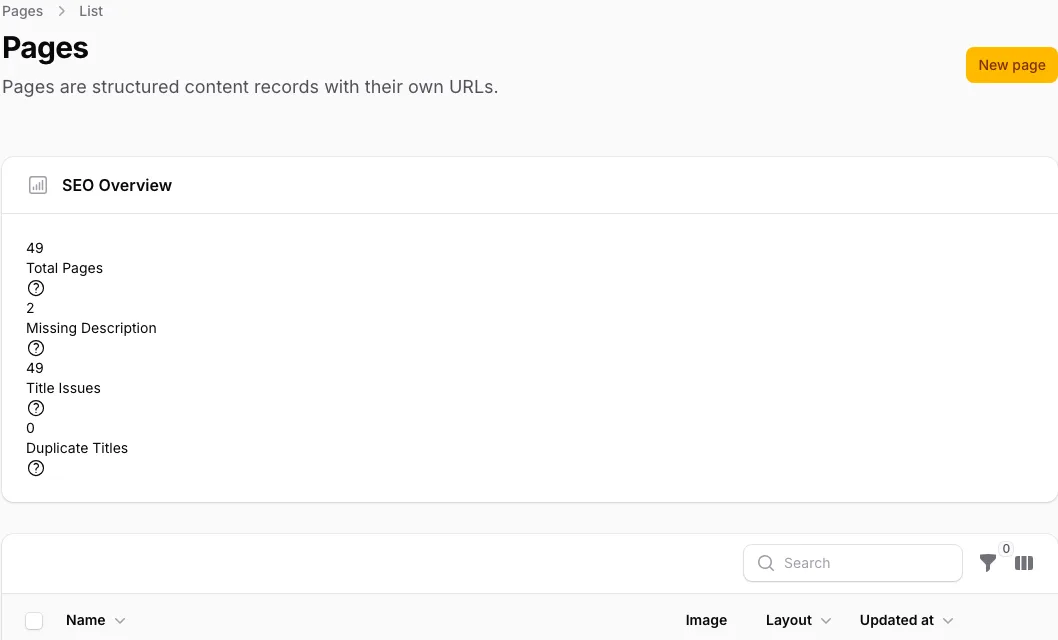
Check import rollback after editing a record
Dry-run an import, inspect its field map, then edit one imported record before testing rollback. The process should skip bad items, preserve redirects and refuse to erase the later edit.
Read more Show less
Check that old permalinks redirect to their intended new destinations after import. Re-import the same source and confirm that corrections already made to migrated pages are preserved.
When to look elsewhere: A tiny, tidy source can still be faster to re-key by hand than to map. Site owners would only lean on this when there is real structure worth carrying across, and site owners would still keep a developer close.

Migrations: a Laravel technical lead acceptance check
Preview an import, inspect field mappings, dry-run it and edit one migrated record before rollback. The rollback must preserve the later human edit and report any source structure needing custom handling.
Read more Show less
A credible evaluation should confirm: That last detail separates a move developers trust from one developers cross their fingers over: an undo will not wipe the cleanup the delivery team already did on top. Developers see what maps across before committing, so the client gets a plan instead of a leap.
When to look elsewhere: Genuinely bespoke or badly structured sources still need custom handling. This shines when there is real structure worth carrying over; a thin, messy source can be quicker to rebuild by hand.

Import is the start, not the finish — what to verify
Import several pages as drafts, including one with awkward formatting and media placement. Nothing should publish automatically, and the result should produce a clear editorial cleanup queue.
Read more Show less
Operational evidence to check: Because pages land as drafts rather than going straight live, nothing rough surfaces to a visitor before editors have been through it. Editors get to read and fix the imported content on their own time instead of firefighting it in public.
Decision note: A big, messy source just means more tidying, and no tool removes that editorial pass. The mapping moves the content; making it read well once it lands is still their work.
Questions
Questions that belong in the WordPress estimate
What moves from WordPress?
Pages, posts, media, redirects, and user roles need an explicit mapping into Capell page types and storage in the Laravel application.
Tour Capell
Can we keep the current frontend?
WordPress themes and templates do not move across unchanged. Rebuild the public frontend in Laravel and Blade, preserving the current visual design where that remains the requirement.
View themes
How do editors publish after the move?
Every Capell site includes drafts, preview, Page History, and validated page restore. The licensed Publishing Studio adds assignments, comments, approvals, scheduling, and coordinated releases.
See owner fit
Which WordPress pages belong in the pilot?
Inventory content types, URLs, media, and plugins first. Move one representative section before committing the rest of the site.
Explore features