Draft with AI, review in Capell
AI Orchestrator is a free optional capability for a Foundation installation. It is separately licensed, not one of Foundation’s five MIT packages. Your AI provider charges for its own usage; Capell does not include hosted editor credits.

Use AI in Capell with your own provider
Set up editor assistance, check the controls around each request, and choose the right connection.
Capell keeps AI work reviewable. A site administrator connects your own provider key, editors review every suggestion before it is saved, and each connection type has its own permissions. Decide which part you need before you install anything.
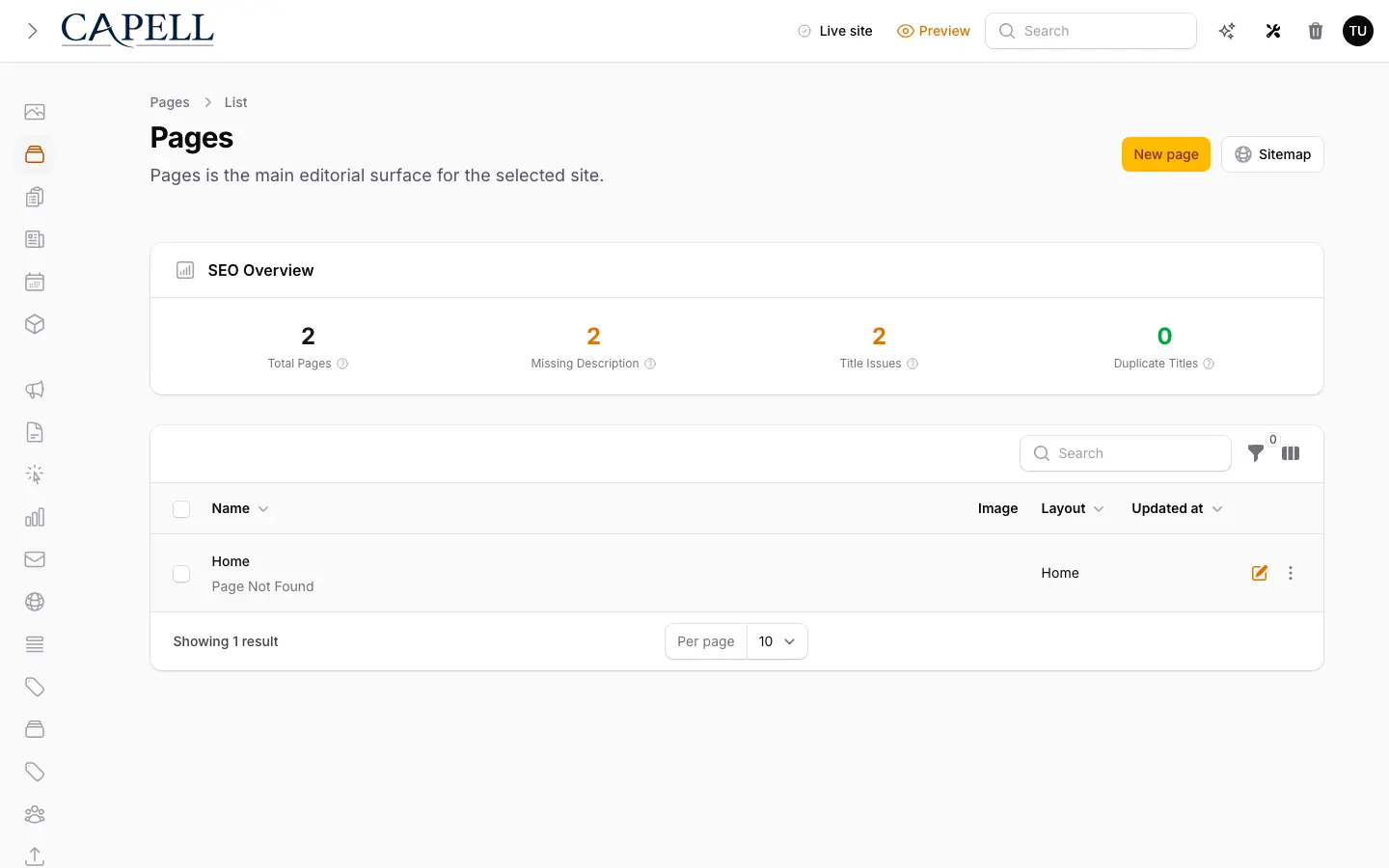
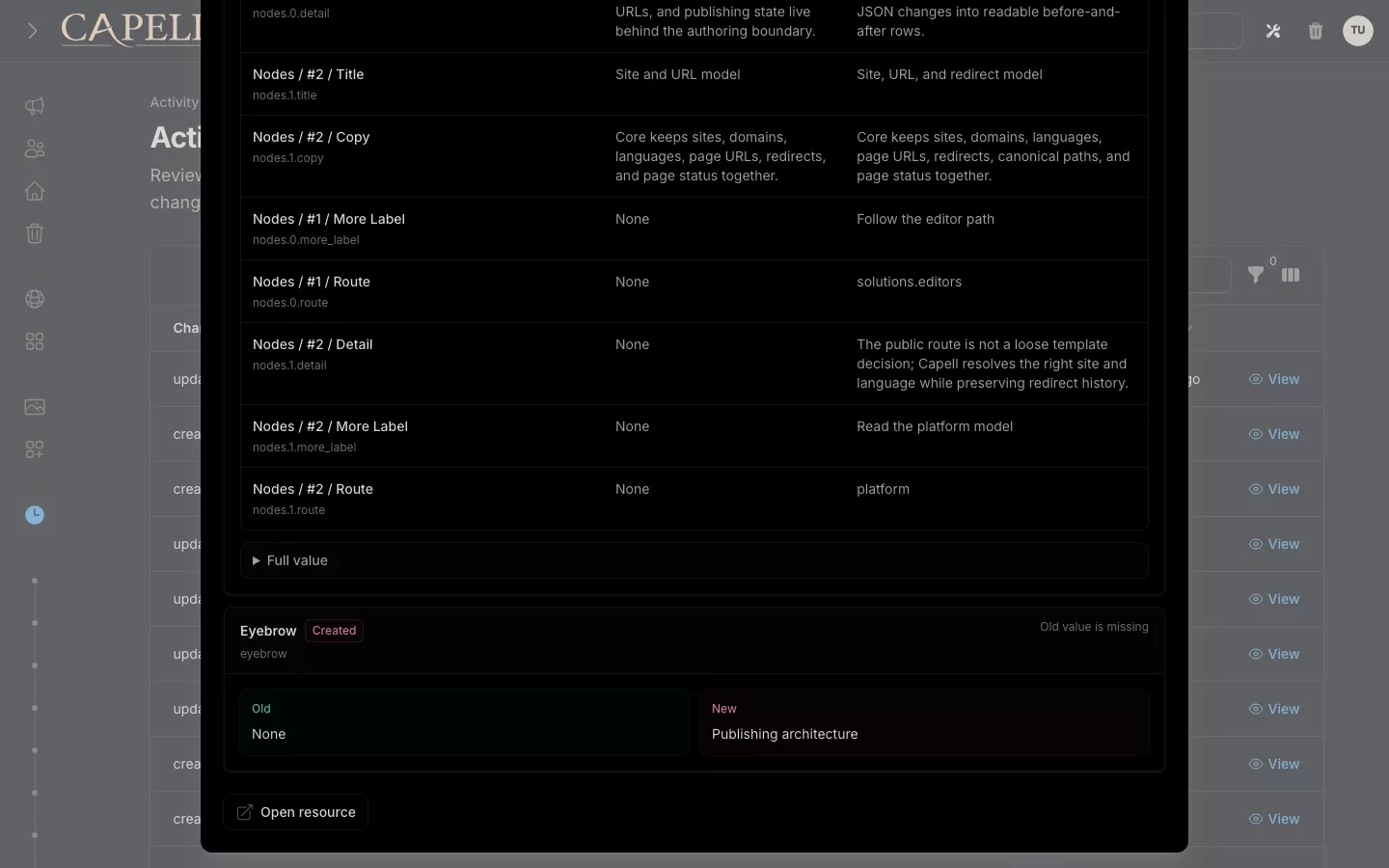
Use AI suggestions as draft material. Decide what is accurate and suitable for your readers before it reaches a public page.
Configure editor assistance before the first request
Add the free package
Install and activate AI Orchestrator through the normal package flow, including its migrations. It is optional and is not installed with Foundation automatically.
View AI OrchestratorConfigure your provider
Set the provider, model and API key in AI settings, and enable the authoring features you intend to use. The stored API key is encrypted. Check the provider’s billing and data terms before sending content.
Run a worker for the ai queue
Generation is queued on the ai queue, so a worker that only consumes the default queue never picks it up. Run a supervised worker that consumes ai, or set AI_QUEUE_NAME to a queue your worker already consumes.
Generate and review
In the Page editor, open AI Assistant and choose the fields to draft. Review the result before applying it, then use the ordinary save and publishing workflow.
Check the controls around each AI request
The package provides assistance; your team remains responsible for the content and provider account.
Check the package settings and your provider account before the first request. Agree who reviews the result and who can publish it.
| Control | Current behaviour | Your next step |
|---|---|---|
| Provider and key | Your configured provider and model handle editor requests; the saved API key is encrypted. | Use a dedicated provider credential and review what content may be sent. |
| Review and publication | AI Assistant offers field suggestions for review; it does not publish the Page. | Check accuracy, rights, tone and links before saving and publishing. |
| Spend limits | A free AI Orchestrator installation does not itself promise a hard spending cap. | Set provider-side limits and alerts; review any additional budget package separately. |
| History and attribution | Generation history is recorded. This is not a guarantee of field-level provenance or a public AI label. | Keep the review records and reader disclosures your use case requires. |
| Privacy and retention | Requests can send the chosen content to an external provider. Retention depends on your configuration and provider. | Agree which material can leave the site and check applicable disclosure requirements before publication. |
Choose between public reads, admin work and MCP
A public content endpoint does not grant editor access. A coding agent connection does not require Capell to run the client’s model.
Check which AI packages your project needs
Start with free editor assistance and add another package only for a task it supports.
The pricing comparison separates the free capability, provider costs and paid optional workflows. Each listing keeps its current availability and licence terms.