Propose page changes from Claude Code or Cursor, then review them in Capell
This guide is for developers who can configure the application and manage integration tokens. Agent Bridge is a paid optional package; your coding agent has its own account and usage costs.


Draft page changes from a coding agent
Connect a local MCP client, try one draft, and keep the connection scoped.
A coding agent connected through Agent Bridge proposes drafts; an editor still reviews and publishes them in Capell. Connect a client, rehearse one change on a test site, and check what a token can and cannot do.

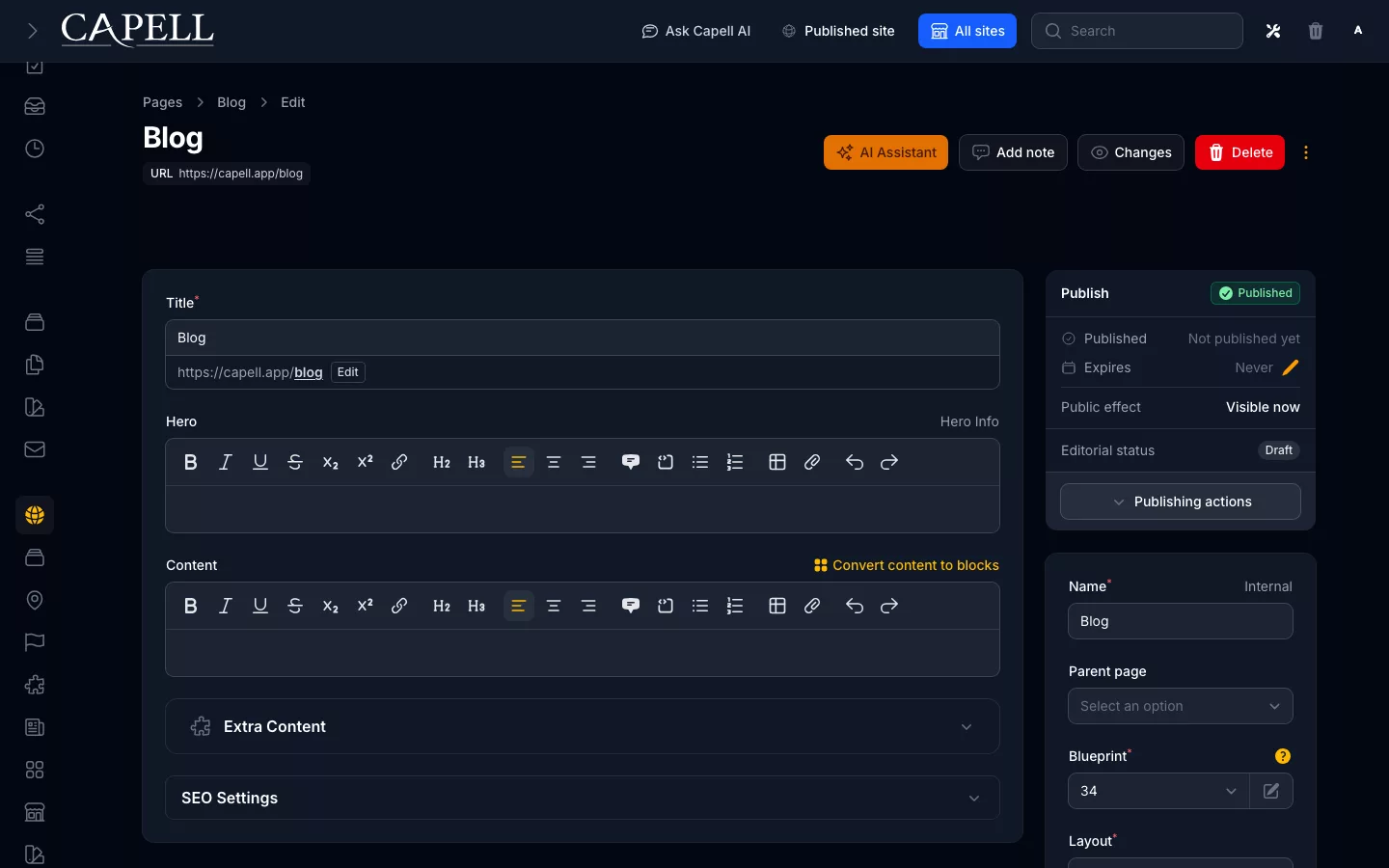
Follow this exercise on a test site before connecting an agent to production content.
Connect a local MCP client
- Ask the site administrator to install and activate Agent Bridge, run its migrations and enable the token controls on user records.
- On the integration user, create an expiring token with only the site and page scopes the task needs. Copy it when it is shown; keep it out of source control and shared prompts.
- Supply the token as
CAPELL_AGENT_BRIDGE_LOCAL_TOKENin the local server environment. In your MCP client, usephpas the command andartisan mcp:start capell-siteas its arguments, with the Capell application as the working directory. - Start a new client session and list the available tools. If the server cannot authenticate, ask the administrator to check the token, its expiry and the user’s access before trying again.
php artisan mcp:start capell-siteYour MCP client runs this command from the Capell application directory. It needs the local token environment variable; running it alone does not create a token.
Try one draft before giving the agent a larger task
Find the page
Ask the client to search for the Contact page and read its structure. Expected result: only records the token’s user can access are returned.
Request one change
Ask for a short replacement introduction saved as a draft. Expected result: a preview of the proposed change, with no publication.
Approve in the admin
Draft changes are high risk, so the client cannot confirm them alone. The token owner opens their admin session and approves the exact preview. Expected result: the proposal shows as approved; a changed or expired proposal must be previewed again.
Confirm in the client
Confirm the approved proposal in the MCP client. Expected result: the permitted draft change is applied once.
Review in Capell
Open the draft in the admin, review the content and preview the page. Publish only when it is ready. Expected result: the public page changes after your publishing action.
Read the publishing guideKnow which connection can change what
External MCP v1 keeps publication in the admin. A token cannot grant more access than its user has.
A scoped token identifies the integration user. The server also checks that user’s current permissions and the external MCP allowlist.
| Task | Public Agent Schema | Agent Bridge MCP v1 |
|---|---|---|
| Read content | Published, agent-visible content on a configured site | Permitted site and page context through an authenticated token |
| Create or edit a draft | No authoring access | Preview, then confirm the exact draft change |
| Upload media | No upload access | Bounded uploads with the required scope and confirmation |
| Publish, schedule or install packages | No authoring access | Refused by the external MCP v1 contract; use the permitted admin workflow |
Keep the connection scoped and revocable
Use a separate integration token for the task, set an expiry and revoke it when the connection is no longer needed. Rotating a token means updating the client’s private configuration.
Agent Bridge records client activity and confirmations. Its audit retention is configurable; it is not an immutable compliance record. The richer admin command centre has a different capability set and does not expand the external MCP v1 allowlist.
For a remote connection, the default authenticated HTTP path is /agent-bridge/capell on your own site. Ask the administrator for the configured address and pass the token privately as a bearer credential over HTTPS.
Choose the AI workflow for your task
Use a coding agent for connected development work, or configure editor assistance with your own provider key.
Keep provider credentials and integration tokens private. Review generated content for accuracy before saving and publishing it.