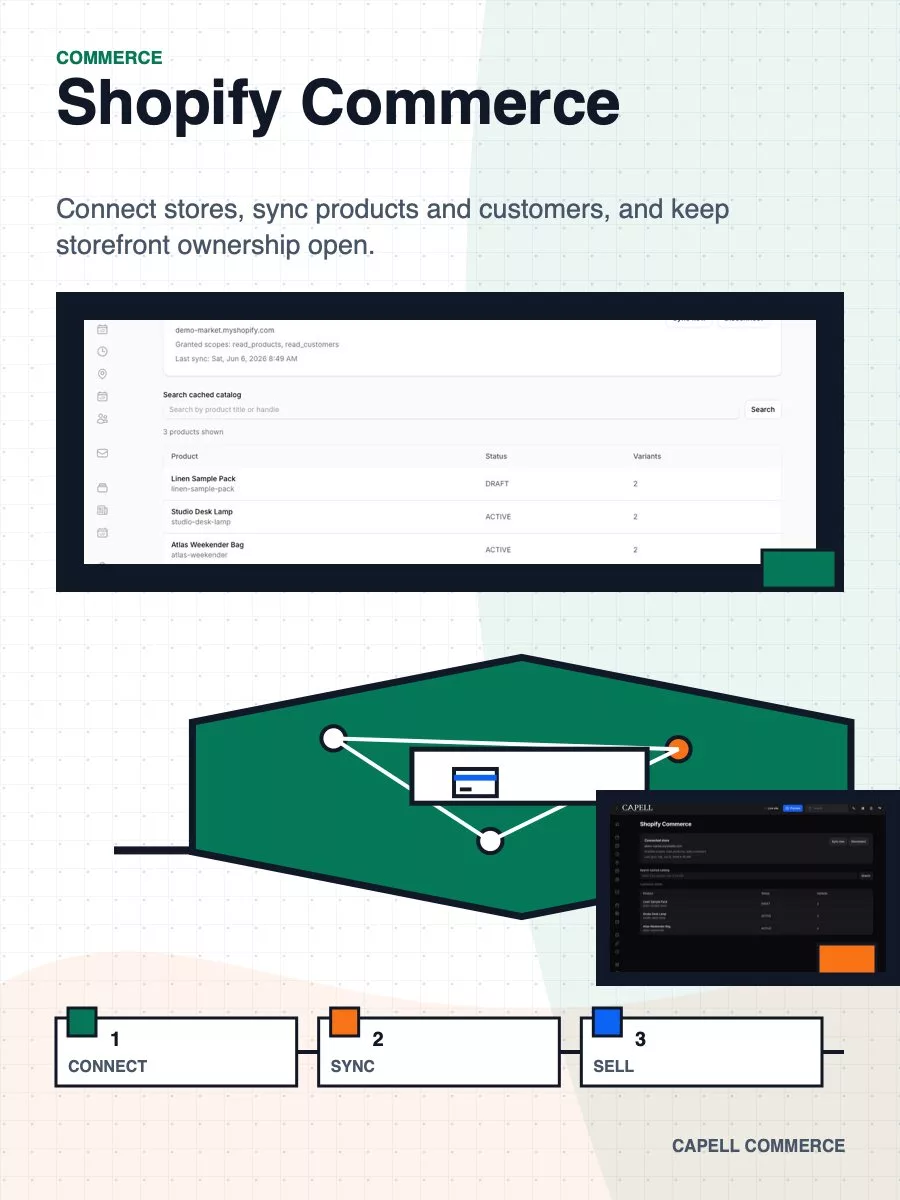
Shopify Commerce
Shopify Commerce connects a Shopify store to a Capell site and synchronises products, variants, and customers into local records.
Check compatibility before using this Beta extension
Beta does not mean production-ready. Review compatibility, support, site impact, and likely upgrade work before enabling it.
Release activity stays visible
These dates come from approved package releases, so you can see the release trail before installing.
- Latest approved release
- v1.1.0-beta.38 Sep 23, 2026
- Recent activity
- 1 approved release in the last 12 months
What Shopify Commerce helps you do
Marketplace listings can describe install impact and data access.
This installs as a Composer package. Check its removal guidance and retained-data policy before uninstalling it.
This private package is outside the Released and Beta channels, so no public install path is available.
Explore the available extensions on the demo site.
Standard support is included with a paid licence.
composer require capell-app/shopify-commerce
- Version
- 1.1.0-beta.38
- Runs on
- Capell 1.x, Laravel 12.41.1+ in the 12.x line or Laravel 13.x, PHP 8.4.
- Last release
- Sep 23, 2026
- Support
- Standard support
- Data access
- May connect configured Capell content, media, or integration metadata to the named service boundaries for this package.
- Documentation
- Documentation
6 captures
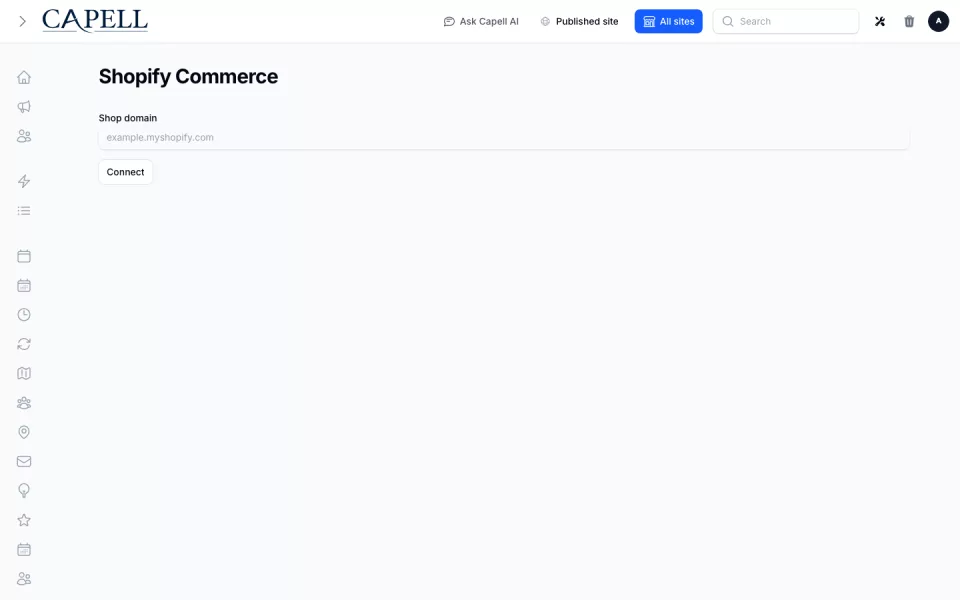
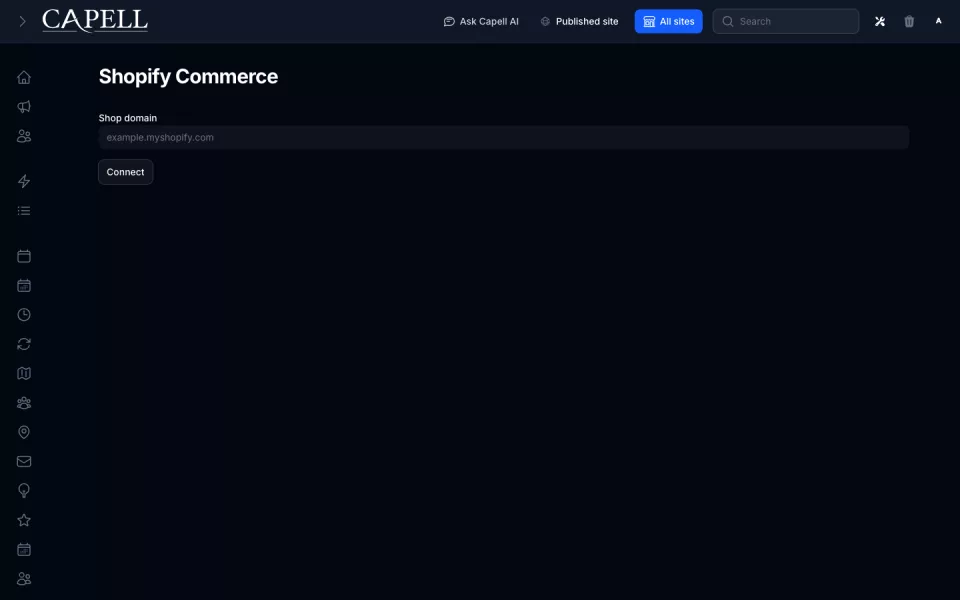
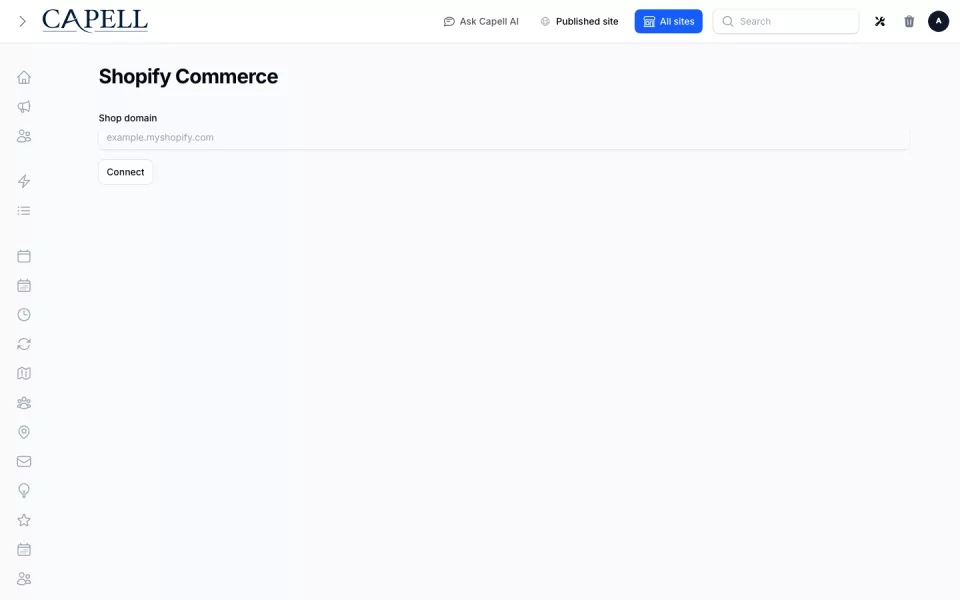
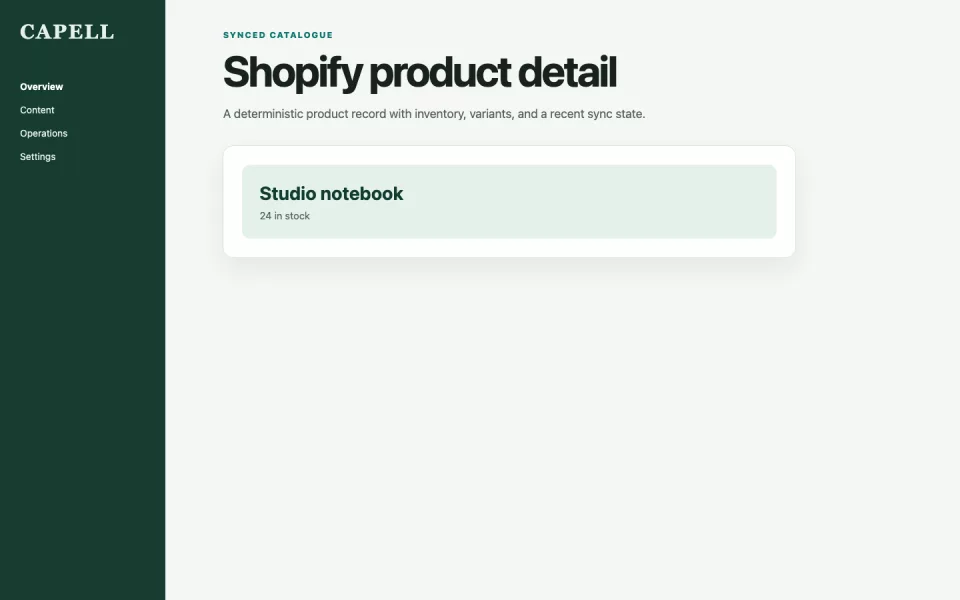
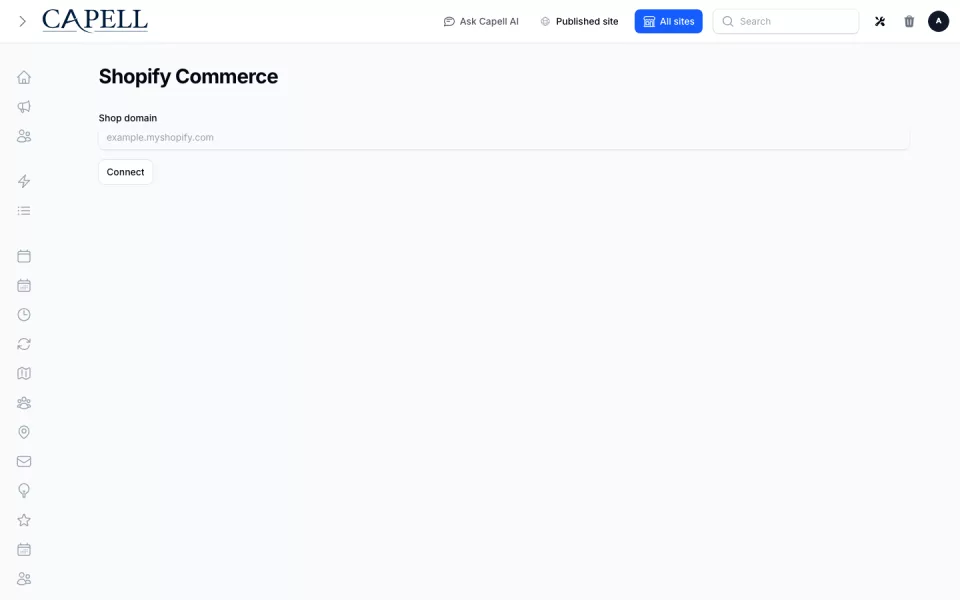
Shopify Commerce connects a Shopify store to a Capell site and synchronises products, variants, and customers into local records.
Administrators connect the store, review product sync status, search catalogue data, and request a fresh product sync from Capell.
It supplies connection and catalogue data rather than a product editor, cart, checkout, or order-management interface.
Use it when a Capell project needs Shopify catalogue data for its own integrations while store operations remain in Shopify.
What changes on your site
Review the admin, public, data, scheduled, and command surfaces Shopify Commerce adds when enabled.
- Shopify Connection
- Product Sync
- Customer Sync
- Catalogue Search
Extensions often considered with Shopify Commerce
-
Same category
Capell Admin
ToolManage pages, settings, roles and publishing in the Filament admin.
Free View extension -
Same category
Access Gate
PackageGate any Capell page, download, or member area behind login, email approval, guest links, schedules, or paid checkout. Site Lockdown...
£29.00Full-refund requests for live paid first-party packages may be made within 14 days of purchase. Requests are assessed case by case; third-party author sales have separate terms. Read the Refund Policy
Renewal price locked while renewal stays continuous, including the grace period; a full lapse uses the current list price.
View extension -
Same category
Address
FieldShare one site-scoped address book across Capell packages — countries, structured postal addresses, and admin-managed fields so location...
Free View extension
Before you install
Confirm version compatibility, support, data access, migrations, retained data, and removal steps first. Then install the Composer package from the account that owns access.
- Support
- Standard support
- Data access
- May connect configured Capell content, media, or integration metadata to the named service boundaries for this package.
-
01
Require the package
composer require capell-app/shopify-commerce -
02
Register the extension
php artisan capell:extension:enable shopify-commerce -
03
Clear schema cache
php artisan capell:admin:clear-schemas-cache
Release notes and maintenance evidence
- Total downloads
- 0
- Last downloaded
- No downloads yet
Version history
1 release-
v1.1.0-beta.38Sep 23, 2026
Review evidence for this release
Shopify integration reviewed with no defects found; webhooks are signature-verified, matched to an active connected store, rejected when stale and de-duplicated so a replayed delivery cannot repeat a destructive change.
Review reduces risk, but it is not a permanent security guarantee.
- Reviewed version
- 1.1.0-beta.38
- Approval date
- Sep 22, 2026
Areas reviewed
- Strict, maintainable PHP
- Presentation-only public views
- Actions and typed boundaries
- Clean anonymous public output
- Authorisation and input safety
- Declared package boundaries
- Manifest and migration integrity
- Compatibility and interoperability
- Meaningful behavioural tests
- Security and supply-chain checks
- Performance and operational behaviour
- Theme delivery quality where applicable
- Marketplace claims matched to behaviour
- AI-assisted analysis with human accountability
Accepted limitations
- Webhook writes use deliberate forced assignment of server-derived fields rather than mass assignment.
Before checkout
Know who owns access and what happens next
Payment, customer account ownership, site activation, and package access are separate steps. The checkout reference lets support trace a problem without moving the licence to another account.
Who processes the payment and taxes?
Lemon Squeezy is the seller and hosts paid marketplace checkout. Any VAT due is calculated and added by Lemon Squeezy at checkout, and Lemon Squeezy issues the tax receipt. Capell does not collect card details; it activates the matching marketplace licence after payment is confirmed.
Which account owns the licence?
The signed-in customer account that completes checkout owns the Capell licence, support history, and future install access. Capell surfaces a link to the tax receipt issued by Lemon Squeezy. Use the intended organisation account before paying.
How does the site receive package access?
The install flow connects the licence to the requesting site. Paid and private packages then use authenticated Composer access from the customer account that owns the licence.
What happens if checkout is cancelled or expires?
No licence is created until Lemon Squeezy confirms payment. After a cancellation or expired quote, return to the same marketplace listing and start a fresh checkout so price and package details are recalculated.
How do I request a refund?
Use the order link on the Lemon Squeezy receipt and request the refund through the Lemon Squeezy order receipt. If the receipt or order link is unavailable, contact Capell support so the payment and access record can be traced.
What should I do if access does not appear?
Keep the checkout reference from the page or receipt and contact support before trying another account. Support can trace the payment, customer account, licence, and connected site from that reference.
No approved reviews yet. Reviews from eligible customers appear here after moderation.