Capell home
Live demo

Give editors the smallest useful set of page choices

An ordinary article may need basic HTML. A repeated campaign body may need typed blocks. A landing-page family may need approved Layout Builder widgets. A genuinely singular product experience may deserve custom Blade.

Capell does not promise an unrestricted blank canvas. The editing surface should stay smaller than the design system, accessibility rules, and performance contract the team must maintain.

Registered LayoutBuilder widgets Reusable sections Frontend-owned output

Build pages you can improve

Choose the right amount of editing freedom without creating a new template for every page.

Your team should be able to publish another campaign without repeating the first build, and redesign a page family without moving its content by hand. Capell supports simple page content, typed blocks, approved composition and custom development. The useful choice depends on how often the page repeats and what editors genuinely need to control.

A fixed page type suits repeatable service or product pages. Approved composition suits campaigns whose sections vary while their design rules stay consistent. These approaches replace copied templates or unrestricted layout choices, depending on the job. Foundation includes Layout Builder as a free package; the developer still defines the supported widgets and their public presentation. It is useful when that investment will serve repeated pages, rather than one unusual screen.

Capell Layout Builder arranging content blocks in a shared page layout
Named containers keep related widgets together while approved components retain their rendering.

Choose the lightest path that covers the editor's real job. Basic HTML handles prose. Structured blocks add typed, reorderable content. Layout Builder adds approved widget composition across named containers. Custom Blade handles a deliberately bespoke public page.

The limit matters: there is no promise of a blank canvas that can invent arbitrary frontend behaviour. Developers define and test the supported components; editors arrange or fill the parts the page family is prepared to render.

A good choice makes the next redesign easier because repeated structure still has one owner.

Match the editing job

Give editors the simplest interface that supports the page.

A help article may only need a title and body. A repeated product page benefits from named fields for its offer, evidence and action. A campaign with variable sections may need approved blocks or Layout Builder widgets. A genuinely unusual interactive page can remain a custom application build.

Start with one representative page and test a second version with different content. If the developer must duplicate the template, inspect what should have been shared. If the editor must understand the layout implementation, inspect what should have been a field or an approved choice.

Connect the whole page

Use containers to keep the explanation, evidence and next step together.

A collection of widgets is not automatically a useful page. Containers establish regions and reading order; the content explains why each widget appears there. Keep a clear heading hierarchy, consistent reading width and meaningful sequence from the introduction to the action.

Put an image beside the explanation it proves, not wherever a gap appears. Use reusable assets where content should move together and page-specific assets where an offer must remain independent. Review mobile order as part of the composition, especially when columns collapse.

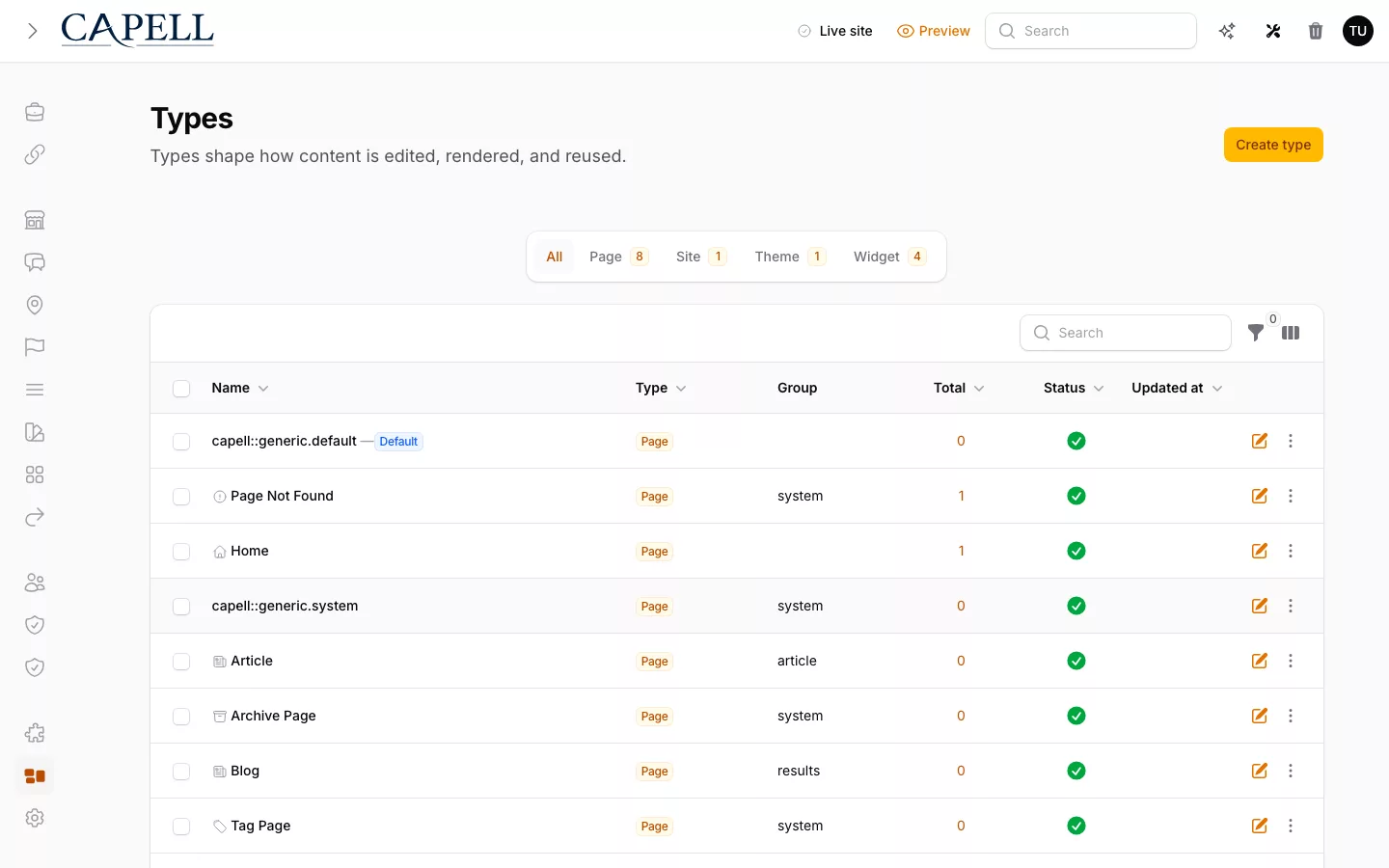
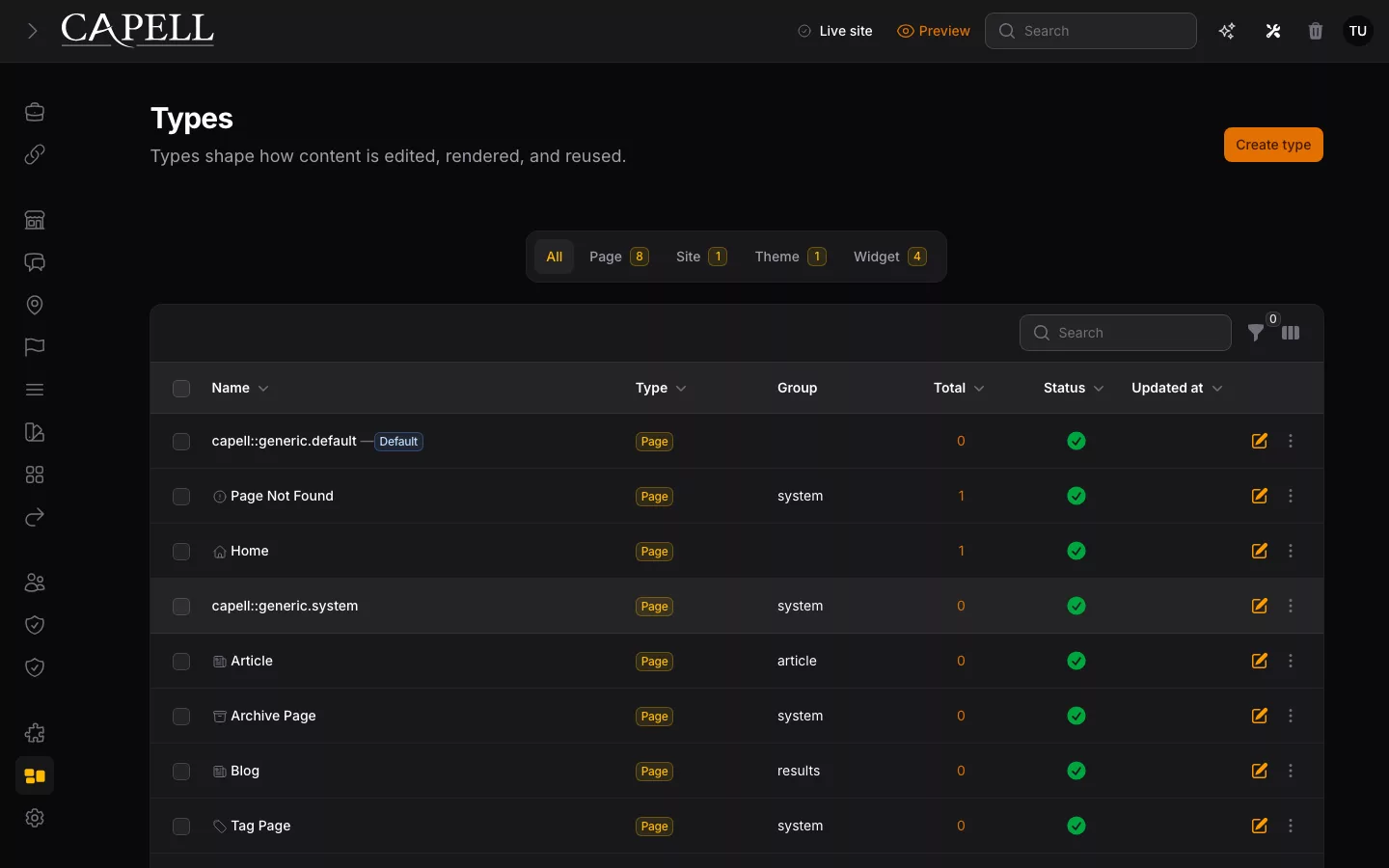
Reuse page types, layouts and widgets

Capell keeps editing flexible without hiding where a future change belongs. Editors compose approved parts; developers keep the public renderers, design system, accessibility, performance, and tests in Laravel.

Scroll horizontally to view the full table.

Area Capell shape Developer check Team outcome
Page The authored content and assigned layout for one URL. Use it for a page that needs different content or a dedicated layout. One page changes without rewriting a whole page family.
Page type The default content structure and editing rules for a repeatable class of pages. Use it when articles, services, or case studies should start from the same shape. Repeated content stays consistent as the site grows.
Layout Named containers, widget placement, and the shared public shell. Use it when several pages should share the same composition and public layout. One layout change improves every page assigned to it.
Widget A reusable rendered unit with its own assigned content and assets. Use it for a hero, gallery, form, or CTA, with a custom Blade view when needed. Editors reuse trusted parts instead of creating arbitrary markup.

Test what editors can change

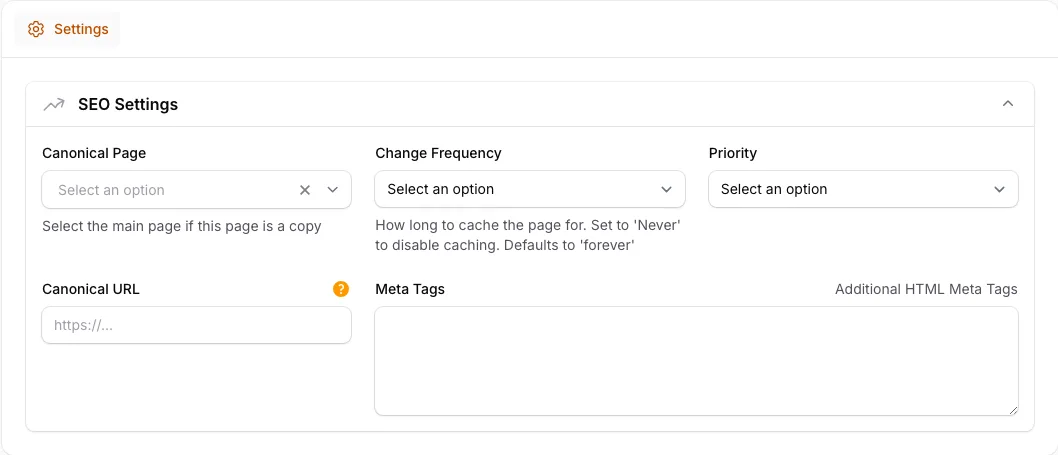
Senior Laravel teams usually do not object to editors moving sections around. They object to inheriting a visual canvas where every page can become its own implementation. Capell keeps composition useful by making the editable choices explicit: known containers, approved page sections, assigned content, page-level metadata, and a frontend renderer the application team can test.

Before giving editors a new page-building surface, decide what the team is prepared to support:

  • which page families need composition instead of a fixed page type;
  • which components can be reused without weakening accessibility or performance;
  • which media, forms, search, and package-backed blocks the team is prepared to expose; and
  • which preview, review, and cache behaviour must run before public release.

That framing turns page building into a product workflow instead of a shortcut around engineering. Editors get speed, but the public site still goes through the same design system, review habits, and deployment discipline as the rest of the Laravel app.

Next step

From page building to publishing

After choosing how editors build a page, see how they preview, publish and recover it.

Approved composition Editors choose sections. Developers own the rendered HTML, CSS, assets, and tests.

Role scenarios

What to inspect in Capell Admin

Checks for editing, preview, publishing, recovery, and role boundaries.

Role-based checks drawn from product capabilities and fit boundaries.

Actual Capell page editing form for the editorial workflow described.

Try a partial field restore

Change a price and heading in one save, then select only the price from activity history. The price should revert while the valid heading edit remains.

Read more

The log is not a flat audit dump. It expands nested changes into readable before-and-after rows, then lets editors pick individual changed fields from a past entry and roll back exactly those, with a note for anything that cannot be reverted.

If teams want to redraw every page by hand, a freeform builder feels quicker. This is for people who publish real content on a regular loop and occasionally need one mistake undone cleanly.


Run this yourself in the demo

Editor

Evaluator scenario for an editor

Loading footer