Capell home
Live demo

Content that stays manageable

Give editors clear pages to work with, and give your team fewer one-off changes to maintain.

A growing site should not need a developer for every new campaign or a separate template for every article. Capell lets your team define the page patterns it needs, put useful fields in front of editors and improve related pages together. Start with the work people repeat, not the longest feature list.

This suits agencies and product teams managing repeated articles, services or campaigns inside Laravel. It can replace a growing collection of custom editing forms and copied page templates. A few occasional text changes may still be better served by a small Filament resource. The developer defines the fields and presentation first; an editor's freedom comes from those choices, rather than from the CMS inventing a design.

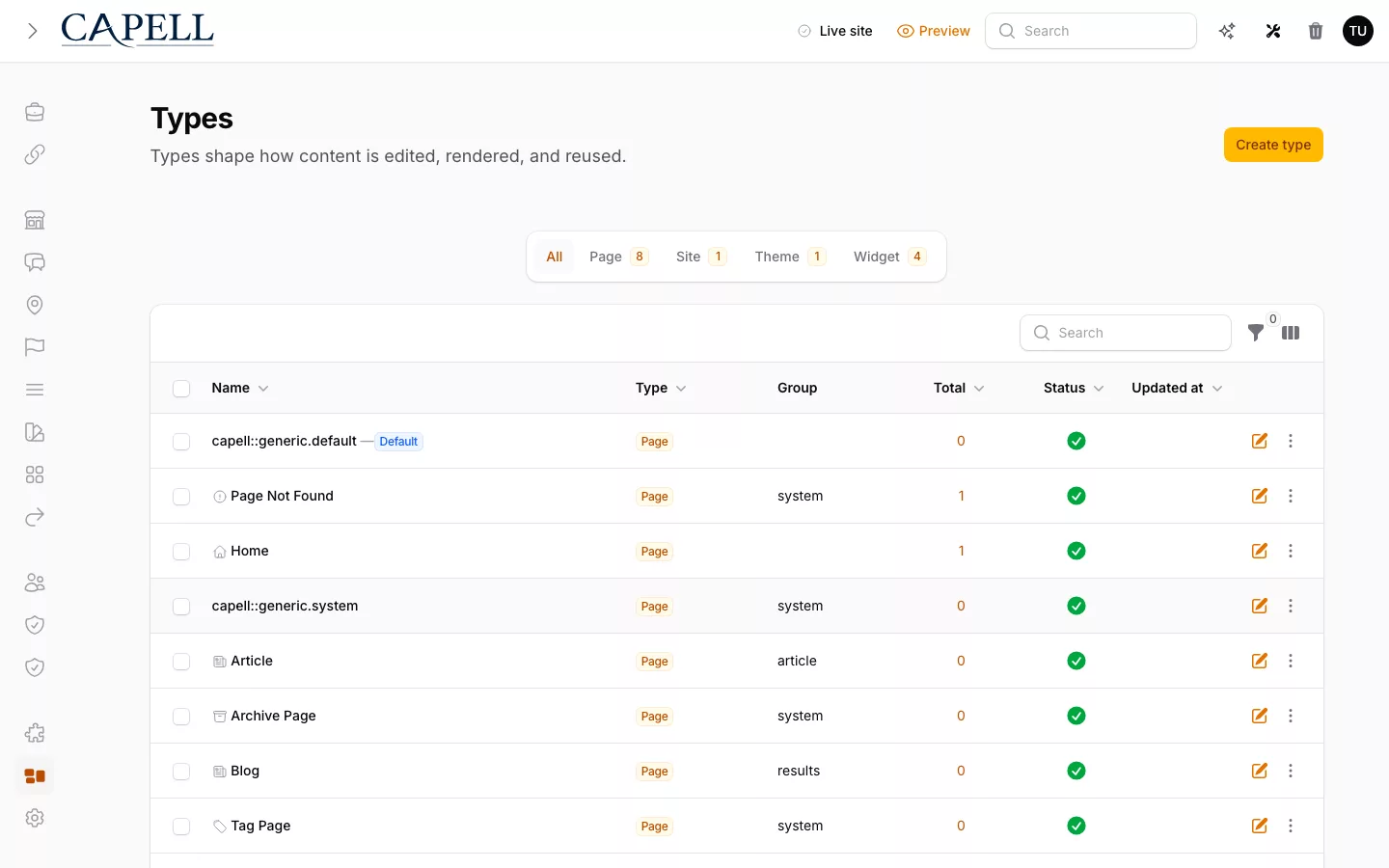
Capell page type definitions
A page type defines the editing form and public structure for a family of content.

Make changes once

Keep repeated pages consistent without making them all look alike.

Page types describe what belongs on a page: a campaign needs an offer and an action, while a help article needs a question and an answer. Defining those fields once gives editors a recognisable form and gives developers a reliable starting point. A shared layout then controls presentation without forcing everyone to edit markup.

When the design changes, improve the shared layout instead of opening every campaign individually. Keep campaign-specific text and images on the page record so a redesign does not overwrite the offer. Choose a custom page only when its requirements genuinely differ.

Keep editors moving

Choose the editing tools that match the work your team actually does.

Some pages only need a clear text field. Others benefit from typed blocks or reusable widgets that let editors arrange content within sensible limits. More freedom is not automatically a better experience: a tightly defined product page can be quicker to update than an unrestricted canvas.

Add media, languages, forms or search when there is a real requirement, checking which installed package owns the capability. Explain what editors can change, what needs a developer and how they preview the result. Foundation records Page history; more formal approval and release workflows come through Publishing Studio.

These content jobs can be evaluated independently. Open the route that matches the decision you need to make.

Next step

Start with one page type

Capell Foundation covers page structure, media, and revisions at no cost. Publishing Studio adds the review and release workflow on top.

Role scenarios

What to inspect in Capell Admin

Checks for editing, preview, publishing, recovery, and role boundaries.

Role-based checks drawn from product capabilities and fit boundaries.

Actual Capell page editing form for the editorial workflow described.

Try a partial field restore

Change a price and heading in one save, then select only the price from activity history. The price should revert while the valid heading edit remains.

Read more

The log is not a flat audit dump. It expands nested changes into readable before-and-after rows, then lets editors pick individual changed fields from a past entry and roll back exactly those, with a note for anything that cannot be reverted.

If teams want to redraw every page by hand, a freeform builder feels quicker. This is for people who publish real content on a regular loop and occasionally need one mistake undone cleanly.


Run this yourself in the demo

Editor

Evaluator scenario for an editor

Loading footer