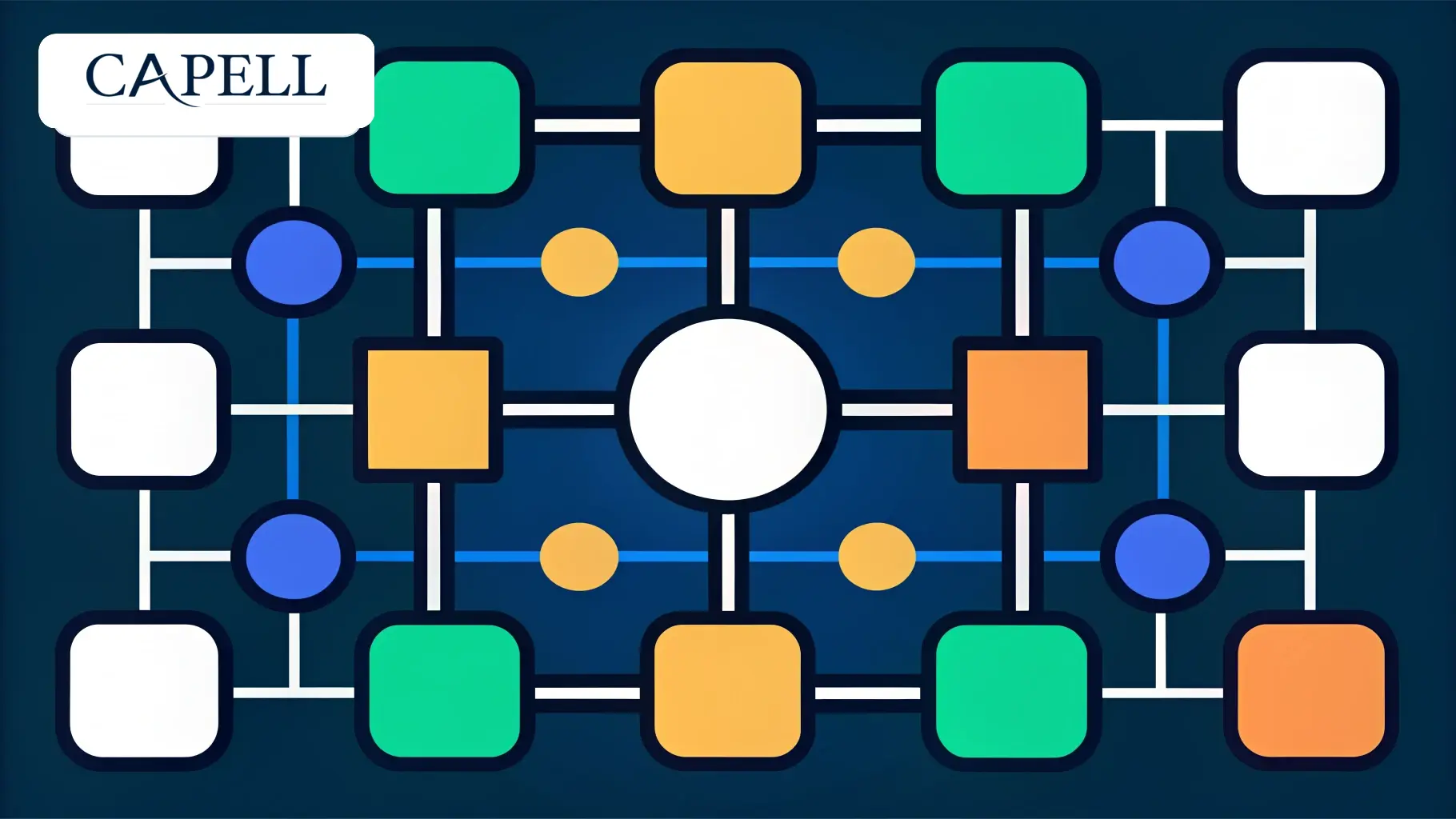
Multilingual CMS structure inside Laravel
Multilingual sites are difficult to retrofit when pages, URLs, navigation, media, and publishing rules were all built as one-off templates. Capell models language-aware content from the same CMS boundary as the rest of the site.
Use this path when the team needs translated pages, language-specific URLs, shared layouts, reusable widgets, and public output that still belongs to Laravel.
What multilingual CMS work touches
Capell keeps multilingual decisions connected to page records, URL records, navigation, metadata, media, workflow, and public rendering.
Multilingual CMS questions
Multilingual work is easier when the page model expects languages and URLs from the start.
Can layouts be shared across languages?
Yes. Shared layouts and widgets let translated pages keep the same structure while content and metadata vary by language.
Can one language launch before another?
Publishing workflow can support language-specific readiness when the project needs that level of control.
Does multilingual output stay public-safe?
Yes. Language and translation context should render as visitor-safe data, not as admin field paths or editor metadata.
Plan localization before pages become one-offs
The next step is usually content management: model pages, URLs, and translated metadata before adding complex workflow.