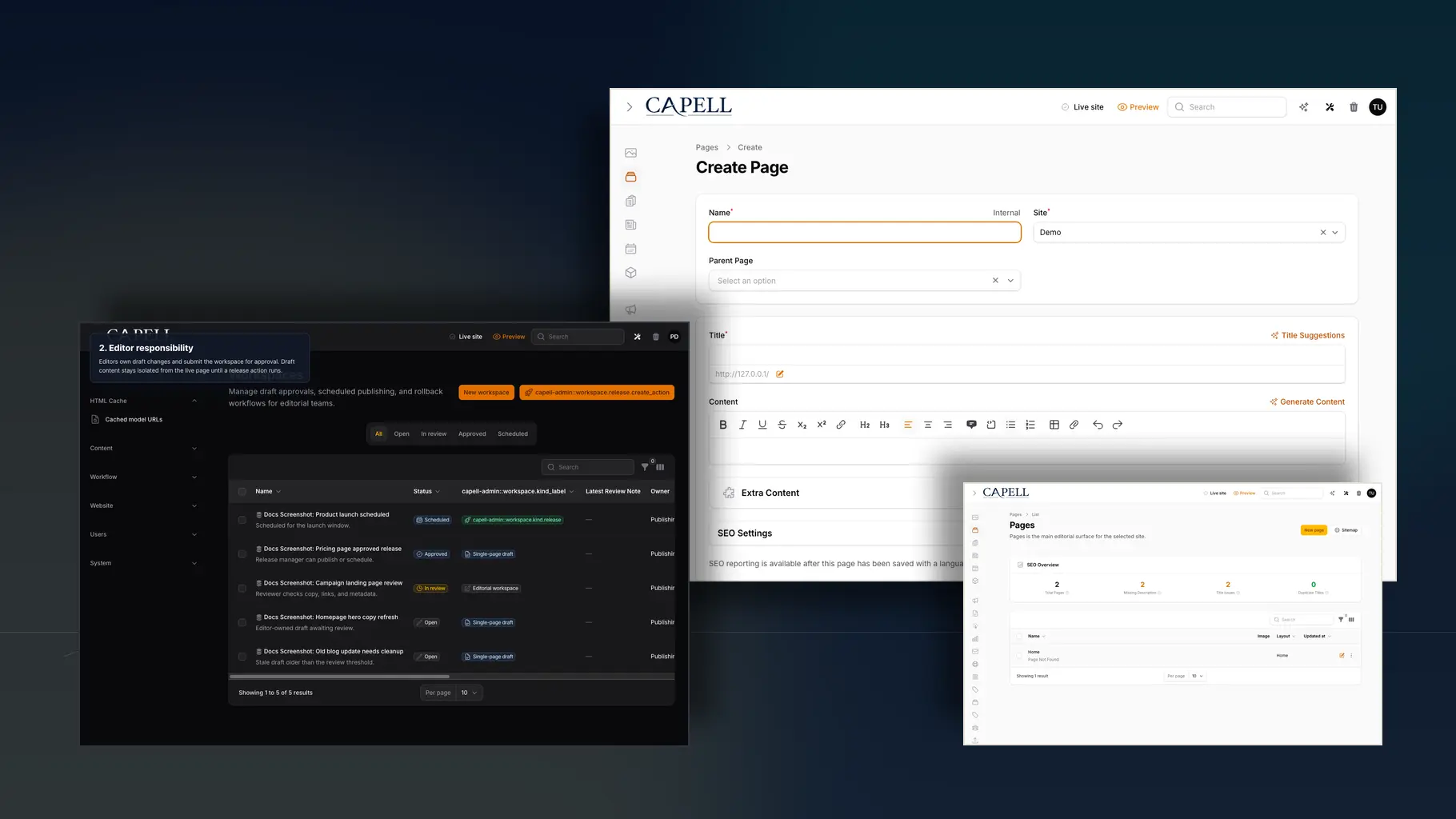
Repeated CMS work
Pages, layouts, languages, redirects, previews, approvals, caching, sitemaps.
Capell uses essential storage for sessions, security, and interface preferences. Analytics and marketing storage stay off unless you accept them.
Cookie PolicyCapell gives repeated CMS work a proper home inside Laravel: structured pages, editor screens, public rendering, package-led features, and operational checks that stay close enough to test.
Capell is the part of a content website that Laravel teams keep rebuilding.
Pages, layouts, languages, redirects, previews, approvals, caching, sitemaps.
Start with Core, Admin, Frontend, Layout Builder, and a theme. That stack alone runs a real site.
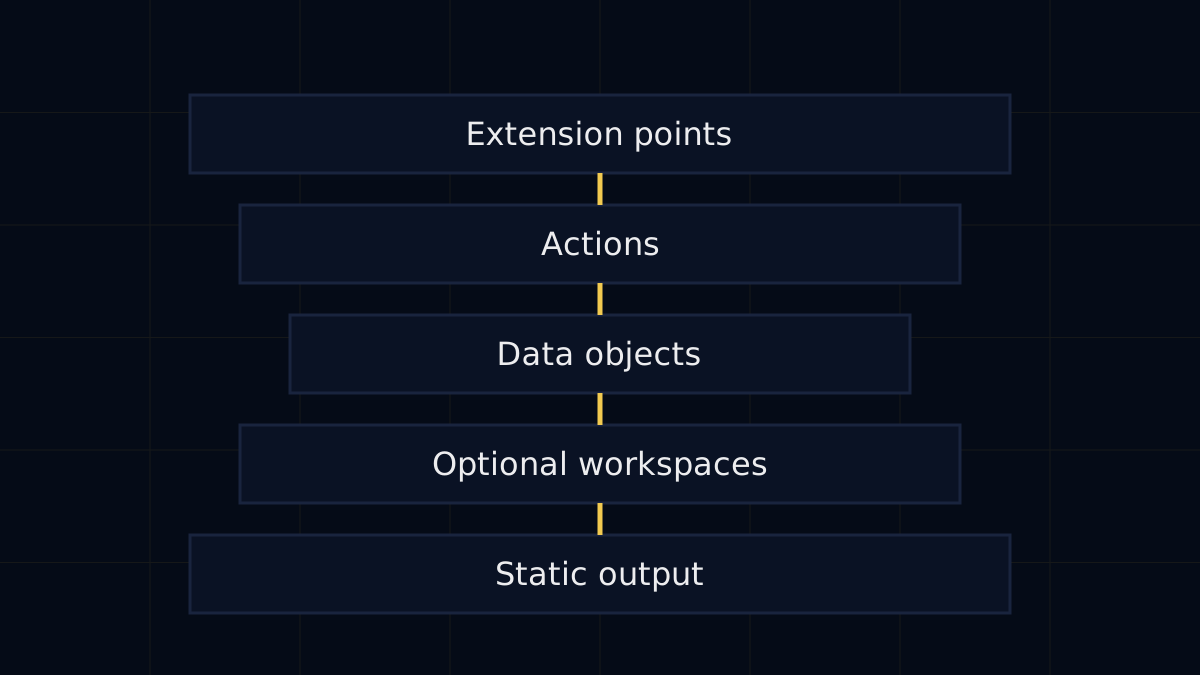
Resolve the site, domain, language, page, layout, theme, runtime, media hints, and cache policy before rendering starts.
Custom layouts, reusable blocks, and clean structure so future updates roll out across the site instead of being copied from page to page.
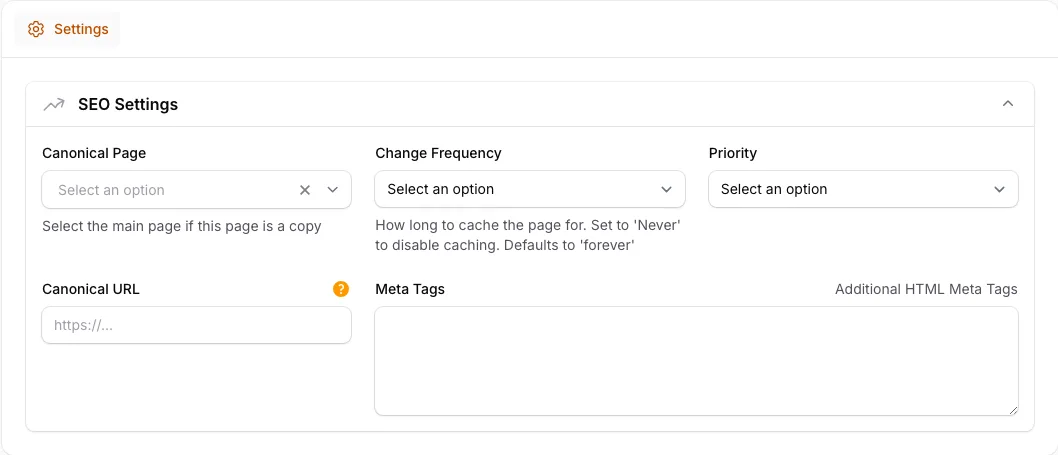
Add Publishing Studio when editors need approvals and rollback.

Extra capability arrives as a focused package, with a clear install impact, an owner, and an upgrade path.
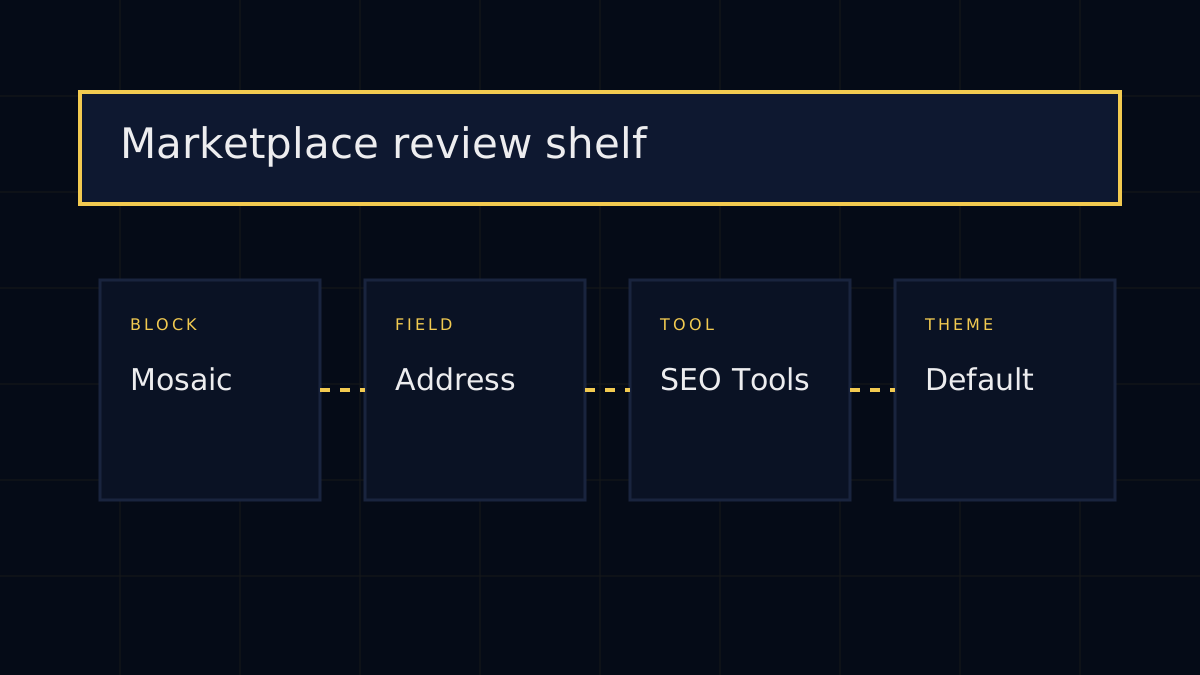
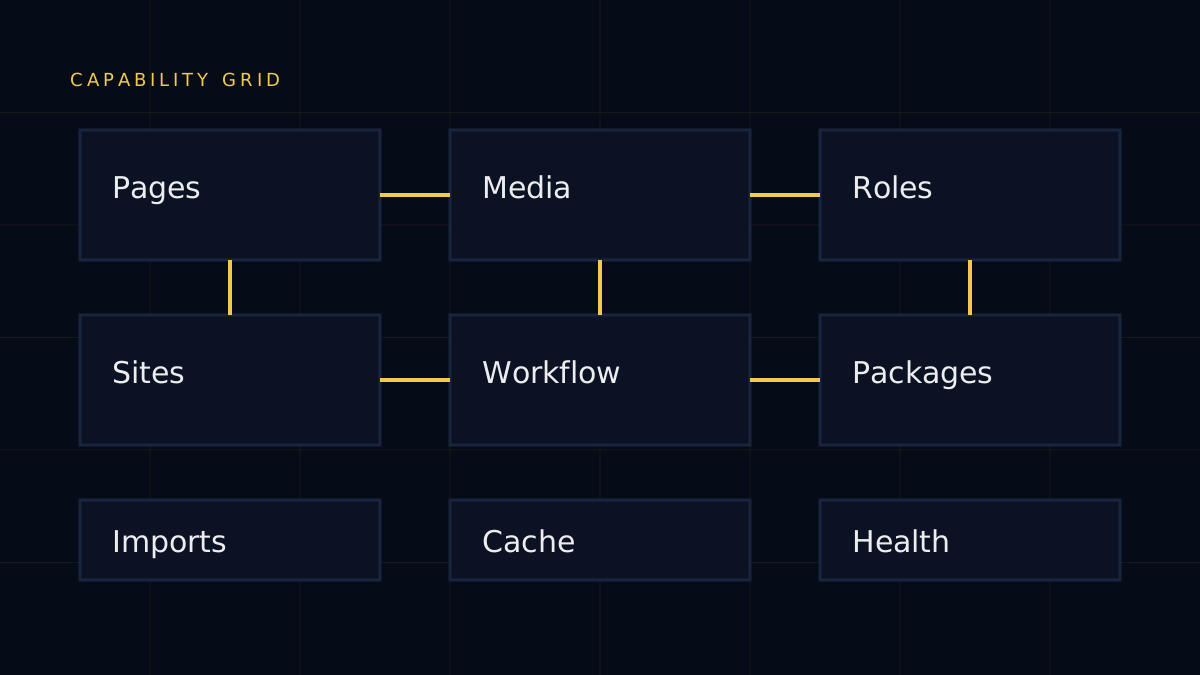
Operations teams get redirects, sitemap state, package updates, and health checks where they expect to find them.
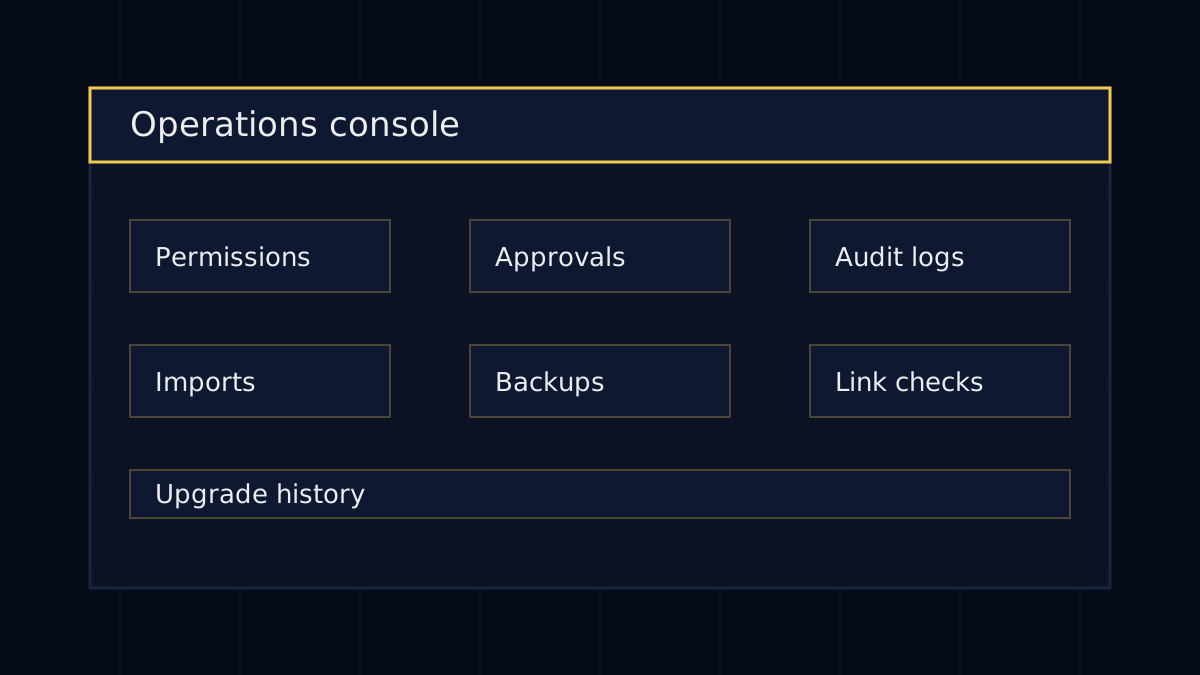
You can decide which of those to use. You do not have to build any of them.
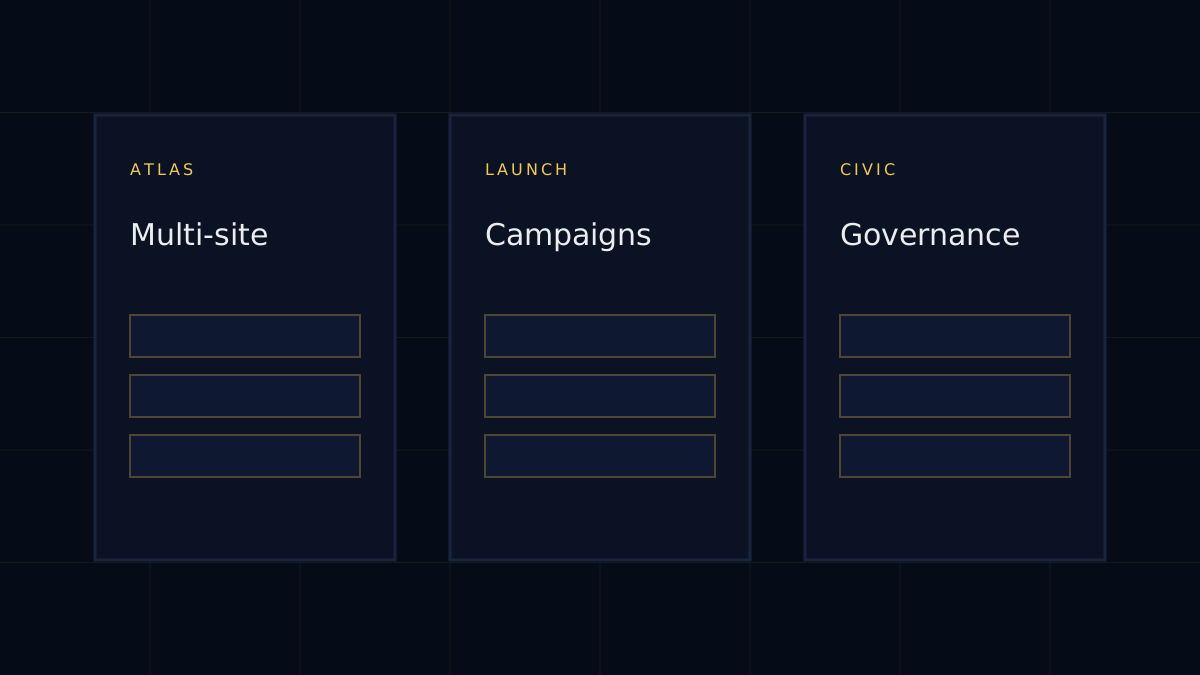
If you landed here without reading the homepage, start with these questions. Each answer is short, and each one points to the deeper Capell page that explains the idea properly.
Capell is a CMS foundation for content-heavy Laravel websites: structured pages, clean admin editing, public delivery, and package-led growth.
Tour CapellDesigners can work with Capell through themes, approved layouts, visual direction, and frontend systems while the CMS keeps content structure stable.
View themesNo. Developers get the Laravel architecture, but site owners and editors get the practical value: manageable pages, safer publishing, and visible site operations.
See owner fitCapell gives repeated CMS work a proper home so teams are not rebuilding pages, URLs, layouts, publishing, redirects, cache, SEO, and package logic from scratch.
Explore featuresYes, when the project is a Laravel app or can move into one. Start with a verified install path, then migrate content and packages deliberately.
Read install pathYou install the Core foundation, verify Admin and Frontend, add LayoutBuilder and theme output, then choose extensions only when the site needs them.
Read docsUse the contact path when you need help deciding fit, discussing a project, reporting a concern, or talking through package and marketplace work.
Contact CapellYou can install Capell, build a site on it, author packages, create themes, or use it as the CMS foundation for long-running Laravel projects.
Developer pathUse Core, share feedback, donate, buy first-party packages, purchase marketplace extensions, or author trusted packages for other Capell teams.
Support Capell