Capell
- Content in app
- Native
- Frontend control
- Native
- Package trust
- Native
- Operational health
- Native
Strong fit for Laravel-owned CMS work.
Capell uses essential storage for sessions, security, and interface preferences. Analytics and marketing storage stay off unless you accept them.
Cookie PolicyCapell is a Laravel and Filament CMS toolkit for teams who want content, rendering, packages, and operations to stay inside their app.
Most Laravel teams eventually rebuild pages, redirects, publishing, SEO, admin workflows, and cache rules in fragments. Capell gives that work a defined home.
Capell is not trying to be every CMS. It fits when the team wants content to stay in the app, frontend rendering to remain under project control, extensions to be reviewable, and operations to be visible.
Strong fit for Laravel-owned CMS work.
Good start, but repeated CMS concerns become custom platform work.
Mature CMS, weaker fit when Laravel is the product boundary.
Strong API model, but the Laravel team rebuilds much of the site layer.
Capell is not a detached content service. It gives Laravel teams a CMS layer that uses the same codebase, deployment habits, queues, policies, Blade views, tests, and operational checks as the rest of the product.
The project keeps deployment, tests, public views, permissions, cache policy, and operational checks in Laravel.
Core CMS records, Filament screens, Layout Builder, frontend resolution, and package extension points have a reusable shape.
Editors compose pages from structured records and approved sections without owning the frontend contract.
Avoid scattered CMS glue across plugins, detached APIs, and custom admin hacks.
Keep product code, publishing code, and operational checks close enough to test together.
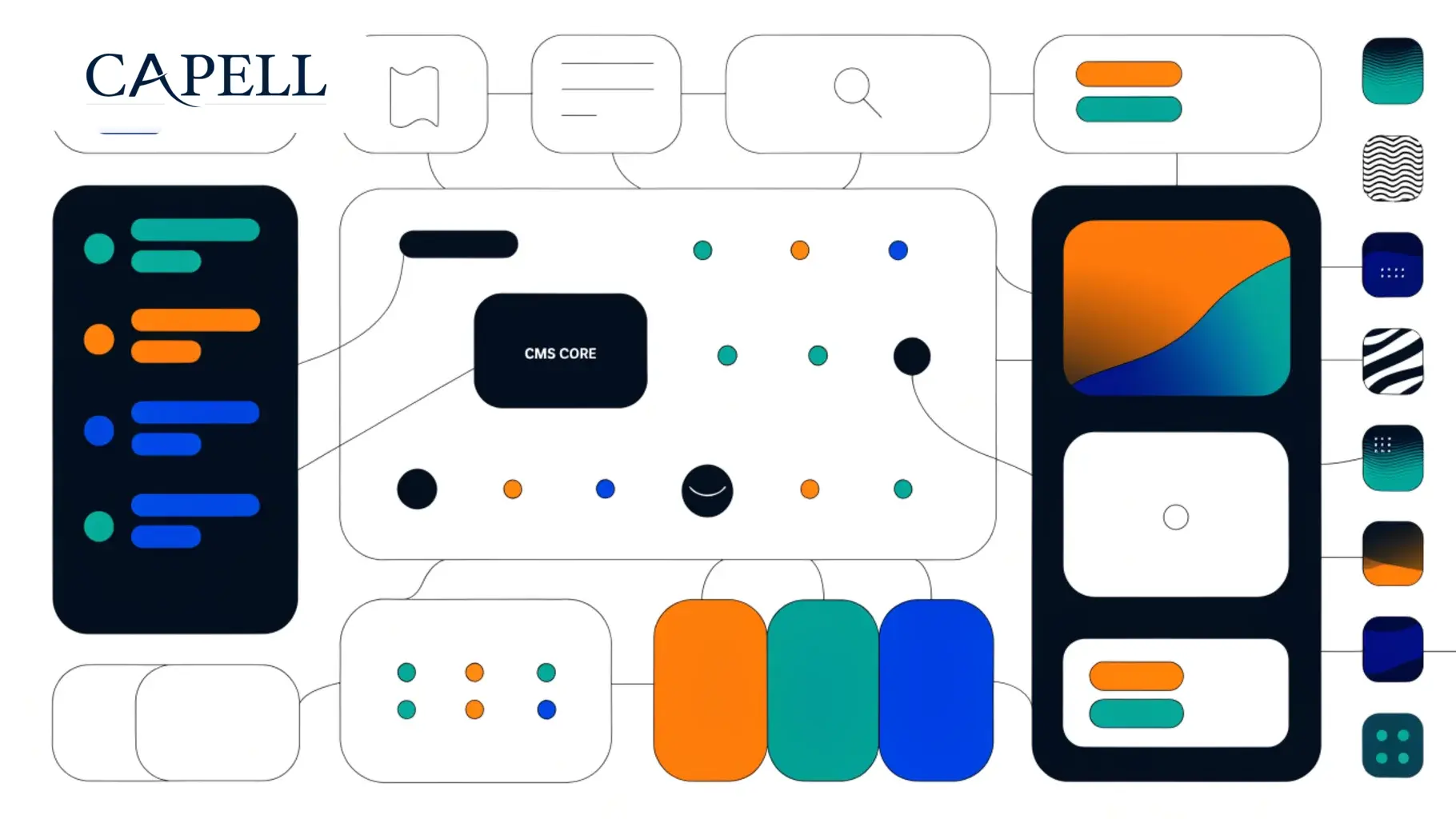
The important boundary is deliberate: Core, Admin, Frontend, and Layout Builder provide the stable CMS path. Growth, publishing, search, commerce, operations, and AI capability arrive through focused packages when a site needs them.
The trusted Laravel and Filament ecosystem remains the bedrock.
The required CMS path from modelled content to editor screens and public delivery.
Specialist packages plug in when a project needs deeper workflow, discovery, access, analytics, or theme capability.
Capell can support previews and in-page authoring, but public visitors and crawlers should receive ordinary public HTML. Editor controls are an authenticated post-load concern, not something baked into cached markup.
Permissions, locks, revision controls, and editor-only tools stay behind authentication.
No editor controls, model IDs, admin URLs, field paths, internal selectors, signed editor URLs, or package markers.
The same clean markup works for CDNs, crawlers, anonymous visitors, and authenticated admins.
Capell is content-first. Editors compose pages from approved records, sections, widgets, and layouts while developers keep public rendering predictable, testable, and fast.
Content hierarchy, canonical URLs, aliases, and redirect history stay visible.
Approved containers and widget assets create responsive pages without copied markup.
Static HTML, fragments, URL caches, and lazy client behaviour are part of the rendering contract.
Capell packages should be grouped by the problem they solve, not by vague plugin categories. That keeps install decisions legible as the marketplace grows.
Editor packages add approvals, previews, scheduling, translations, and rollback without changing public delivery rules.
Discovery packages keep metadata, sitemaps, robots, search, and cache health near content records.
Interaction packages add controlled visitor workflows and account-aware paths.
Operations packages make cache, health, deployment, redirects, and upgrade work visible.
Roadmap governance is part of the product story. Public pages should not blur shipped CMS capability, active package work, research, and future ideas.
If Capell looks like the right shape, start with the install path. If you are still comparing options, use the feature and extension pages to test fit before adopting packages.
Use the fit matrix and feature catalogue to decide whether Capell belongs in this project.
Install Core, Admin, Frontend, Layout Builder, and a theme before adding specialist packages.
Choose packages by install impact, support path, and the job they own.
Check cache, redirects, package health, and roadmap state as part of the same CMS workflow.
If you landed here without reading the homepage, start with these questions. Each answer is short, and each one points to the deeper Capell page that explains the idea properly.
Capell is a CMS foundation for content-heavy Laravel websites: structured pages, clean admin editing, public delivery, and package-led growth.
Tour CapellDesigners can work with Capell through themes, approved layouts, visual direction, and frontend systems while the CMS keeps content structure stable.
View themesNo. Developers get the Laravel architecture, but site owners and editors get the practical value: manageable pages, safer publishing, and visible site operations.
See owner fitCapell gives repeated CMS work a proper home so teams are not rebuilding pages, URLs, layouts, publishing, redirects, cache, SEO, and package logic from scratch.
Explore featuresYes, when the project is a Laravel app or can move into one. Start with a verified install path, then migrate content and packages deliberately.
Read install pathYou install the Core foundation, verify Admin and Frontend, add LayoutBuilder and theme output, then choose extensions only when the site needs them.
Read docsUse the contact path when you need help deciding fit, discussing a project, reporting a concern, or talking through package and marketplace work.
Contact CapellYou can install Capell, build a site on it, author packages, create themes, or use it as the CMS foundation for long-running Laravel projects.
Developer pathUse Core, share feedback, donate, buy first-party packages, purchase marketplace extensions, or author trusted packages for other Capell teams.
Support Capell