Laravel Publishing Workflow
From page edit to published output.
A realistic publishing path should show the work, not just list the features.
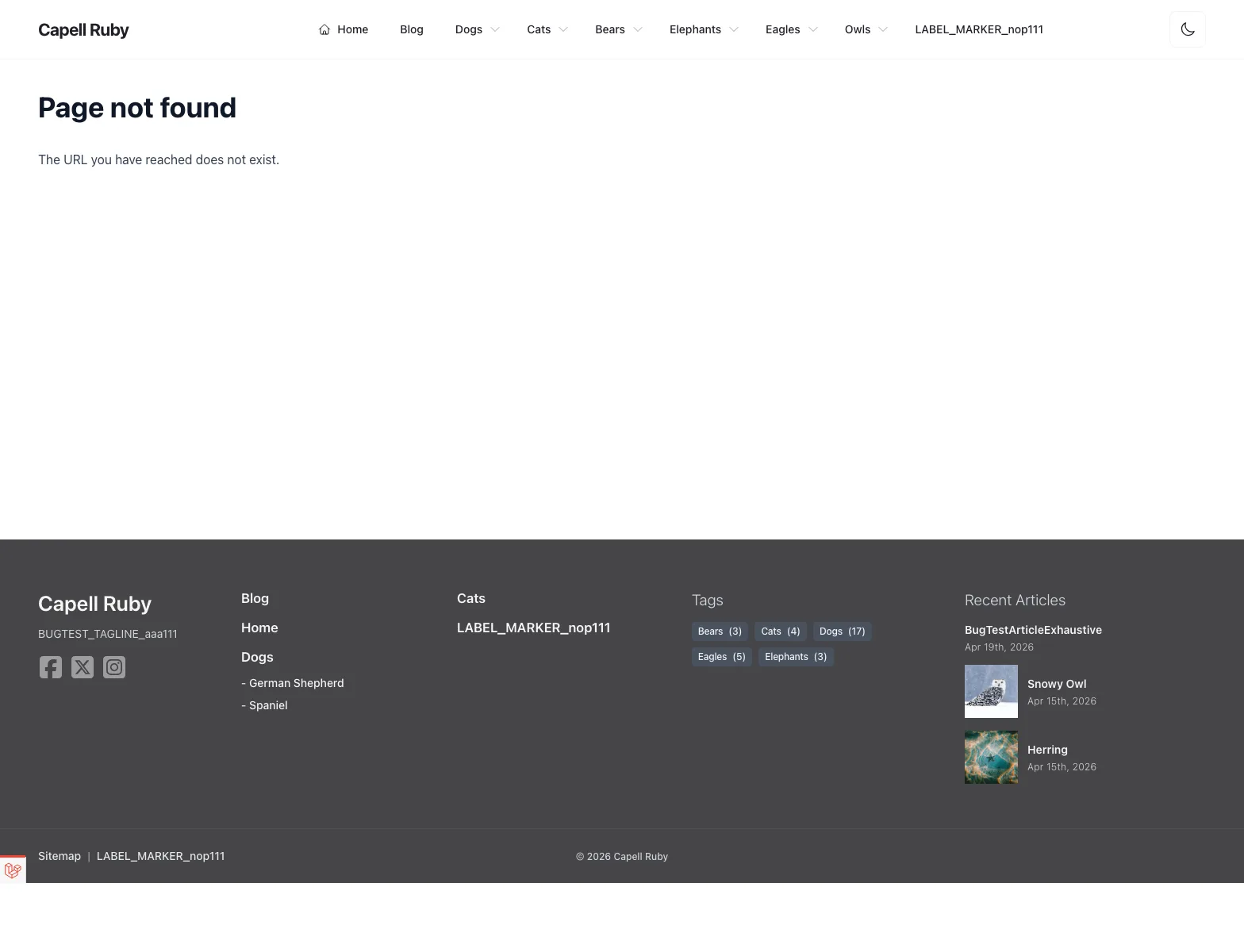
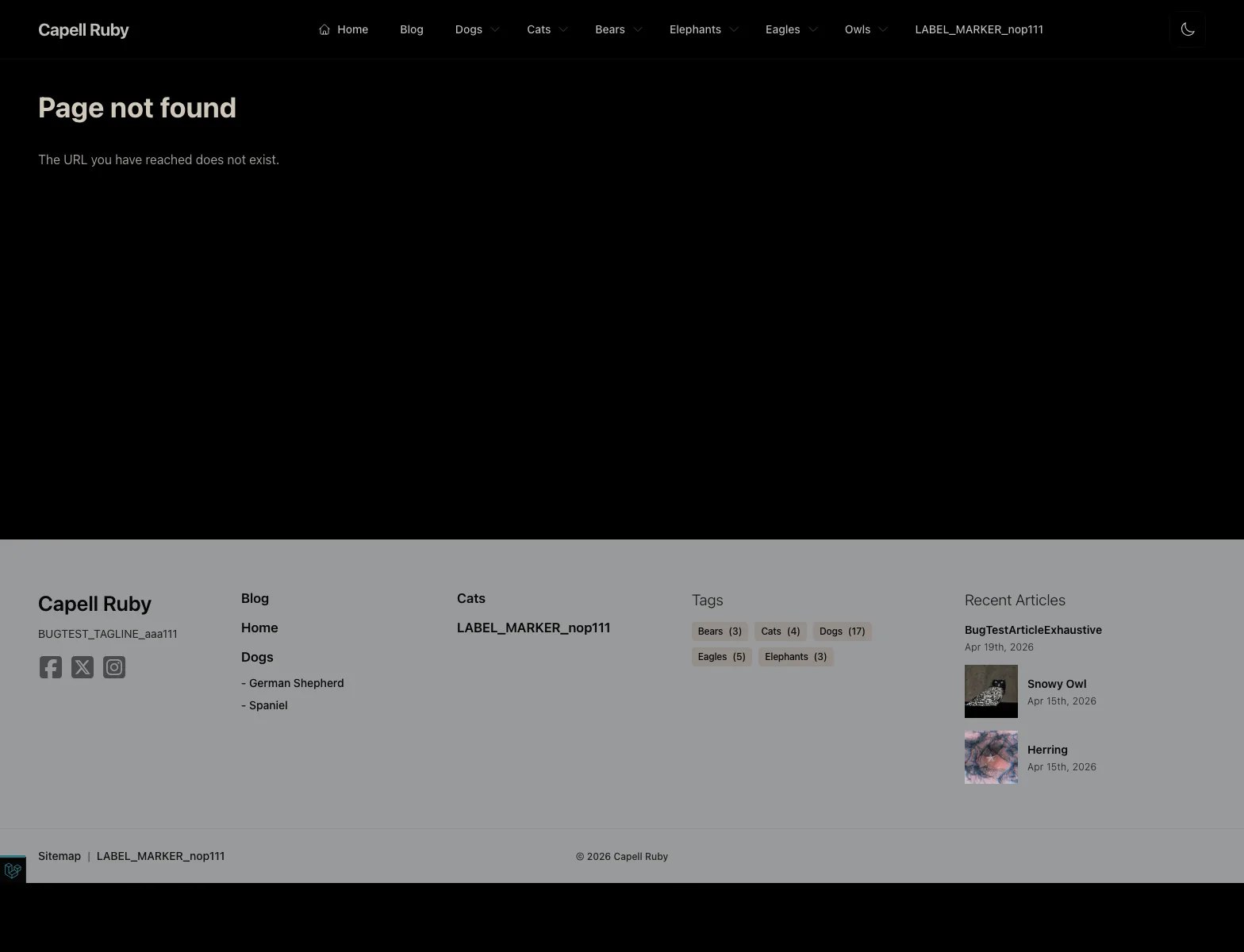
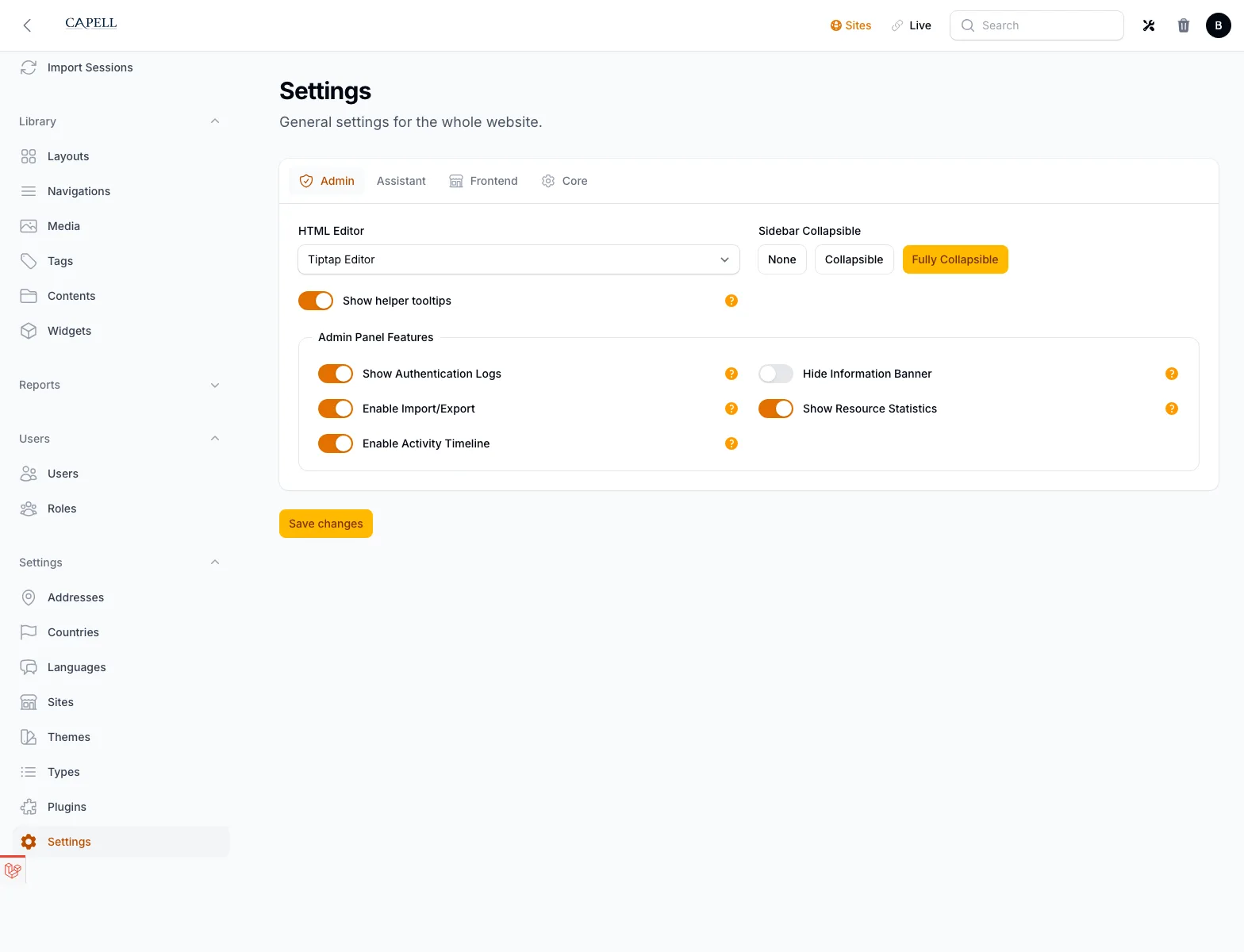
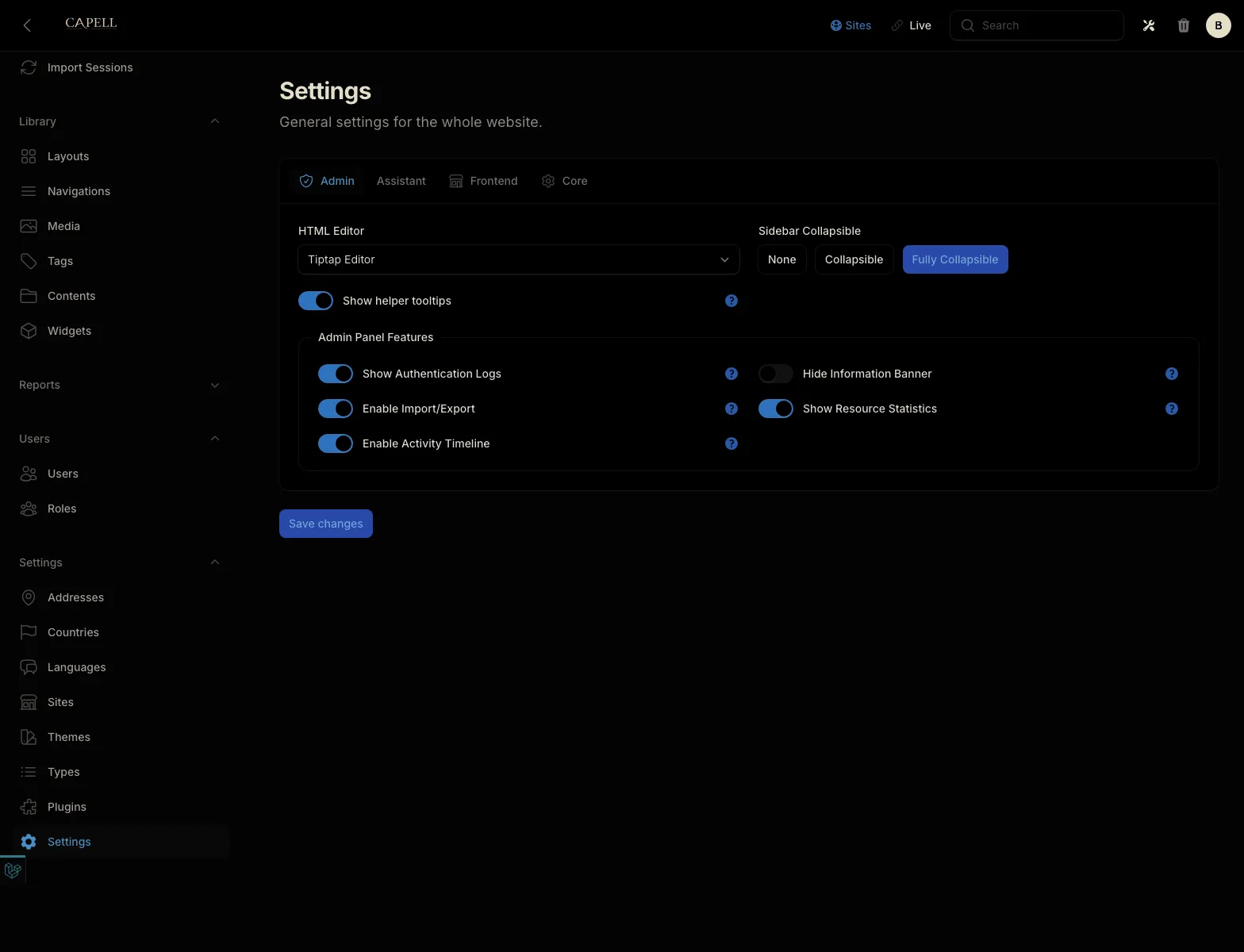
Capell keeps the publishing path visible: edit the page, check the URL, preview the draft, ask for review, publish the approved version, refresh the public cache, and leave a rollback note where the next maintainer will find it.
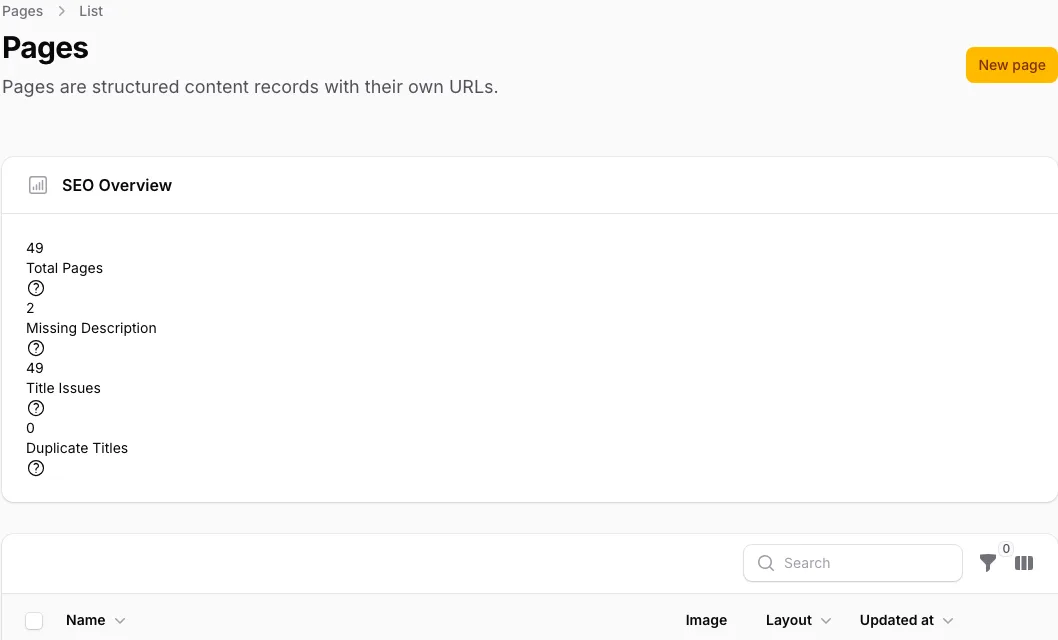
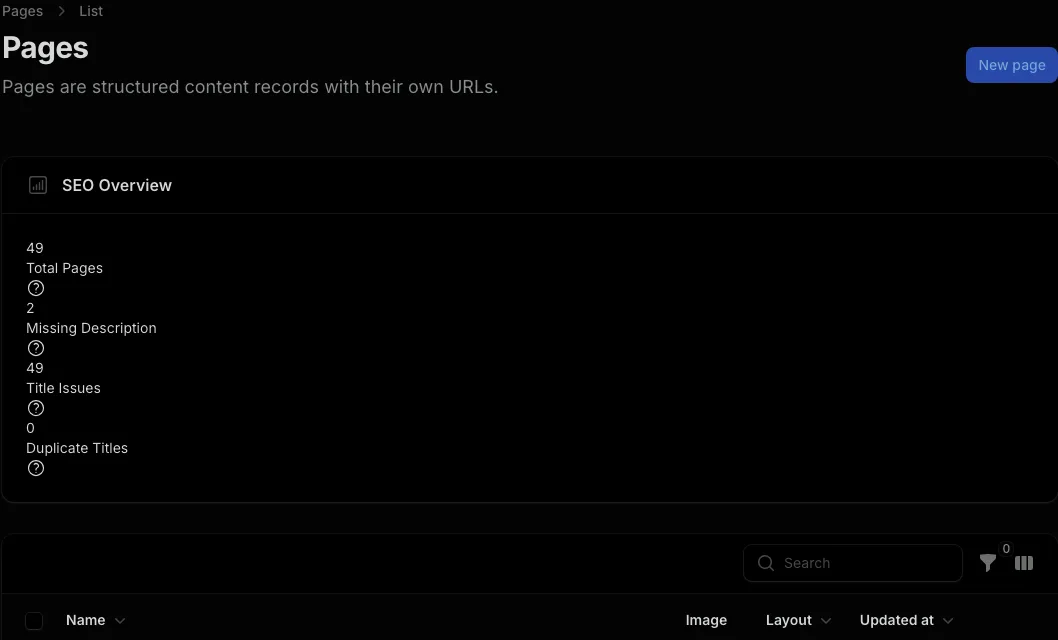
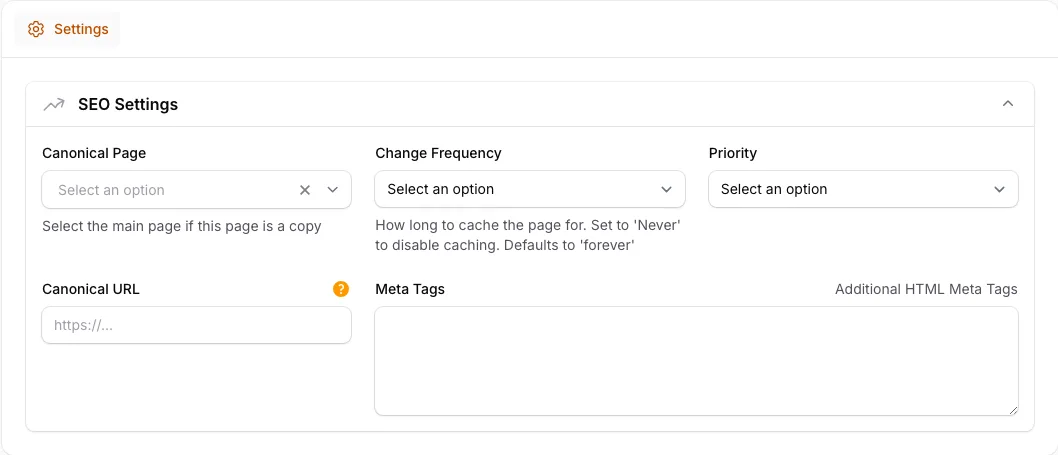
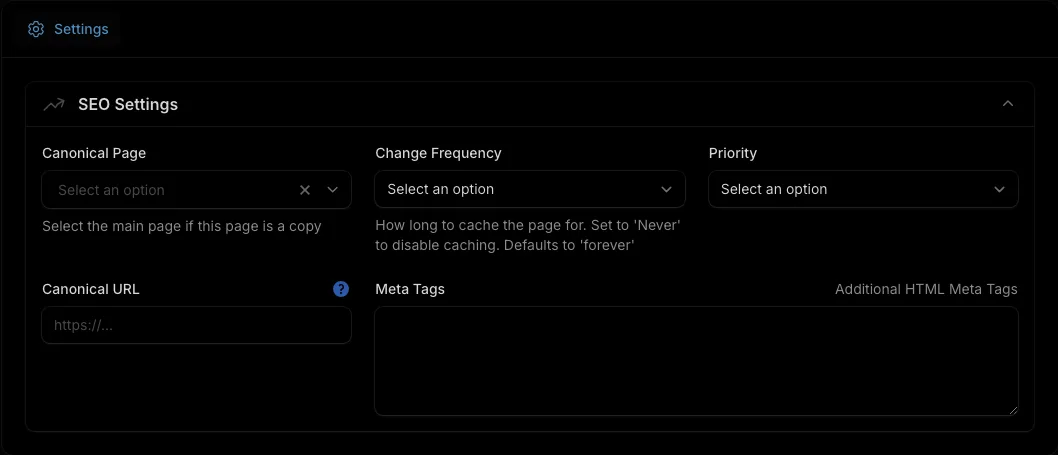
Task-led screenshots
One page change, shown as tasks.
Each screenshot should make the next editor or maintainer task obvious.
Workflow checklist
The page edit checklist.
Use one small content change to judge whether the CMS makes daily work clearer, or simply gives the team more places to click.
Related proof
Connect the workflow to the rest of Capell.
Open examples
Content modeling examples
See how reusable content shapes pages before workflow is added.
Continue
Review packages
Package trust
Check how packages declare fields, schema impact, support, compatibility, and upgrade notes.
Continue
Open operations
Site operations
Follow what happens after publish: redirects, cache refreshes, Lockdown, imports, audits, and rollback.
Continue